METARs
All tower types transmit METARs. Low altitude towers transmit
METAR data for airports within 250 nm.
If receiving data exclusively from low altitude towers, it will not be
possible to display ADS-B METAR data for airports that are greater
than 250 nm from the towers.
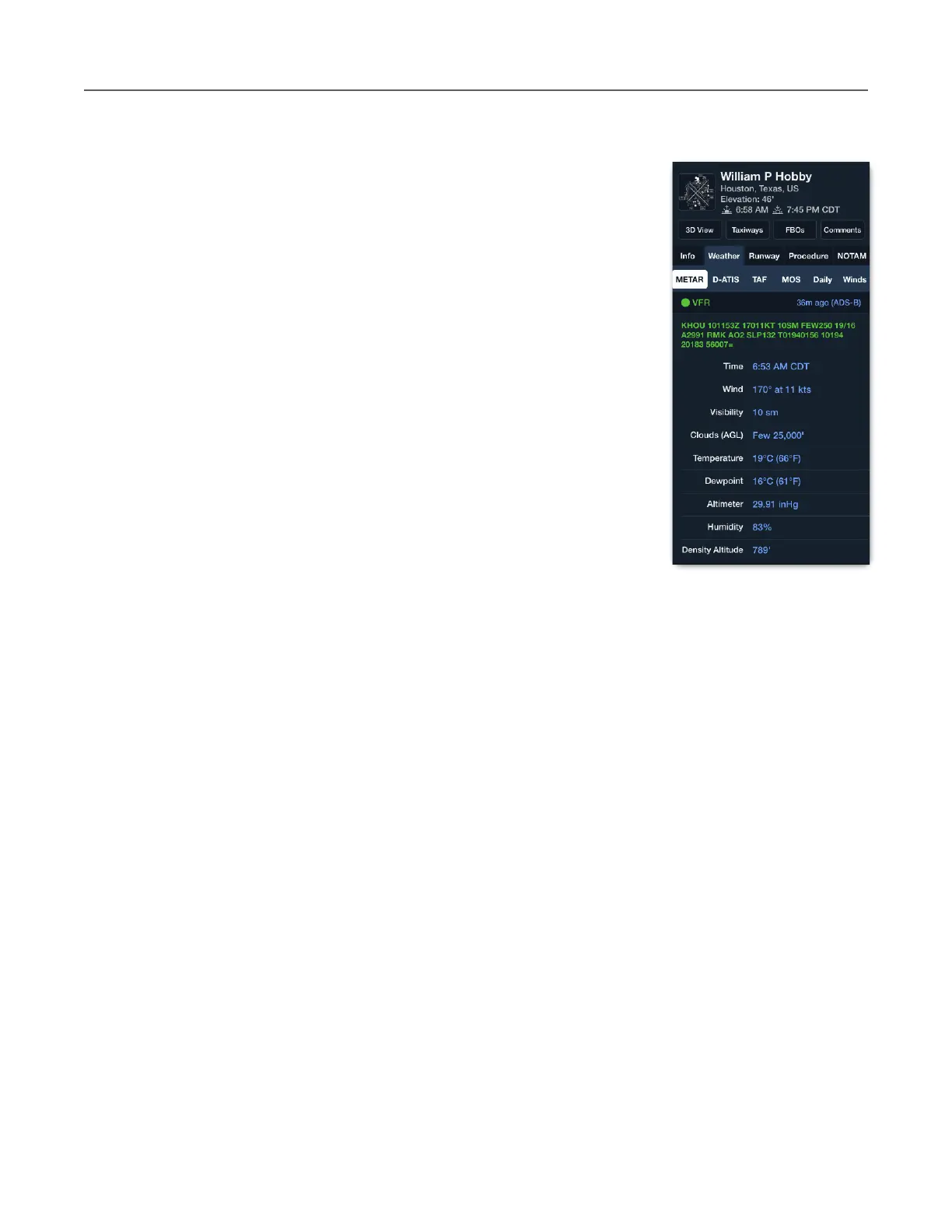
METARs from ADS-B can be viewed the same way as when
connected to the internet. Tap an airport icon and select Weather >
METAR. The airport pop-up displays the METAR, when it was
updated (36m ago), and the source (ADS-B).
Selecting a map layer that uses METAR data displays the relevant
information on the map (Flight Category, Surface Winds, Dewpoint
Spread, Temperature, Visibility, Ceiling, Sky Coverage).
METARs received via ADS-B are also available on the Airports view.
METARs are refreshed automatically every five minutes or when the
layer is first selected.
TAFs
TAFs are broadcast with the same look-ahead specifications as METARs. TAFs received via
FIS-B are viewed the same way as when connected to the internet.
Tap an airport on the map and select Weather > TAF. TAFs are updated by the National
Weather Service every six hours or as unexpected weather occurs. ForeFlight obtains the
latest TAFs when the layer is first selected and automatically every ten minutes after that. Due
to TAF update frequency, it’s not uncommon to see TAF update times up to six hours old.



 To Next Page