Simultaneous Data Feeds
When Sentry Plus is connected to an aircraft’s wireless network (e.g., Satcom Direct, GoGo),
ForeFlight can receive data from Sentry Plus and the aircraft’s WiFi network simultaneously.
The data that ForeFlight is able to send or receive depends largely on the aircraft’s network
settings. In most cases, if ForeFlight can send or receive data via the aircraft’s wireless
network when Sentry Plus is not connected, ForeFlight will continue to be able to send and
receive the same data once Sentry Plus is connected.
If the data you’re attempting to view is provided by Sentry via ADS-B, it will not be possible to
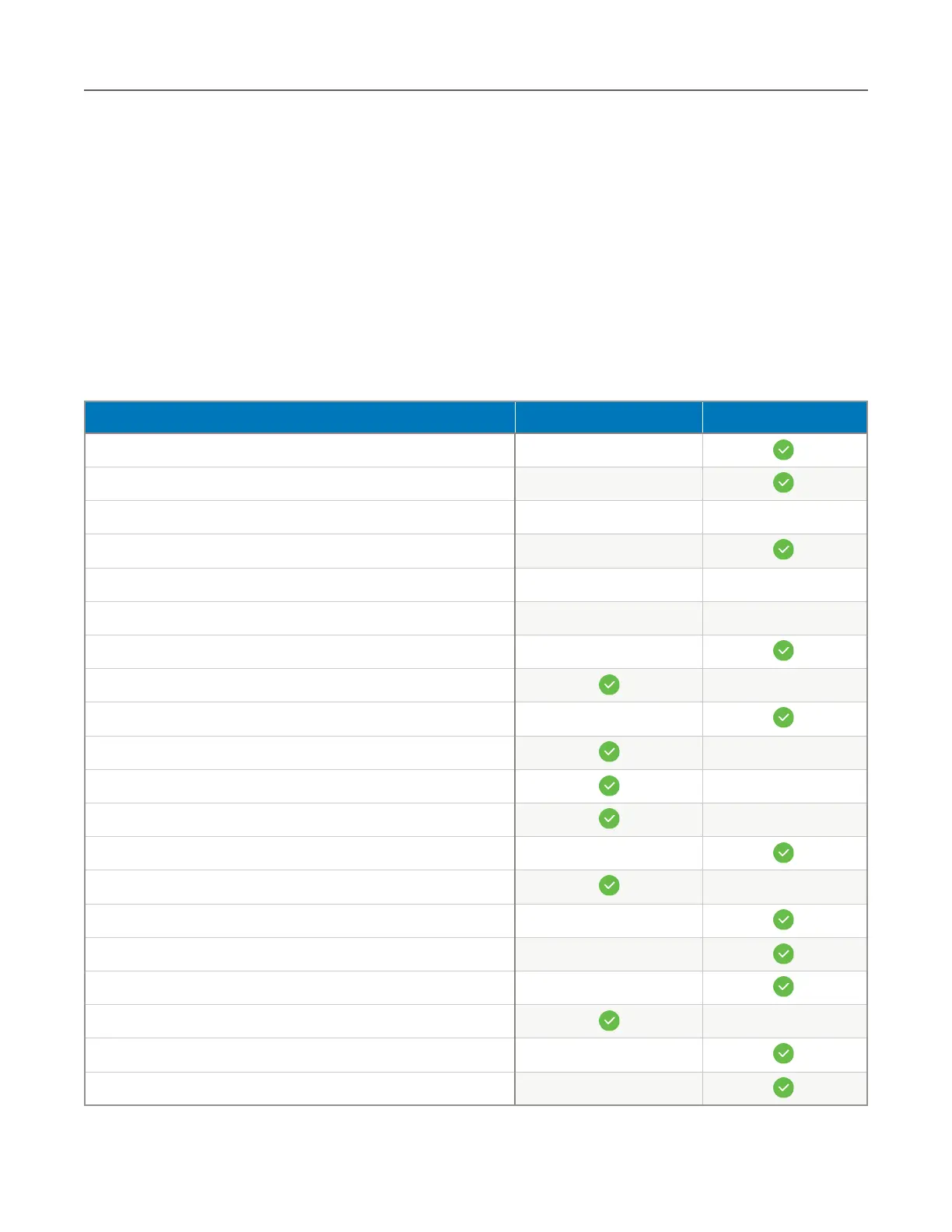
display the same data from your aircraft’s wireless network. The table below depicts the
exclusive data source for weather products when Sentry Plus is connected as a client.



 To Next Page