Firmware Updates
Sentry firmware updates are provided by ForeFlight.
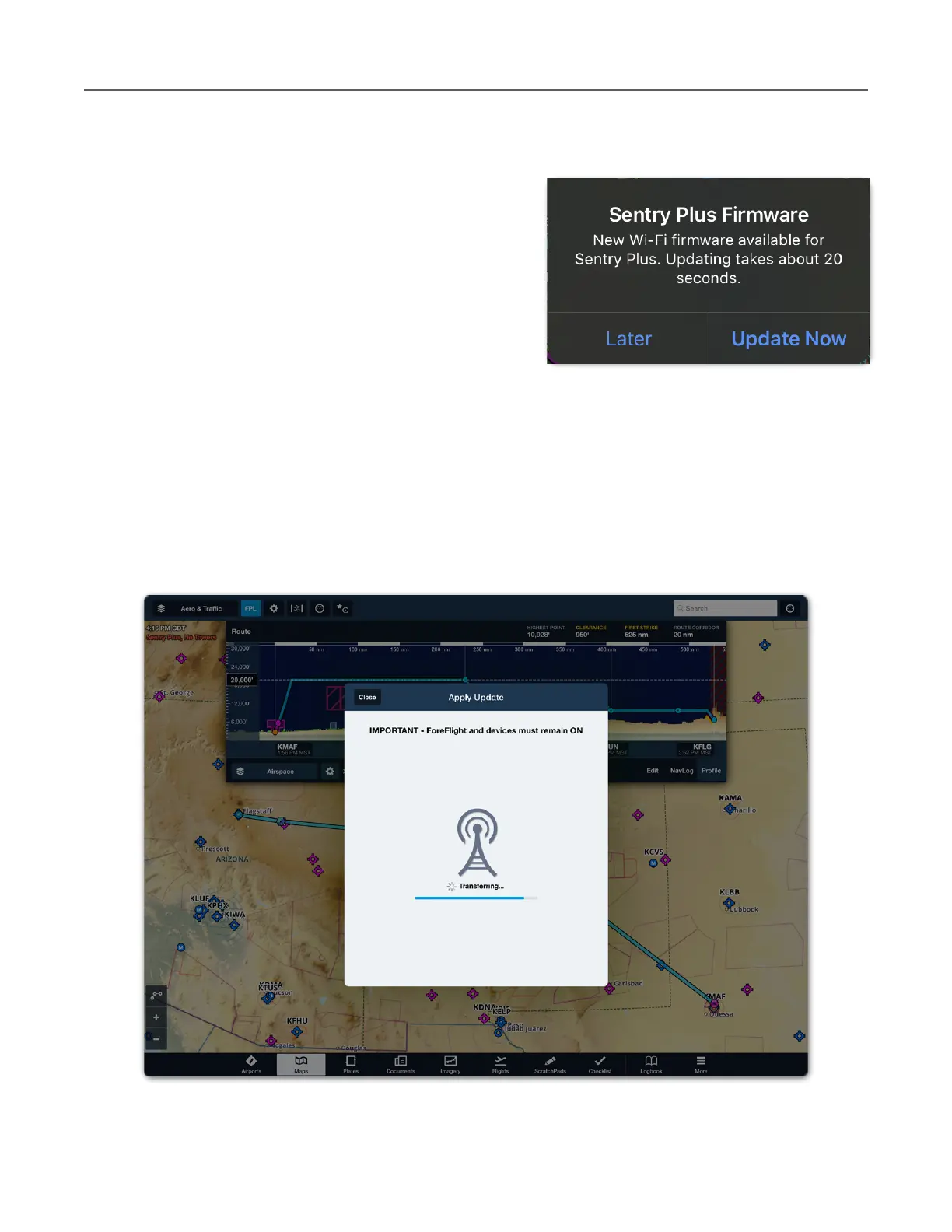
If updated firmware is available for your Sentry,
Sentry Mini, or Sentry Plus, ForeFlight will prompt
you to update the firmware. If you do not receive a
prompt to update your firmware, ForeFlight has
determined you already have the latest firmware
installed.
If a firmware update is postponed, ForeFlight will not
prompt you to update the next time you connect.
Postponed firmware updates can be accessed from
the Sentry Device page by selecting More > Devices
and tapping the Sentry tile.
Sentry and ForeFlight must remain on while firmware is updated. As firmware is being
updated, ForeFlight displays a progress bar. Firmware update typically take less than a minute
to install.



 To Next Page