Packing with Sentry
When you pack for a flight and connect to Sentry, ForeFlight displays the latest information it
has available. For example, if you pack for a flight and check the METARs along your route
before receiving FIS-B data, ForeFlight will display the METARs from when you packed.
After you depart and start to receive FIS-B data, ForeFlight will automatically delete the packed
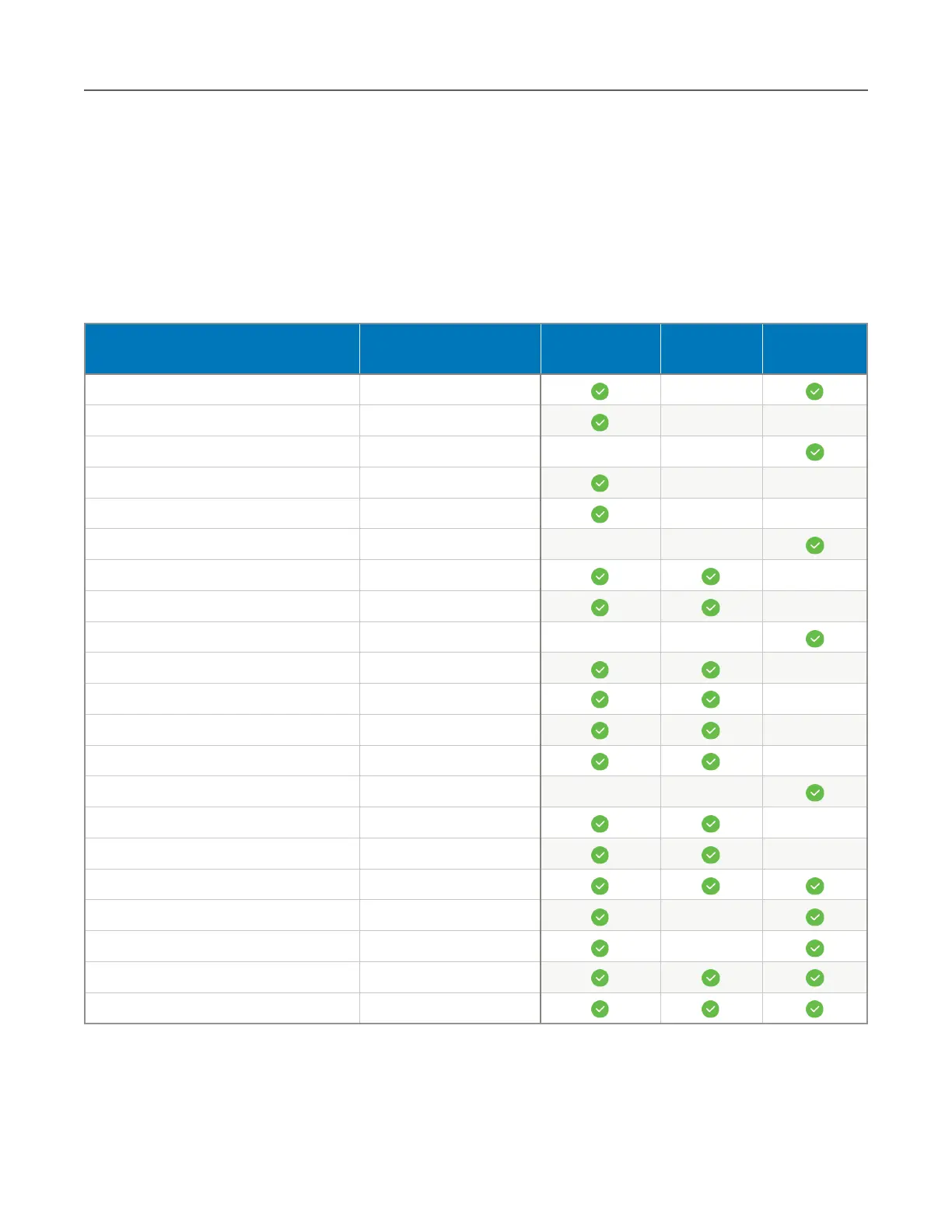
METARs and display the FIS-B data provided by your Sentry. Refer to the table below to
determine when you should be able to view a particular weather product.



 To Next Page