Traffic Icons
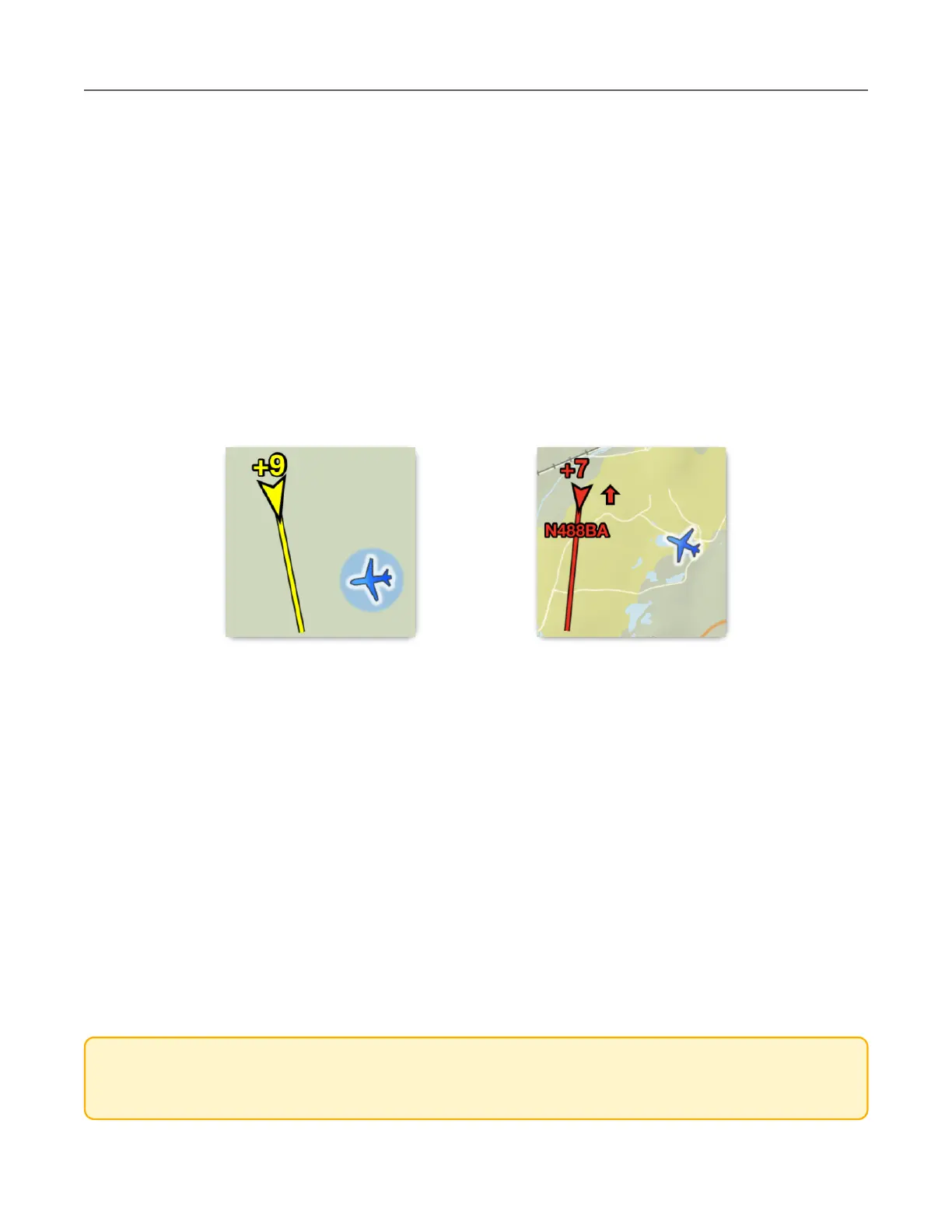
Traffic icons are depicted in ForeFlight based on several variables. Moving targets are
displayed as arrowheads pointing in the direction of travel. Stationary targets, or targets with
no direction or speed information, are displayed as diamonds.
Airborne traffic targets are cyan. Surface targets are brown.
Traffic targets that are moving greater than 40 knots and are within 45 seconds of being within
2.0 nm and +/- 1,200’ of your position are depicted in yellow. Traffic targets that are within 25
seconds of being closer than 1.3 nm and +/- 1,200’ are depicted in red. Your ground speed
must be greater than 40 knots for the traffic symbols to change colors and alerts to appear.
Traffic targets remain highlighted for 15 seconds after they no longer exceed the thresholds.
A traffic target’s relative altitude is depicted with a plus [+] (height above you) or minus [-]
symbol (height below you). Relative altitude is given in hundreds of feet. For example, a traffic
target with a +9 relative altitude is 900’ above you.
In front of the arrowhead is a TrafficTrend™ vector to indicate the target’s expected position in
the next 60 seconds (longer vector = faster speed).
Up and down arrows next to a traffic target indicate that the traffic is climbing or descending
greater than 500 feet per minute (fpm) relative to your altitude.
CAUTION: If your aircraft is not ADS-B Out equipped, ForeFlight may show significant
relative altitude discrepancies. See ADS-B Ownship for additional information.



 To Next Page