Alarms
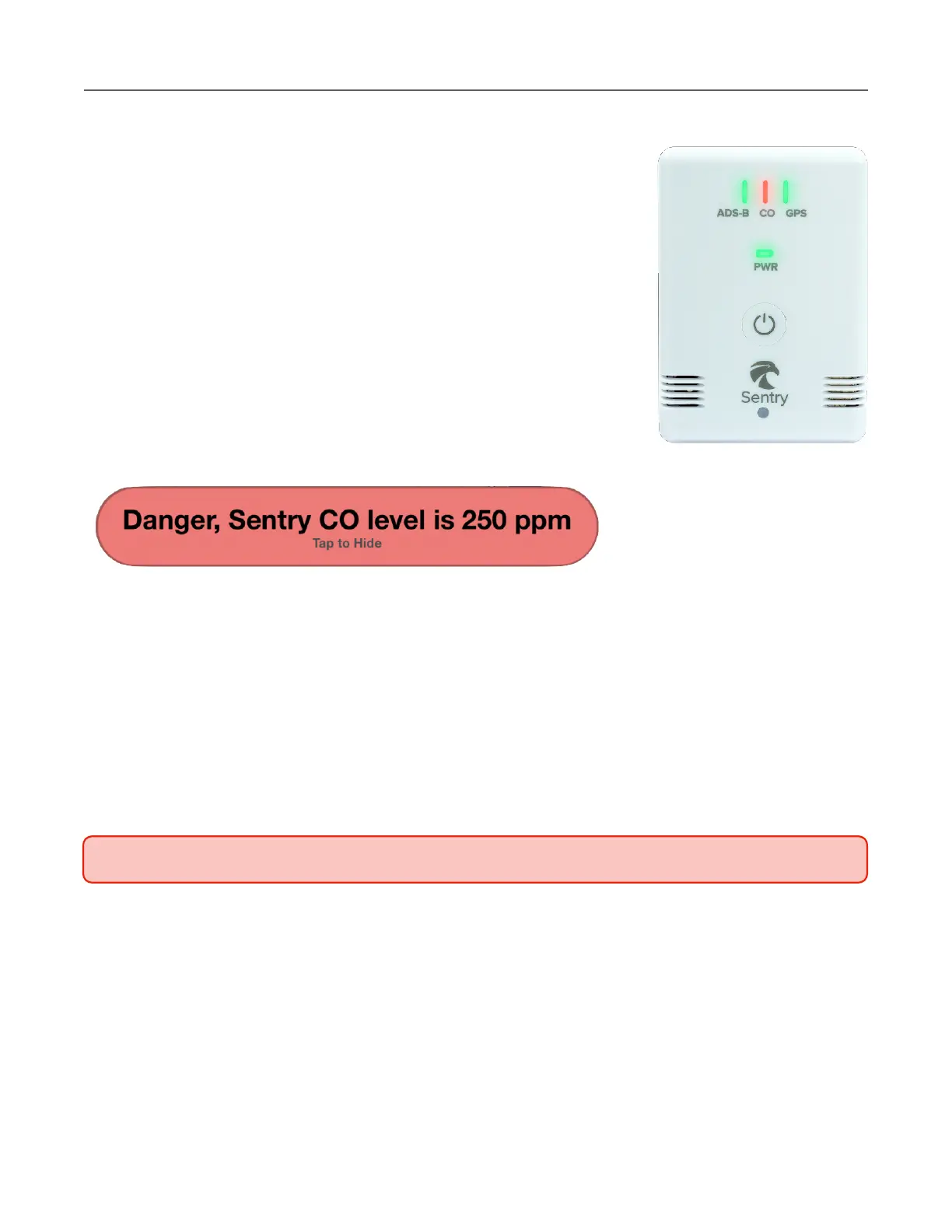
Sentry and Sentry Plus are equipped with stand-alone, built-in
carbon monoxide alarms. If CO concentration rises to a dangerous
level, the following actions occur:
•
The CO LED changes to red.
•
The in-app notification is displayed.
•
An audible alert is played over the iOS device
speakers.
•
The Sentry built-in alarm is activated.
Mute the built-in alarm for five minutes by pressing Sentry’s power
button.
CO Alarm Test
Sentry's built-in alarm can be activated for testing purposes by selecting More > Devices >
Sentry (Plus) > Test CO Alarm. When the built-in alarm is activated, it plays until manually
disabled. Press the Sentry power button to disable the alarm.



 To Next Page