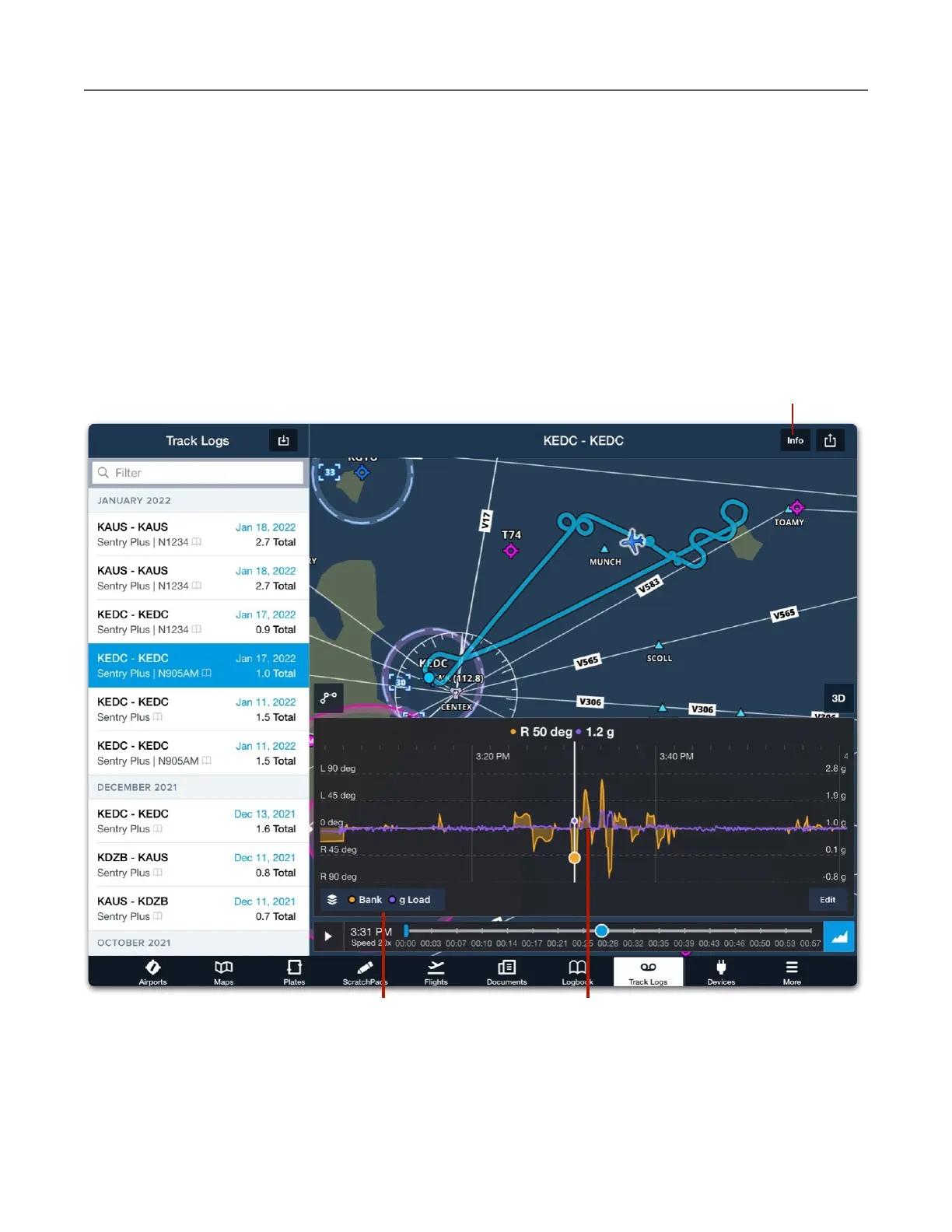
g-Load in Track Logs
Track Logs recorded with Sentry Plus or with ForeFlight Mobile while connected to Sentry Plus
include g Load data. To display g-Load in Track Log, tap the Track Log Layer Selector and
select g Load.
When g Load is selected, data from the accelerometer is displayed on the scale. Tap and hold
a finger on the scale and scrub left or right to display the flight’s metrics at that moment. To
display the maximum g Load for a flight, select the Track Log Info button.



 To Next Page