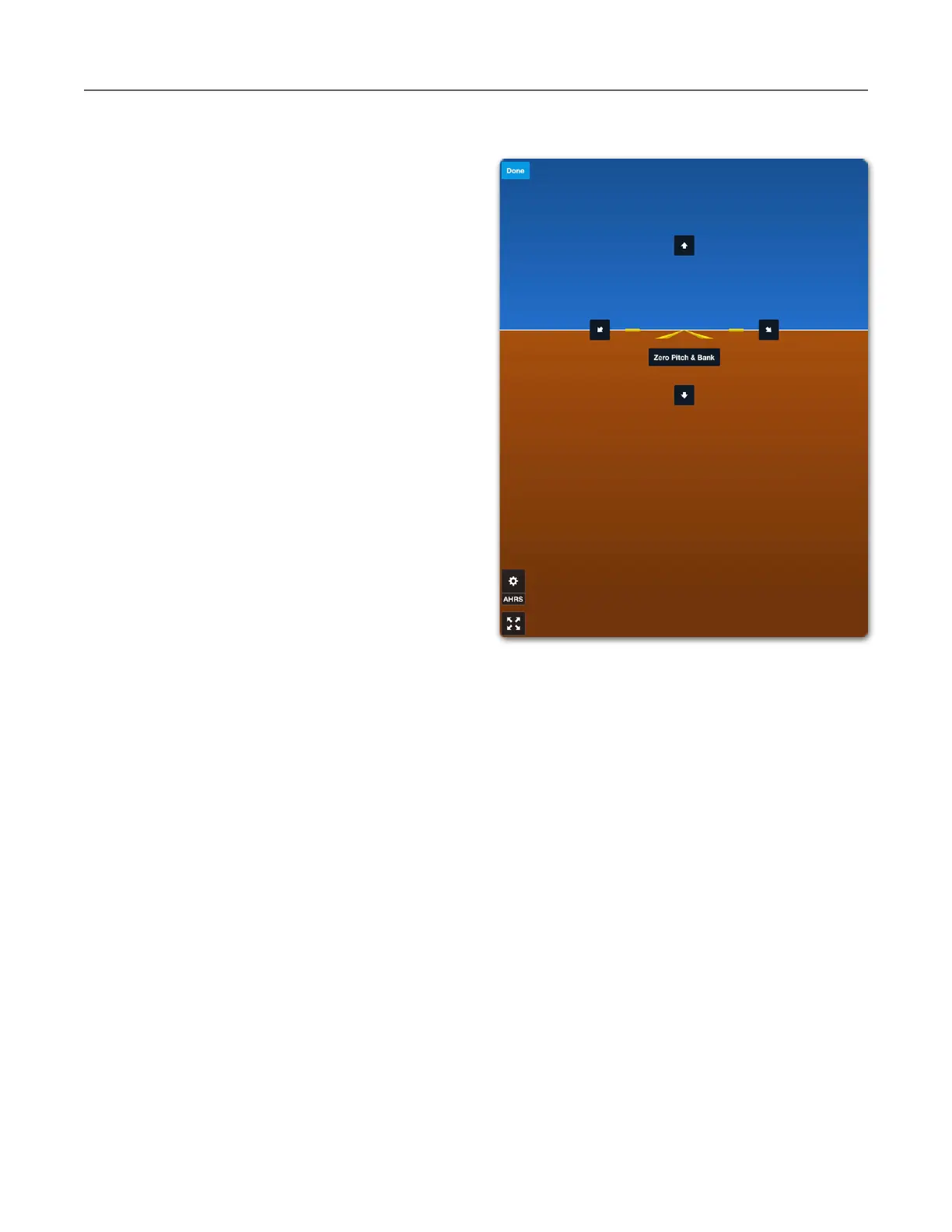
Manually Calibrating AHRS
To manually calibrate AHRS, follow the steps
below.
1. Open ForeFlight’s backup attitude
indicator by tapping the Attitude Indicator
button in the upper toolbar.
2. Tap the AHRS settings (gear) button
near the bottom left corner of the screen.
3. Verify that the mounting location is
correct.
4. Disable Auto Zero Pitch & Bank (if
enabled).
5. Tap Calibrate AHRS.
6. If the aircraft is level, tap Zero Pitch &
Bank.
7. Tap the arrows as needed until the
yellow reference lines are level with the
horizon.
8. Tap Done in the upper left corner of the
screen.
When Sentry or Sentry Plus are manually calibrated, the pitch and roll corrections are saved to
the device. Sentry AHRS corrections are sent to ForeFlight each time Sentry connects,
eliminating the requirement to manually calibrate each time ForeFlight is connected.



 To Next Page