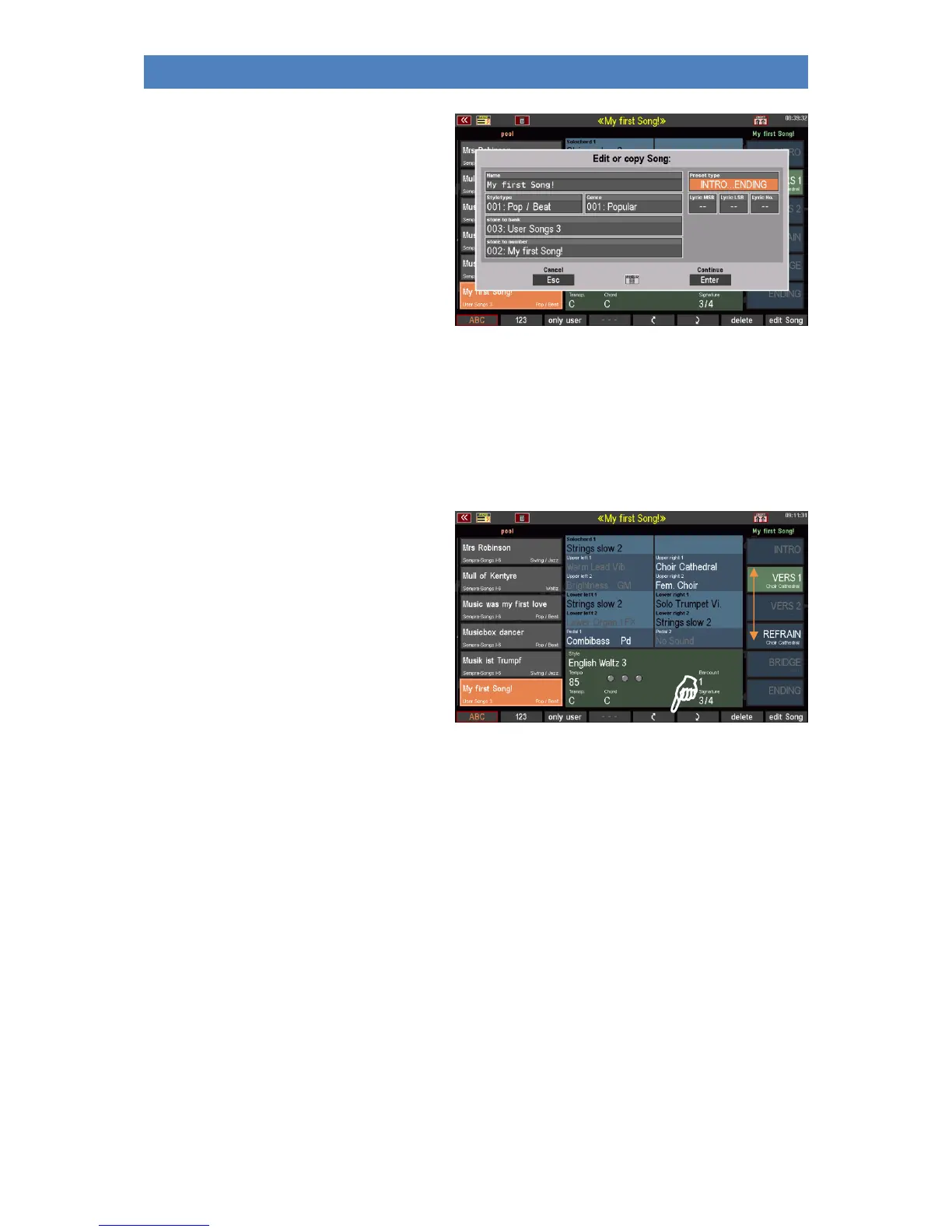
• The display now shows the input box
with the SONG characteristics already
known from the saving process. Make
the desired changes here and then
confirm with ENTER.
• The song is saved with the changed
characteristics.
By the way: If you select a new bank/position number here, you can create a copy of the SONG. The
SONG is then saved with the (possibly changed characteristics) on the newly selected position. It
remains at the original position with the previous characteristics that have not been changed.
Re-sort global presets in SONG
Let's stick to the [F]-button functions of the SHIFT level:
The [F5] and [F6] buttons show two arrows
(up and down, respectively). With these
buttons you can change the sorting of the 6
presets in the SONG.
• Tap the preset whose position you
want to change.
• Each time you press one of the two
arrow buttons, you can move the
preset by one position.
In the case of already occupied positions, the position is exchanged with the preset to be moved.
The new sorting is taken over directly for the SONG, a renewed saving of the SONGS is not necessary.



 To Next Page