The Part Editor
Setting sounds and their playing parameters
While the classical pipe organ was indeed "only" about switching on and off the required (or not
required) stops, the modern E-organ goes a few steps further - especially if it is such a versatile
instrument as the Böhm SEMPRA.
The SEMPRA allows - depending on the model or equipment - to distribute a multitude of individual
sounds per manual or on the pedal. Though every sound occupies one of the parts of the referred
keyboard. The part contains the sound and several playing parameters. These sounds/parts can be
played in parallel over the entire manual (layer) or can be individually distributed to separate keyboard
zones (the split- or key zones). In addition, a variety of playing parameters can be set for each part,
such as volume, reverb and chorus intensity, stereo panorama, transposition or octave position,
monophonic or polyphonic playing style, and so on and so forth.... We call the process to set all these
sounds and functions to “register” the organ.
We can hardly create such a complete registration with all its details in real time while playing, so the
SEMPRA offers the possibility to save registrations into the SONGs or Global Presets and then activate
them by pressing only one button or tapping on the corresponding field on the display.
But before we go to store our own registrations, let's first get to know in this chapter, how we can
register the SEMPRA at all. The way there leads us more or less directly to the so-called part editor.
Calling the Part Editor
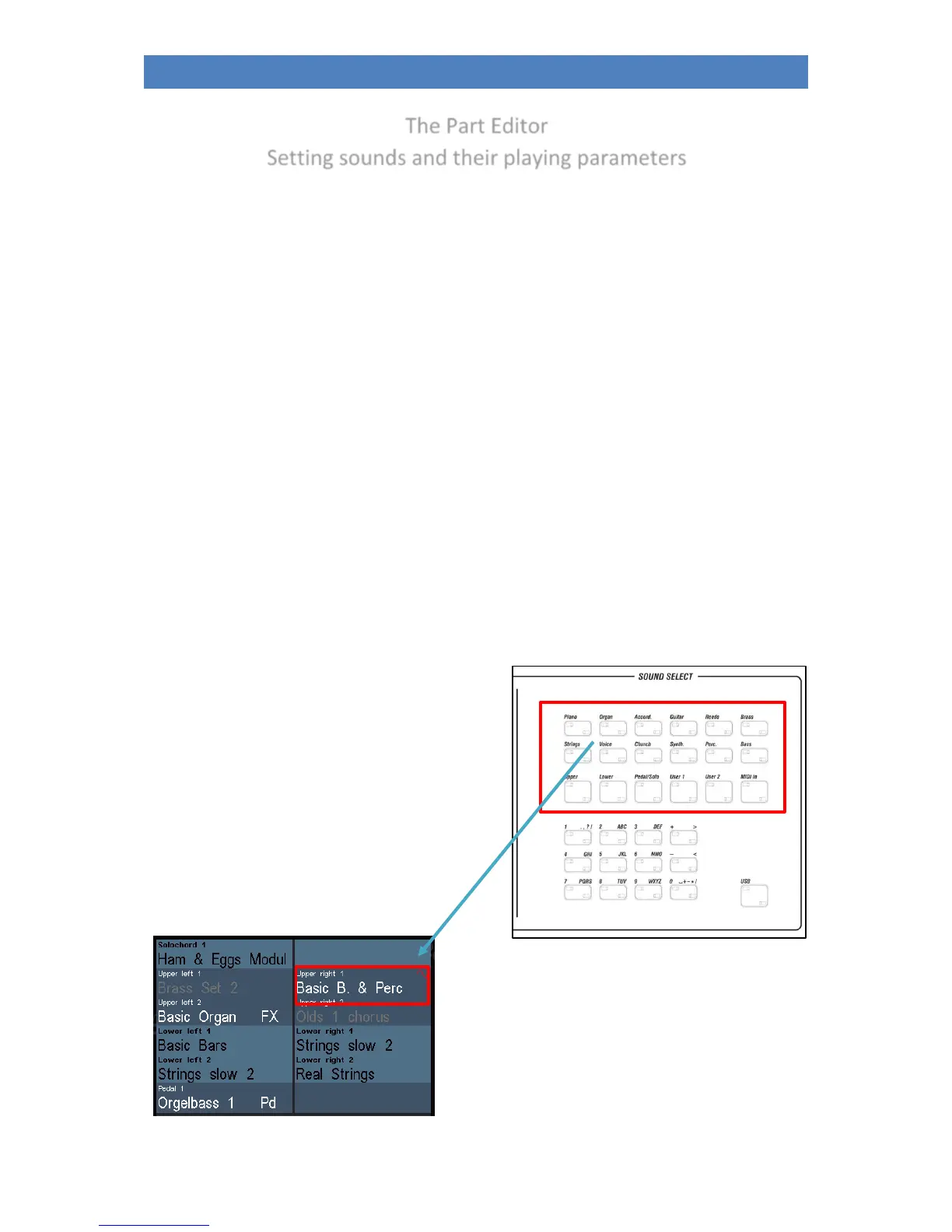
On pages 34ff. you have already learned how to select
and distribute sounds between the manual and pedal
parts. Here again briefly to the memory:
The category buttons in the SOUND SELECT area on
the right of the control panel always act on the Upper
right 1 instrument, usually the main melody
instrument, when the basic screen is called up.
If you use these buttons, the display remains in the
basic screen, the Upper right 1 sound changes
according to the button selection.



 To Next Page