Cancel manual split
Of course, you can also cancel a manual splitting just as quickly:
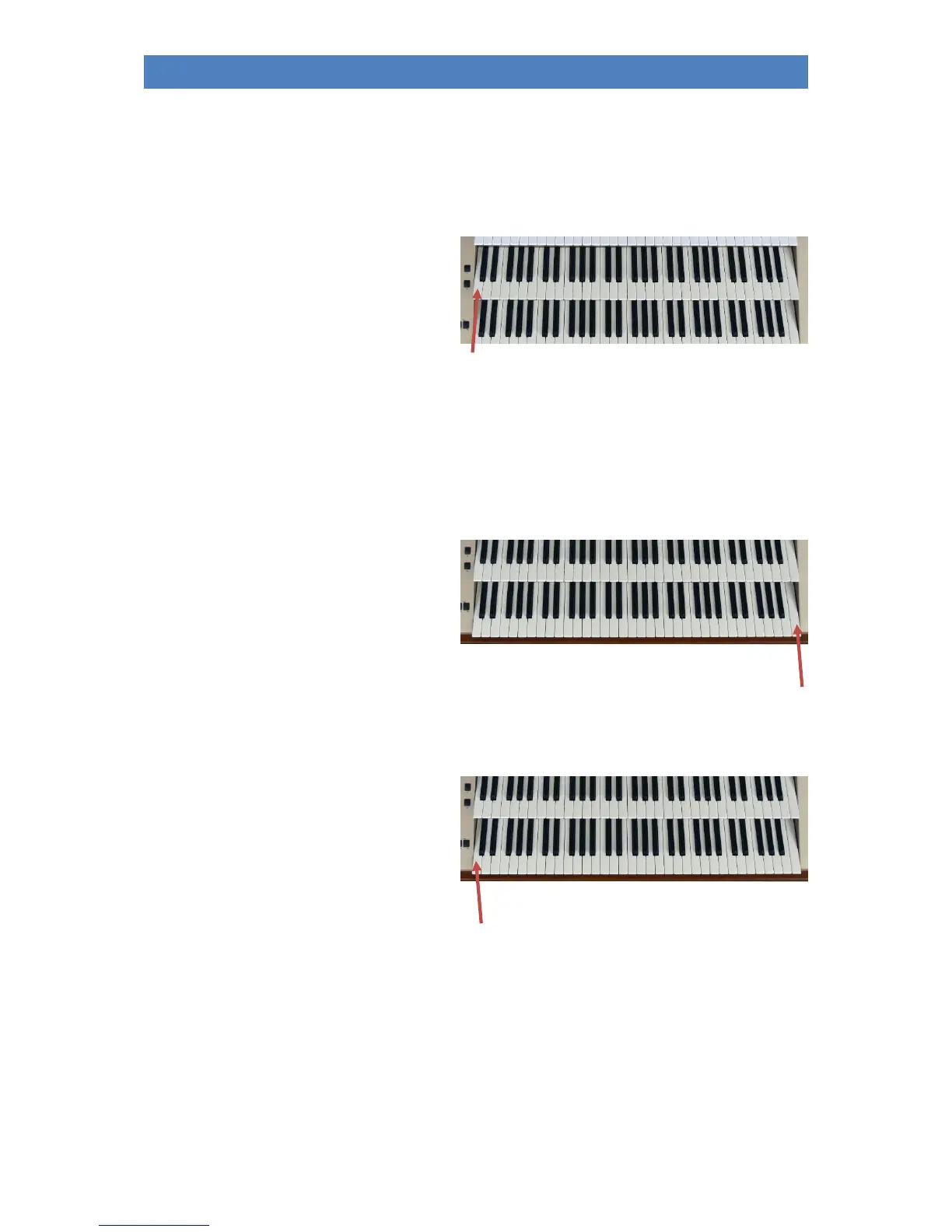
upper manual
• Press the button [Split] (LED lights up,
the display shows the above-
mentioned prompt).
• Now press the lowest key in the
upper/middle manual to completely
cancel the manual split.
Note: This also cancels any active individual key zones of the individual parts.
lower manual
• Press the button [Split] (LED lights up, the display shows the above-mentioned prompt).
• Now press the top manual key in the
lower manual to cancel the manual
division.
Note: If active, individual split zones (key
zones) on individual parts of the lower manual
are retained.
To return to the global default split point (g
'
key) in the lower mnual:
• Press the button [Split] (LED lights up, the display shows the above-mentioned prompt).
• Now press the lowest manual key in
the submanual.
Note: If active, individual split zones (key
zones) on individual parts of the lower manual
are also retained.
In the following section we will give you some more detailed information about the sub-manual split:



 To Next Page