or
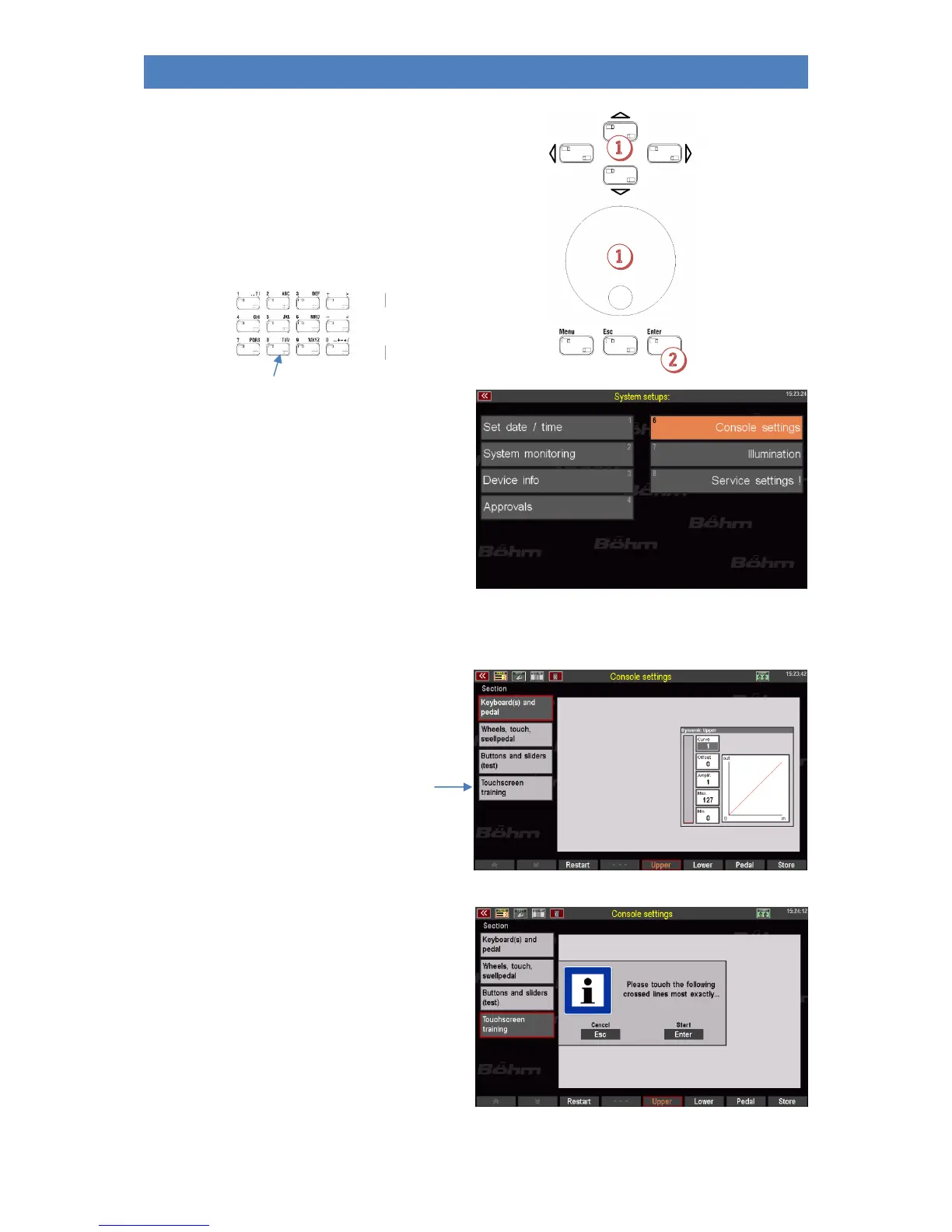
• You will now see the submenu for the
system settings in the display:
• Tap on console settings here. The
corresponding settings menu is opened:
1. Calibrating the Touch Display
• Tap on the field
[Calibrate Touch Display]
• You will receive a message telling you
what to do in the following screen
display. Press [ENTER] to
confirm.



 To Next Page