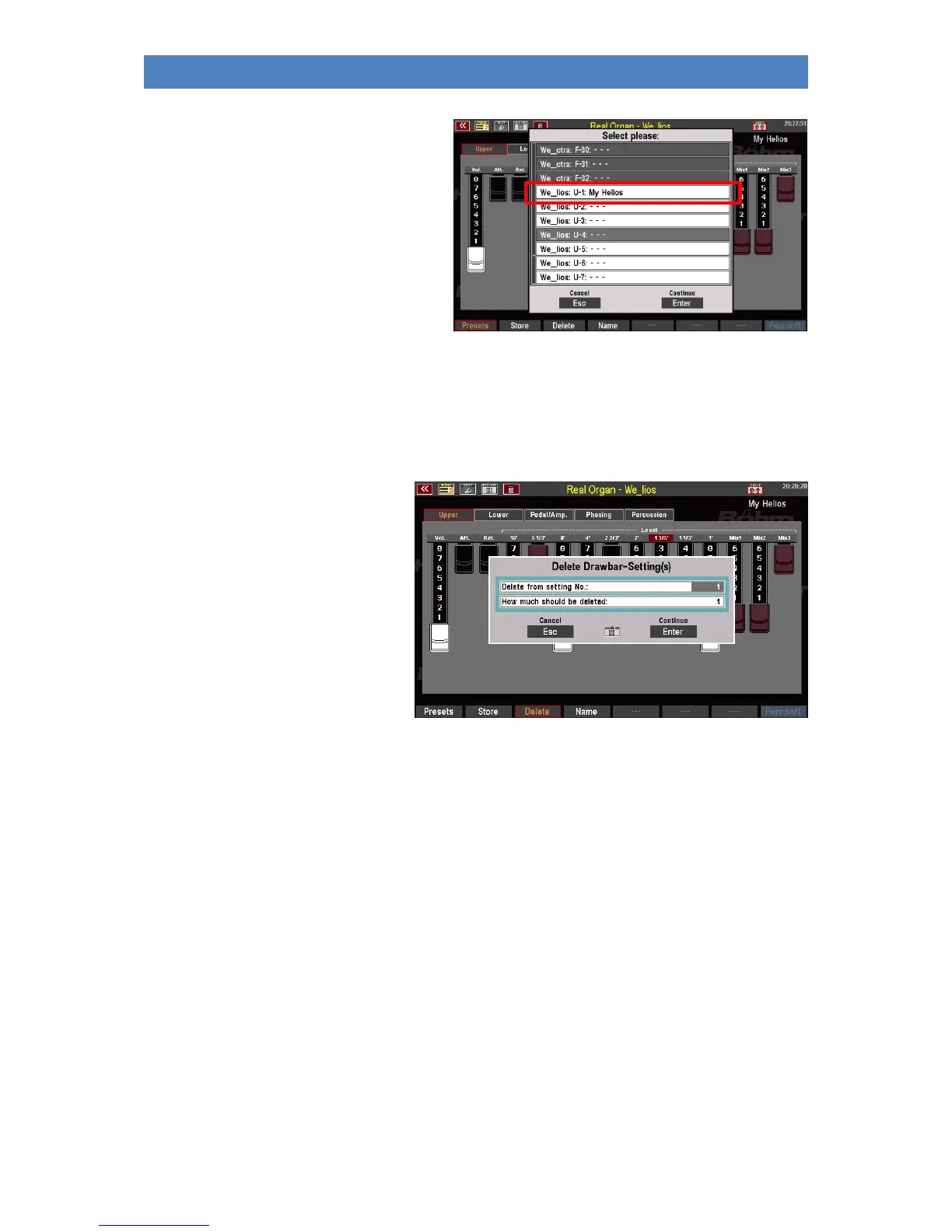
• The preset is saved at the selected
position and can be recalled there
after pressing the F button [Presets].
Delete RealOrgan Presets
You can also delete your User-RealOrgan presets individually or in blocks using the Delete F button
function:
• Press the F button [Delete].
• The display asks from which
preset and how many presets
you want to delete. If you only
want to delete one preset at
the current position, leave the
entry "1" in the line "How
many presets should be
deleted?
• If you want to delete several
consecutive presets,
enter the number here.
• Confirm with [Enter], a confirmation prompt
appears.
• Confirm with [Enter] if you are sure.
• The presets will now be deleted.



 To Next Page