This is how you got to know all the part options. Let us now turn to the other [F] key functions of the
Shift level:
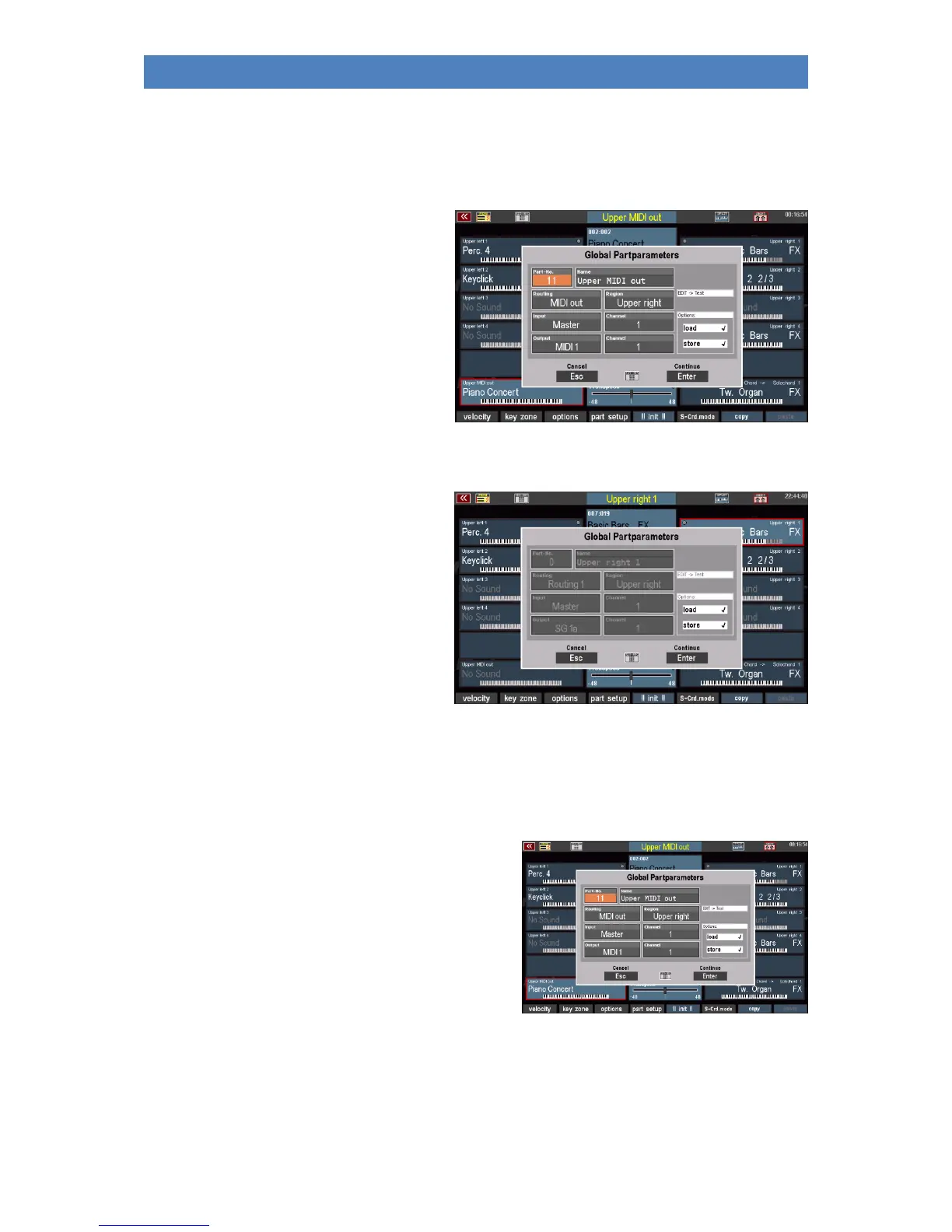
Part Setup:
This option is only active on the MIDI out
parts of the manuals If you activate this
function, you can make various settings, in
particular for the MIDI configuration of the
part.
The functions on the parts are deactivated,
no settings can be made, but the factory
configurations can be read.
MIDI settings of the part
Since most of the parameters that can be set here belong to the MIDI settings, it is useful to deal with
them in the separate chapter "MIDI" so that the relationships become clearer.
Just this: The MIDI out parts of the manuals or the pedal
of the SEMPRA are preconfigured in the factory so that
you can use these parts directly to play sounds of a MIDI
instrument (keyboard, PC or sound module) connected
via the MIDI out 1 socket (DIN socket on the back of the
SEMPRA).



 To Next Page