SINFONIA500SE / EMPRIO 600SE OWNERS MANUAL
Lightning
Your organ has several lights for the console, the pedalboard and the music stand. The lighting for the
console (Light 1 and 2) is automatically activated when the organ is switched on. The lighting for the
music stand or the pedal room can be switched on as required. All lights can be switched separately
via the corresponding push-buttons:
Desktop: music stand
Light 1: middle panel
Light 2: left and right upper panel
Pedal: pedalboard
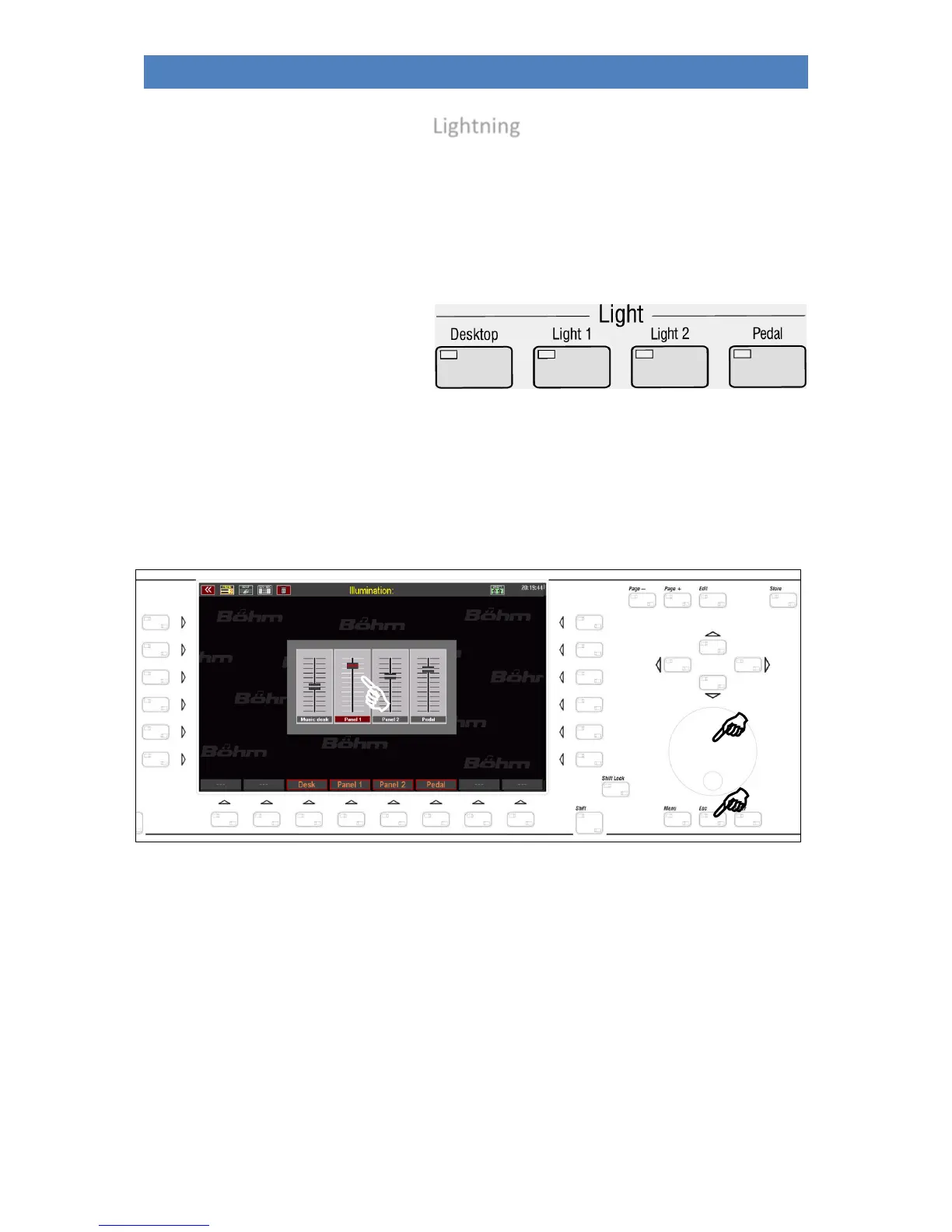
When the buttons are pressed, a display is also shown on which you can dim the individual lighting
sections, i.e. change the brightness. Simply tap on the corresponding slider on the display and then use
the data wheel to set the desired brightness. Exit the menu with the [ESC] button.



 To Next Page