The RealOrgan is equipped with two sets of 9 drawbars (upper or middle manual and lower manual)
and one set of two drawbars (pedal). Via the DRAWBAR MENU you can call up different organ types,
which then offer up to 15 choirs (single and mixed footages, depending on the organ type) in the upper
manual. These additional footages can only be set via the display menu.
Activating the RealOrgan for the manuals or the pedal
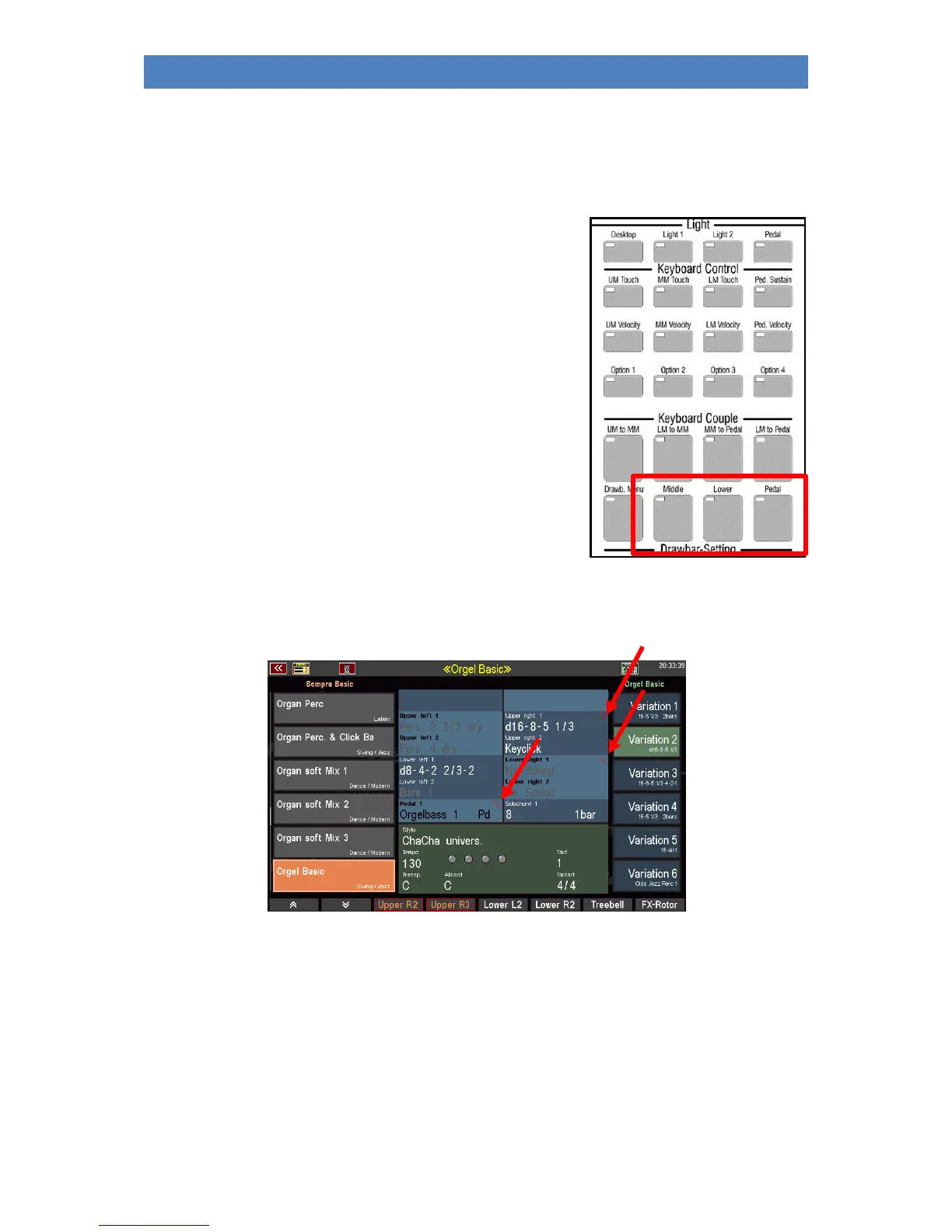
• To turn on the RealOrgan for a manual or pedal, press the
corresponding buttons [Upper/Middle], [Lower
left/right] or [Pedal]. This activates the drawbar organ
for the referred keyboard. (The upper solo manual of the
Emporio is not intended for playing with the RealOrgan).
• In the Lower manual, you can use the two LED positions
of the [Lower left/right] button to determine whether
the Drawbar Organ should be played on the left or right
split area.
In the main screen, the activated drawbar organ is indicated by a red sine wave in the first part field
of the respective manual (or manual area):



 To Next Page