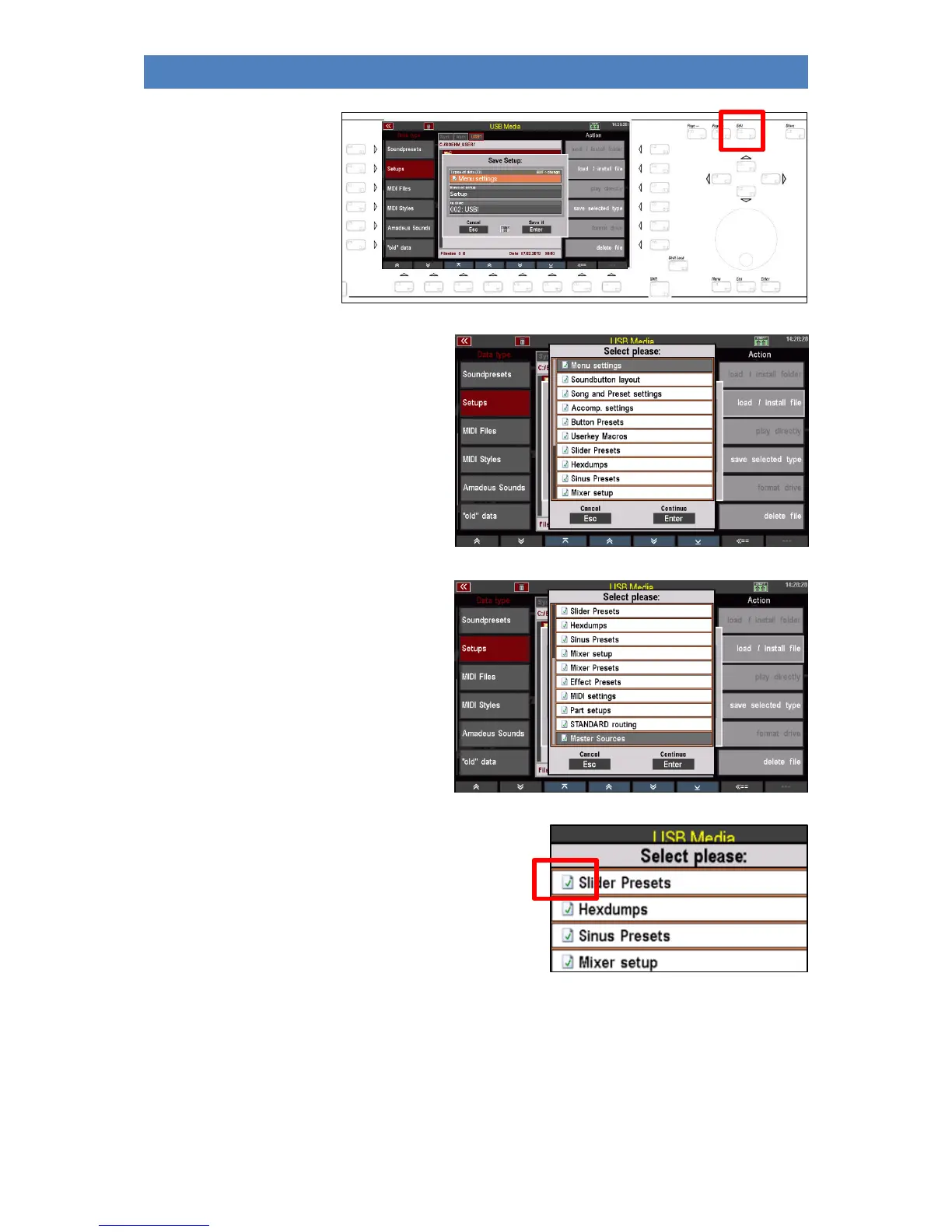
• At the same time,
the LED in the
[Edit] button starts
flashing:
• To select which settings should be
included in the setup file to be saved,
tap the Data Types field in the
selection box. The possible data
types are now displayed as a list:
• If you scroll up/down through the list
with the data wheel or the cursor
keys, you will reach further data
types:
• You can see that all data types are currently
marked with a green check mark. Data types
marked in this way are contained in the setup file
to be saved.



 To Next Page