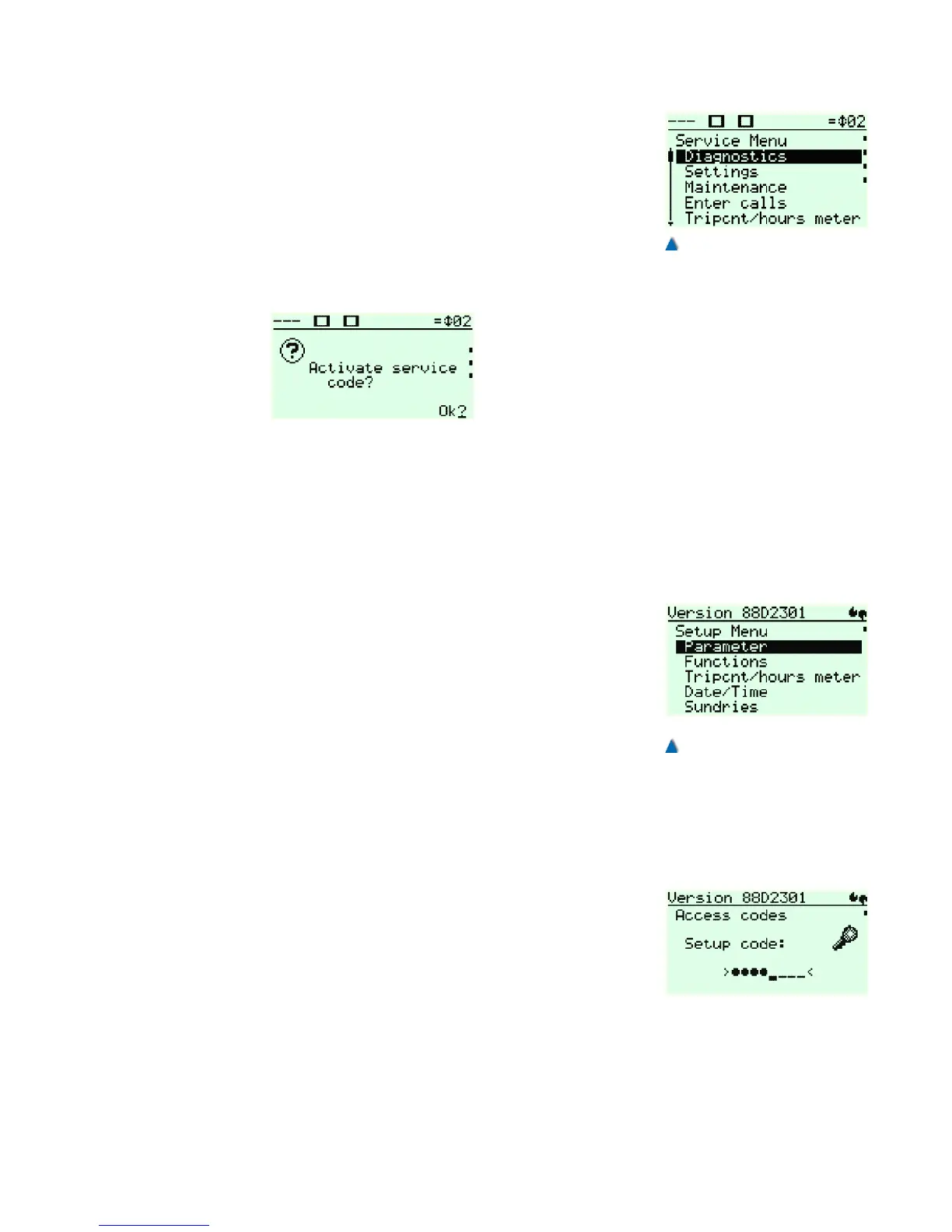
5.7.6.1 Starting the Service Menu
The display automatically switches to the service menu when press-
ing the »Ok« button. If a service code (secret number) has been set,
the correct code has to be entered. BÖHNKE + PARTNER do not
preset any service codes by default.
After that you can call up all service menu sub-menus and paramet-
ers and change them during the normal operations. If the control unit
is to be re-encoded after leaving the service menu, please press the
button »left« repeatedly until this question appears on the LC display:
Confirm by pressing »Ok«. A short notice appears:
Service code activated
Then you are back in the bp308 start menu .
The service code can be changed or reset at any time in the service
menu under SUNDRIES > ACCESS CODES > SERVICE CODE .
5.7.7 Setup Menu
The setup menu comprises basic parameters that cannot be changed
during normal operations, e.g. traction or hydraulic lift, number of
stops, etc .
5.7.7.1 Starting the Setup menu
To get into the basic menu, proceed as follows:
• Ensure that no persons are inside or on the car and that the
system can be switched off without any risk.
• Push down and hold the left »Call/End« button and quickly
push the »left« button.
A short notice appears:
> Entering the setup menu... <
You are now in the setup menu and all control functions are switched
off! If a service code (secret number) has been set, the correct code
has to be entered. BÖHNKE + PARTNER has preset it to >5061<.
Once the correct code has been entered you can call up all menus
and parameters and change them. To leave the setup menu quickly
press the left »Call/End« button again.
33


 To Next Page