5.7.10 Terminal-Mode
A method for components attached to the CAN bus sending the con-
tents of their displays to the bus and for other devices to display this
content and to navigate through it using the menu of a third-party
device has been specified in the CANopen CiA-417 Lift control
application profile.
This method has been integrated in the control system bp308 and is
available in terminal mode.
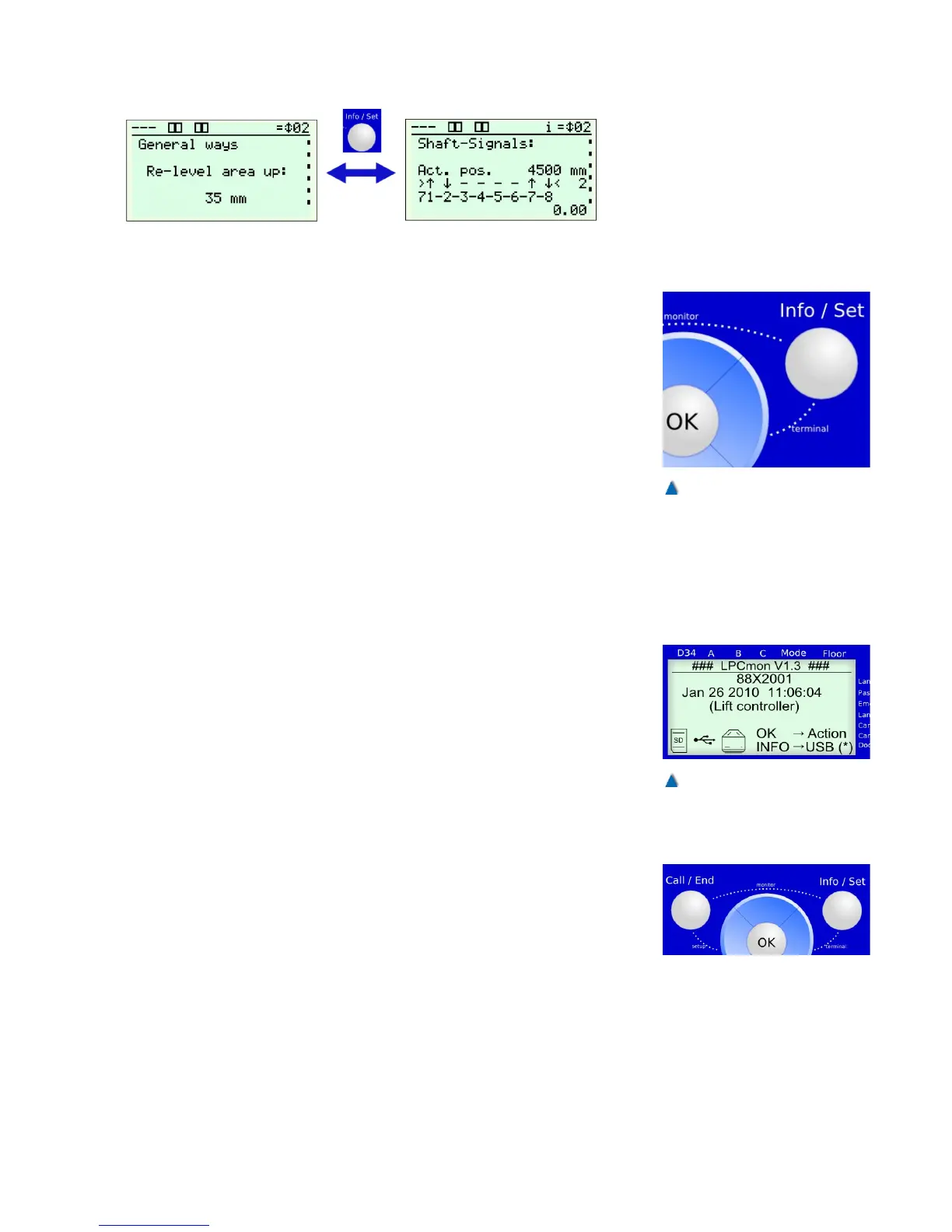
You can switch to terminal mode by pressing the Info/Set and
»Right« button at the same time. The bp308display now shows the
menu of an attached third-party device. The navigation buttons »Up«,
»Down«, »Left«, »Right, »OK«, and »INFO« are now sent to the
remote device.
Terminal mode is ended by clicking the »CALL« button and the last
bp308 menu point is displayed again.
5.7.11 Monitor Program LPCmon
You can use the 'LPCmon' monitoring program to query the lift soft-
ware program version and update the system software. This process
should only be carried out by instructed personnel upon request by
BÖHNKE + PARTNER GmbH.
5.7.11.1 Starting the Monitoring Program
To access the bp308 monitoring program, first ensure that no per-
sons are inside the car and that deactivating the system cannot cre-
ate any dangerous situations.
Hold the »Call/End« and »Info/Set« buttons at the same time for
approximately 2 seconds. This starts the monitor and all control func-
tions are now switched off!
35
Fig. 21
Terminal mode is accessed by
pressing the Info/Set and Right
buttons at the same time.
Fig. 22
LPCmon' monitoring program


 To Next Page