112
Mastering
5
Select the Mastering Tool Kit.
Use the TIME/VALUE dial to select the Preset/Song/
User patch and number for the Mastering Tool Kit.
“Mastering Tool Kit Patch List” (p. 207)
6
Press [EXIT] to return to the Play screen.
The overall volume is adjusted by the MASTER fader.
At this time, raise the volume as high as possible
without allowing the sound to distort.
7
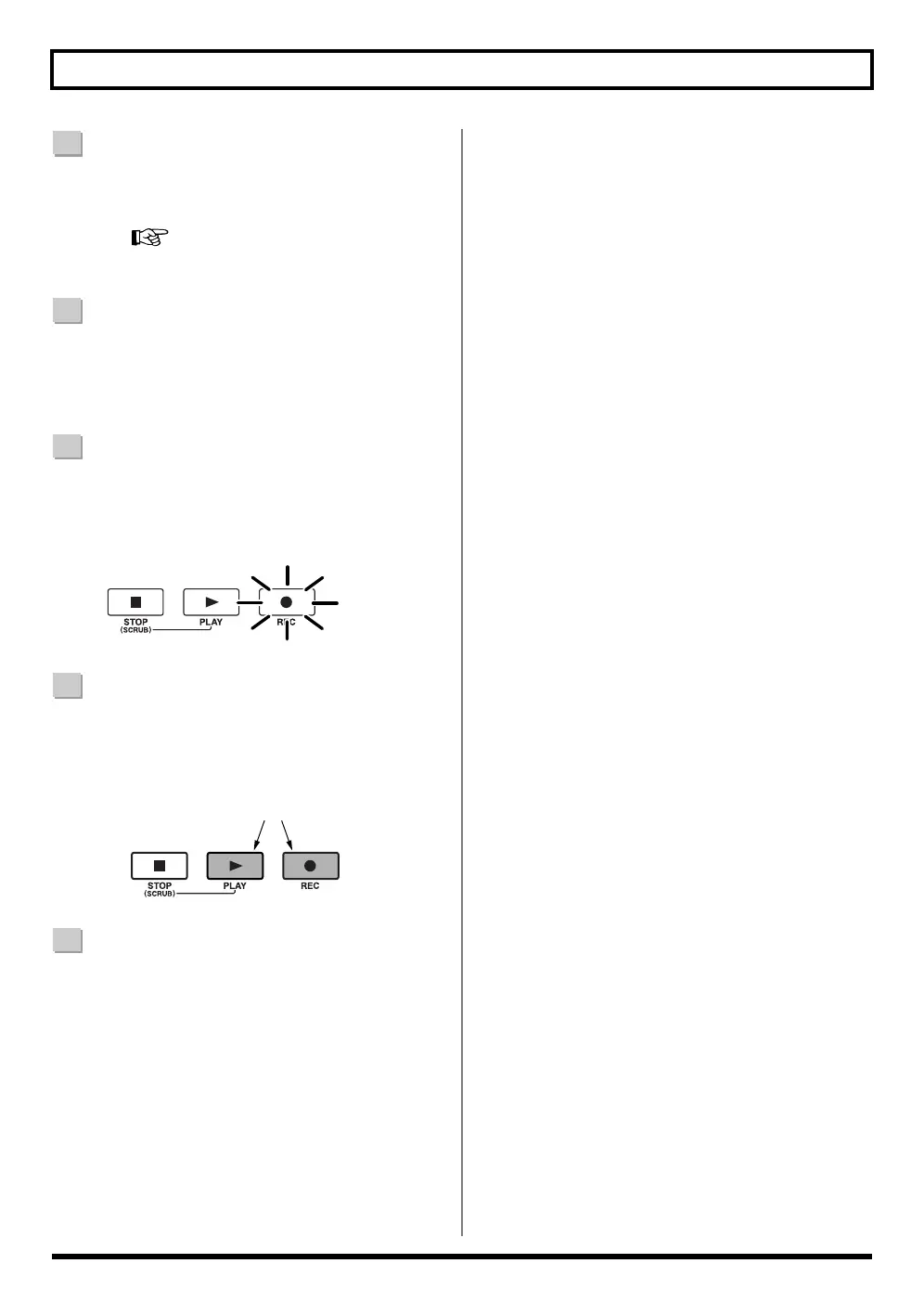
Press [REC].
[REC] flashes in red and the BR-600 enters the
recording standby state.
fig.03-420
8
Press [PLAY].
[PLAY] lights in green, the [REC] and REC TRACK
buttons now light solidly instead of flashing in red,
and recording begins.
fig.00-560
9
When you finish mastering, press [STOP].
* During updating, “Keep power on!” appears in the upper
line of the display, while the lower line shows what is being
processed.
Flash
Lit



 To Next Page