90
Creating a Master Tape/ Disc
This process involves recording the finished song to
your recorder (cassette tape recorder, CD recorder,
etc.) and making a master tape or a master disc.
1
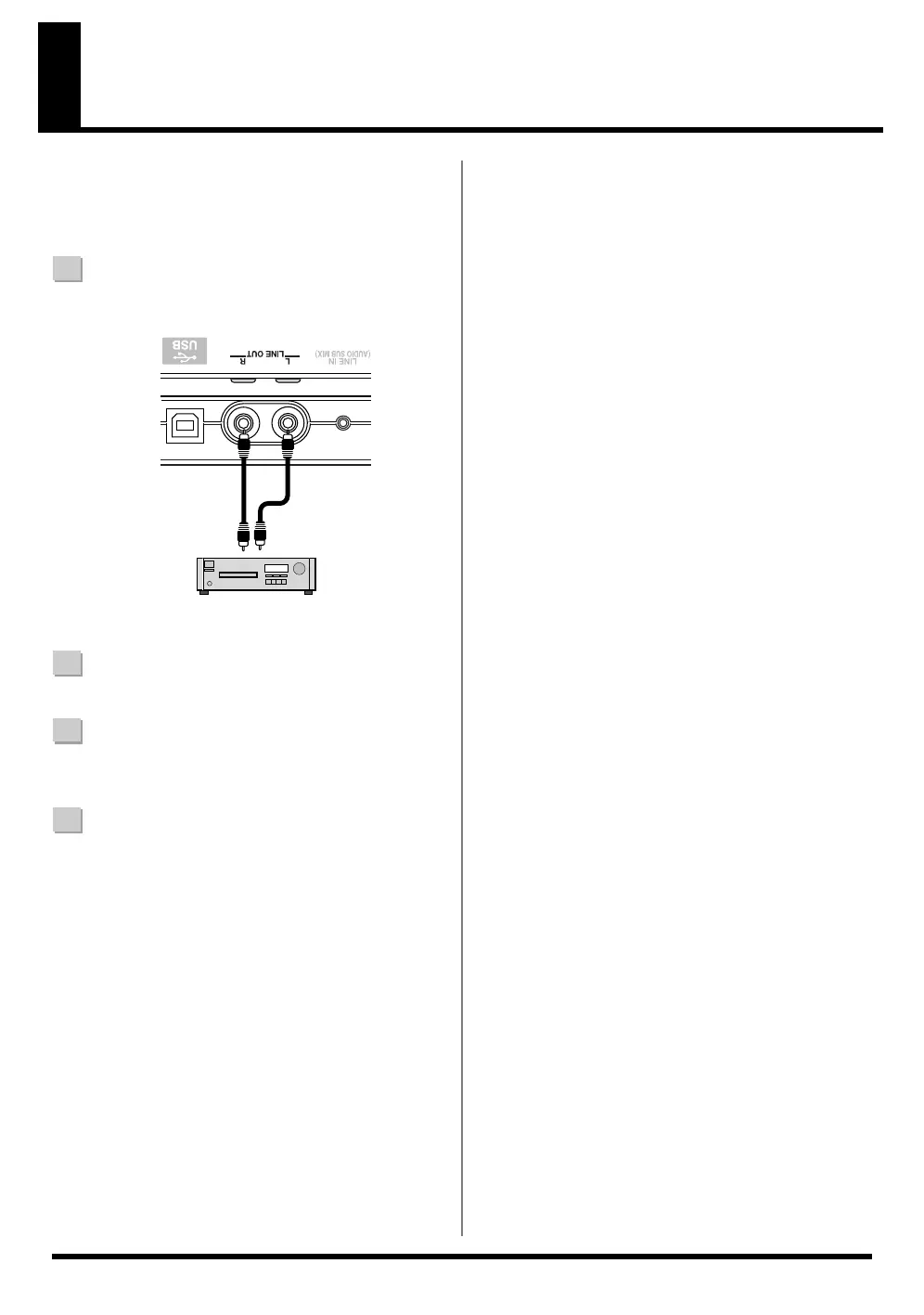
Connect the BR-600 LINE OUT jacks to the cassette
tape recorder's input jacks.
2
Put the cassette tape recorder in record mode.
3
Press [PLAY] on the BR-600 and start the playback of
the recorded data.
4
When playback is finished, stop recording with the
recorder and then press [STOP] on the BR-600.
CD Recorder etc.



 To Next Page