41
Using the Rhythm
Quick Start
1
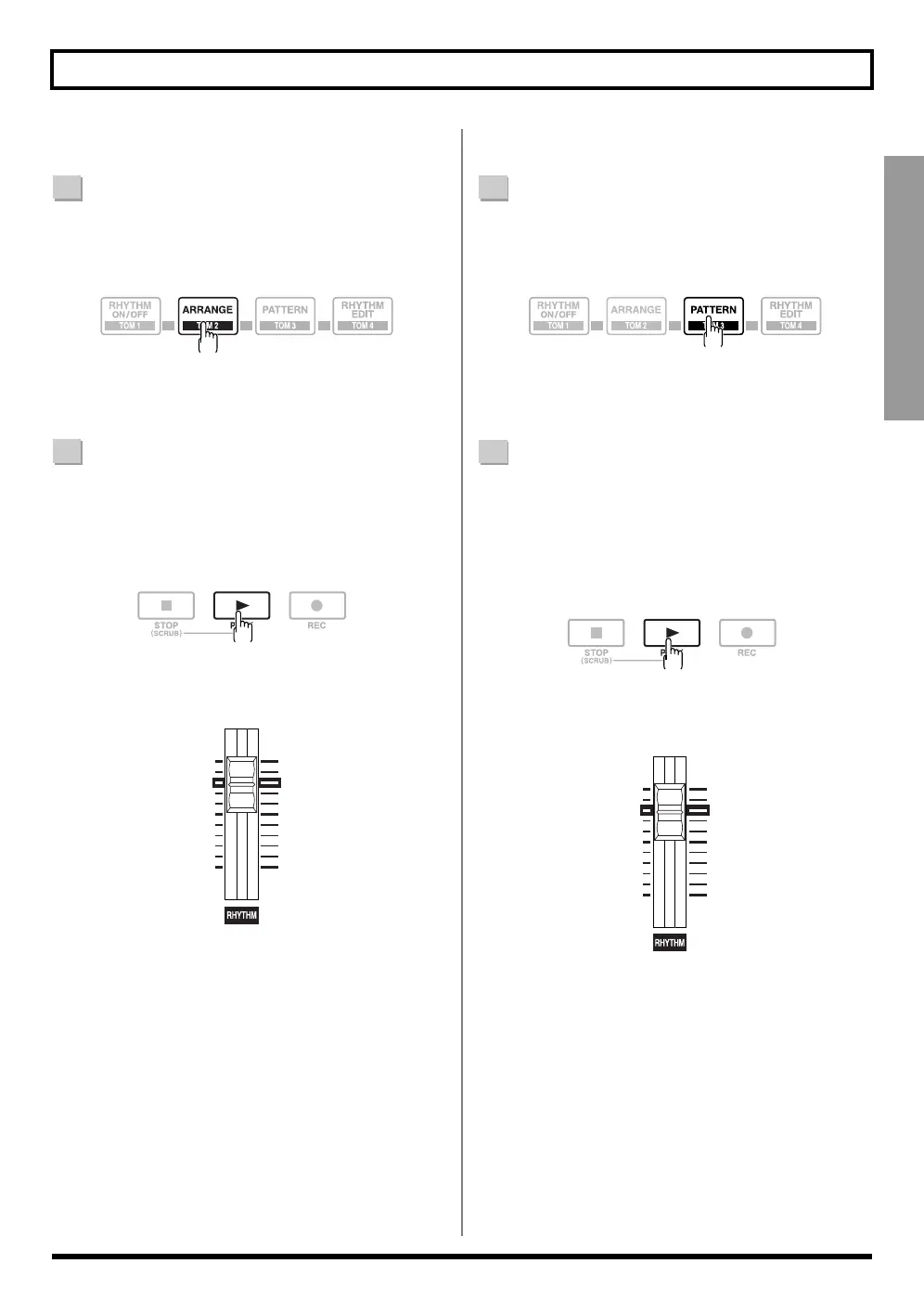
Confirm that [PAD] is not lit, then press [ARRANGE]
so that the button lights up (indicating the BR-600 is
in Arrangement mode).
[RHYTHM ON/OFF] simultaneously lights, confirm
that the rhythms are enabled.
2
Press [PLAY].
The arrangement plays with the start of playback or
recording.
The arrangement automatically stops when [STOP] is
pressed to stop playback or recording.
* When you adjust the volume of the arrangement, use the
Rhythm fader.
1
Confirm that [PAD] is not lit, then press [PATTERN]
so that the button lights up (indicating the BR-600 is
in Pattern mode).
[RHYTHM ON/OFF] simultaneously lights, confirm
that the rhythms are enabled.
2
Press [PLAY].
The pattern plays with the start of playback or
recording.
When [STOP] is pressed to stop playback or recording,
the pattern also stops automatically.
The pattern does not play when set to "BREAK" (
p. 209
).
* When you adjust the volume of the pattern, use the Rhythm
fader.
■ Playing Arrangements ■ Playing Patterns



 To Next Page