49
Quick Start
Putting multiple tracks together (Bounce)
You can adjust the tone, panning, and volume balance for
each track individually.
1
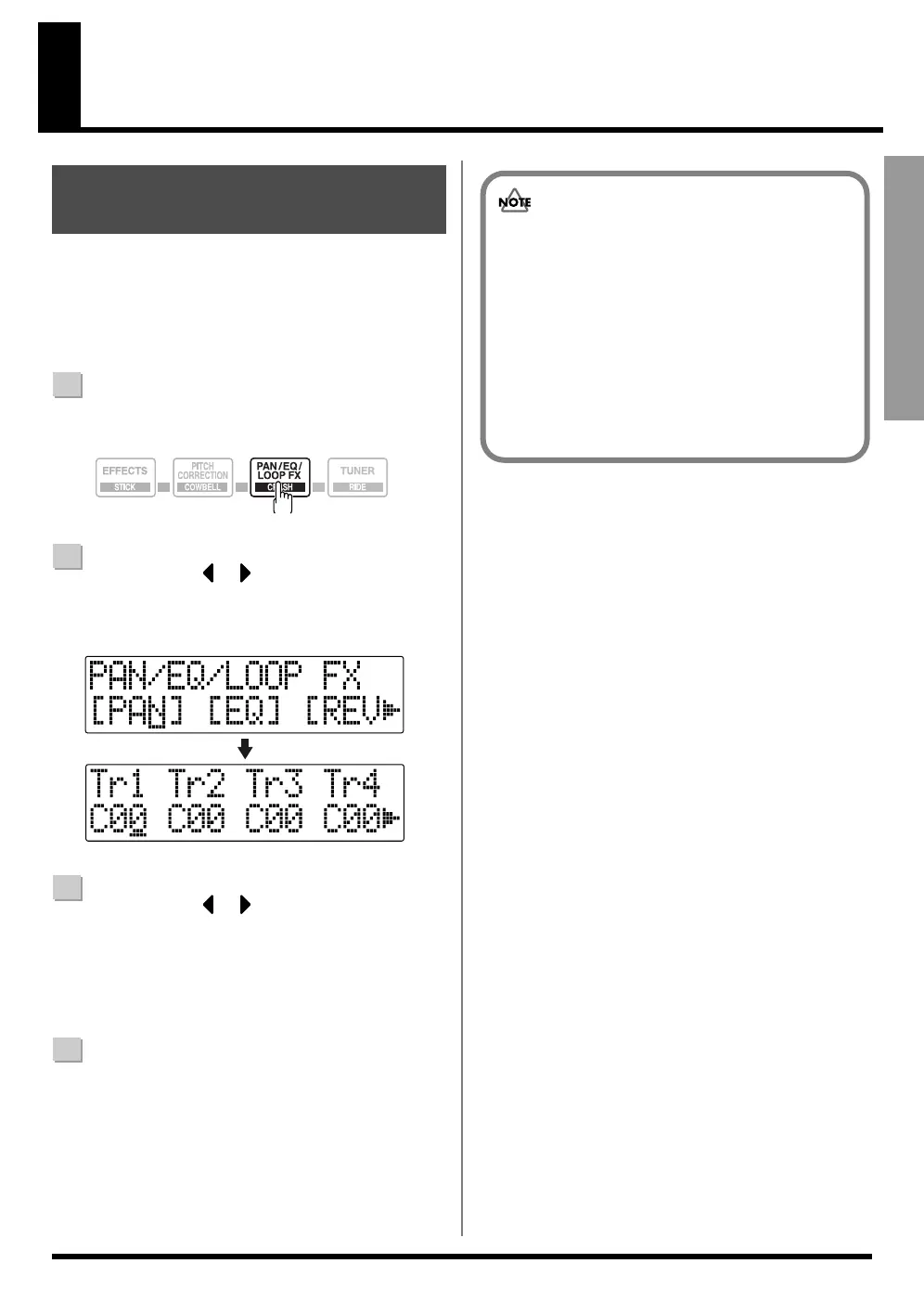
Confirm that [PAD] is not lit, then press [PAN/EQ/
LOOP FX].
fig.00-590
2
Press CURSOR [ ] [ ] to move the cursor to
“PAN,” and press [ENTER].
The Pan settings screen appears in the display.
fig.00-600
3
Press CURSOR [ ] [ ] and turn the TIME/
VALUE dial to change each track pan settings.
* Pressing a REC TRACK button moves the cursor to the
track corresponding to the button pressed.
* Pressing [ENTER] sets this to “C00” (Center).
4
Press [EXIT] (or [PAN/EQ/LOOP FX]) to return to the
Play screen.
Adjusting the Sound for
Each Track
■ Adjusting the Perception of
Stereo for the Sound (Pan)
Tracks 5/6 and 7/8 are stereo tracks, and any pan
settings that are made apply to both of the tracks as a
pair.
When set to C00 : Track 5 (7) is panned left, and
Track 6 (8) is panned right.
When set to L50 : Both Track 5 (7) and Track 6 (8) are
panned left.
When set to R50 : Both Track 5 (7) and Track 6 (8) are
panned right.



 To Next Page