68
Loading Songs Created with the BR-900CD/BR-864/BR-532
When copying song data created with the BR-532 from
SmartMedia to a BR-600 memory card, you can load the
data as a BR-600 song.
Fist, insert the memory card containing the copy of the
desired data into the BR-600.
1
Confirm that [PAD] is not lit, then press [UTILITY].
2
Press CURSOR [ ] [ ] to move the cursor to
“SEL,” and press [ENTER].
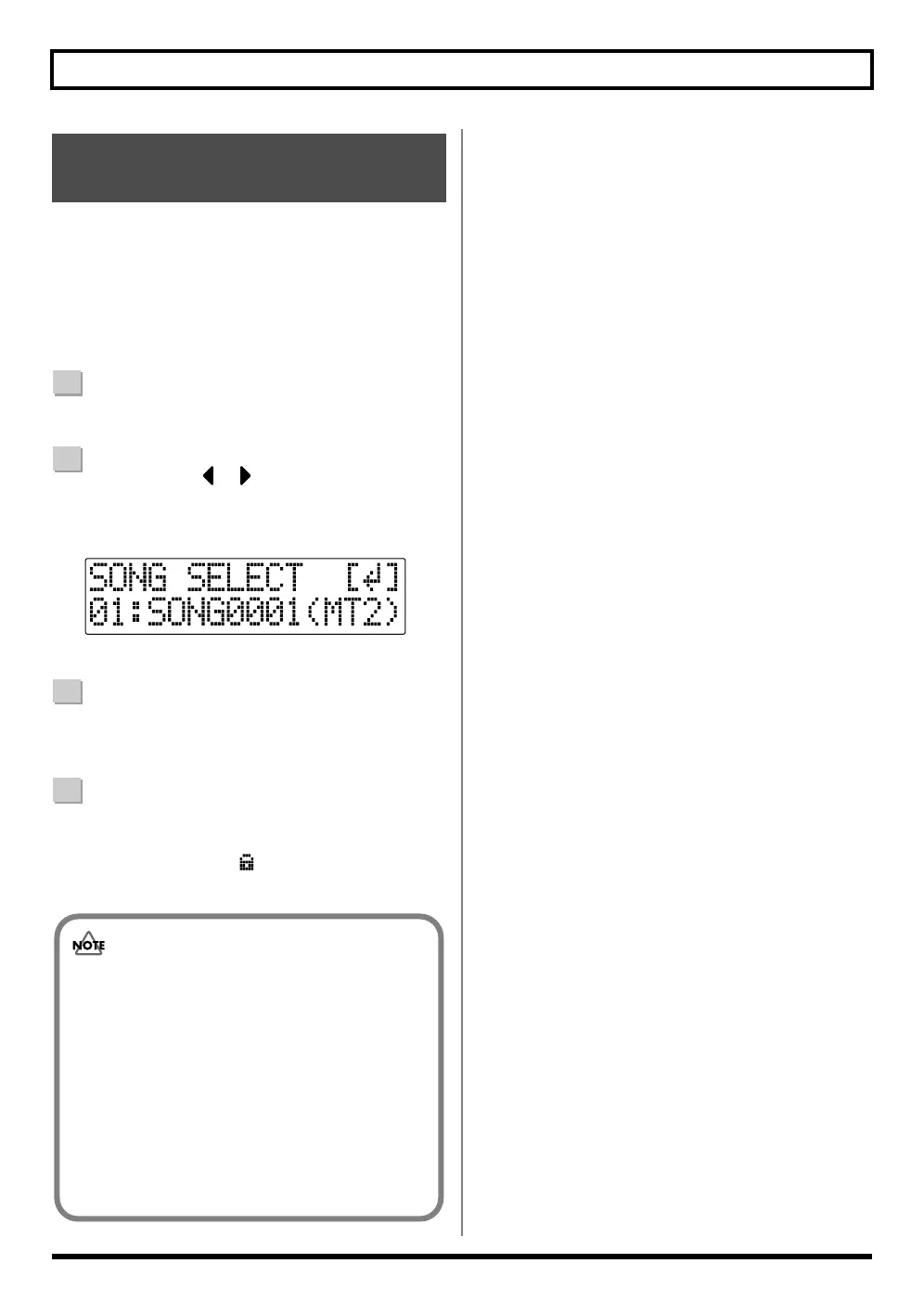
The Song Select screen is appeared.
fig.01-340
3
Rotate the TIME/VALUE dial to select the song to be
loaded.
4
Press [ENTER].
The song data is loaded.
The song protect icon ( ) is indicated for the BR-532
songs.
Loading Songs Created with
the BR-532
• Reading BR-532 data requires a PC with a
SmartMedia reader and CompactFlash writer
connected.
First, copy the data on the BR-532 memory card
(SmartMedia) to the PC with the SmartMedia
reader, and use the CompactFlash writer to copy
that data from the PC to a BR-600 memory card.
• The data remains in BR-532 format immediately
after loading. Once the loaded song is saved, the
data is converted (p. 89) to BR-600 format.



 To Next Page