188
With Macintosh
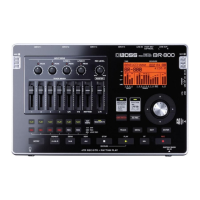
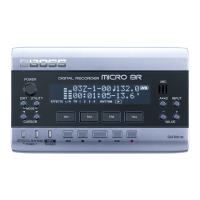
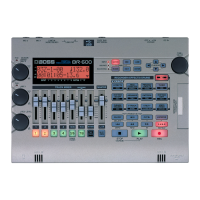
You can use the BR-600 to play BR-900CD / BR-864 / BR-
532 data.
* First be sure to back up the BR-900CD / BR-864 / BR-532’s
“ROLAND” folder to the computer.
1
Initializing the memory card on the BR-600 (p. 199).
2
Connect your computer and the BR-600 with a USB cable.
3
Confirm that [PAD] is not lit, and with the recorder
stopped, press [UTILITY].
4
Press CURSOR [ ] [ ] to move the cursor to
“USB,” and press [ENTER].
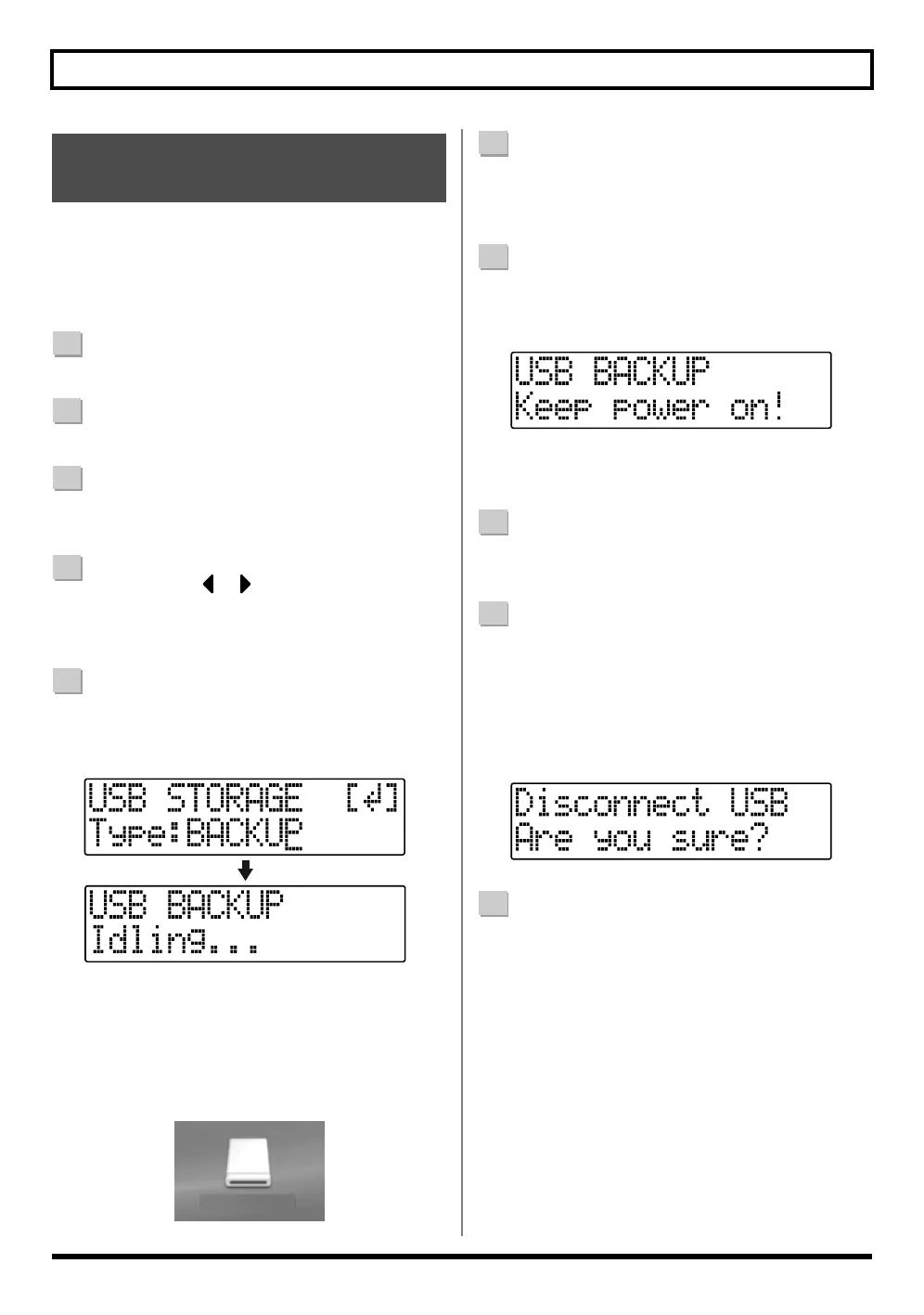
The USB screen appears in the display.
5
Select “BACKUP” with the TIME/VALUE dial, then
press [ENTER].
The Idling screen appears in the display.
fig.05-850
* You cannot carry out the following procedure unless the
Idling screen is displayed. Refer to p. 214 for instructions on
resolving this problem.
The “BOSS_BR-600” icon is added to the computer.
fig.05-860
6
Delete the BR-600 “ROLAND” folder.
1) Double-click the “BOSS_BR-600” icon, and delete
the “ROLAND” folder.
7
Drag the previously backed up BR-900CD / BR-864 /
BR-532 “ROLAND” folder to the “BOSS_BR-600”
icon and drop it there.
fig.05-870
When you have finished backing up the data, the
Idling screen returns to the display.
8
Quit the connection to the computer.
1) Drag the “BOSS_BR-600” icon into the trash.
9
Press [EXIT].
The USB screen returns to the display.
* If you press [EXIT] without quitting the connection to the
computer, the following screens appear.
In this case, pressing [ENTER] returns the USB screen to
the display.
fig.05-880
10
When backup of the data is complete, press [EXIT] to
return to the Play screen.
At this point, you can safely disconnect the USB cable
from the BR-600 and the computer.
Using the BR-900CD /
BR-864 / BR-532’s Data
BOSS_BR-600
(Ex.)


 To Next Page