147
Creating Original Patterns
Section 4
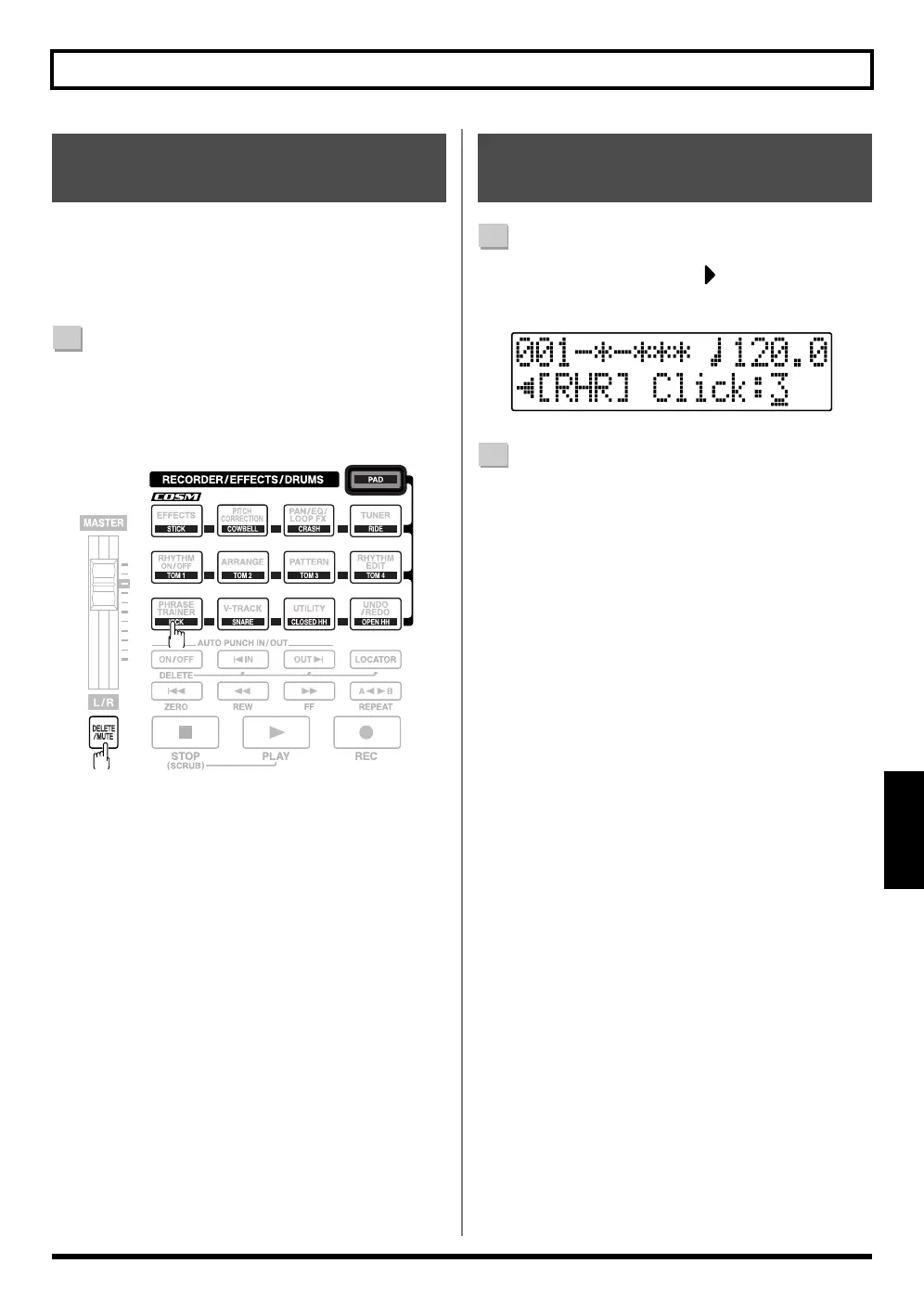
During Realtime Recording, you can delete any drum
sounds you do not need by holding down [DELETE/
MUTE] and pressing the drum pad for the drum sound you
want to delete.
1
Hold down [DELETE/MUTE] and press the drum pad
for the drum sound you want to delete.
The corresponding drum sound is deleted for as long
as the drum pad is pressed.
1
In the Recording Standby screen in Realtime
Recording, press CURSOR [ ] to move the cursor to
“Click.”
fig.04-370
2
Turn the TIME/VALUE dial to adjust the metronome
volume.
Valid Settings : 0 – 3
Deleting Unneeded Drum
Sounds
Changing the Metronome
Volume



 To Next Page