87
Organizing the Songs You’ve Recorded
Section 2
When you perform overdubbing or punch-in/out, the data
that you rewrite (replace) actually remains on the memory
card. In some cases, this unwanted data may occupy a
significant amount of space on the memory card. This will
cause the time available for recording to be less than it
should be.
By performing a “Song Optimize”, you can have the BR-600
erase any unnecessary data on the memory card and
increase the unused space.
1
Confirm that [PAD] is not lit, then press [UTILITY].
2
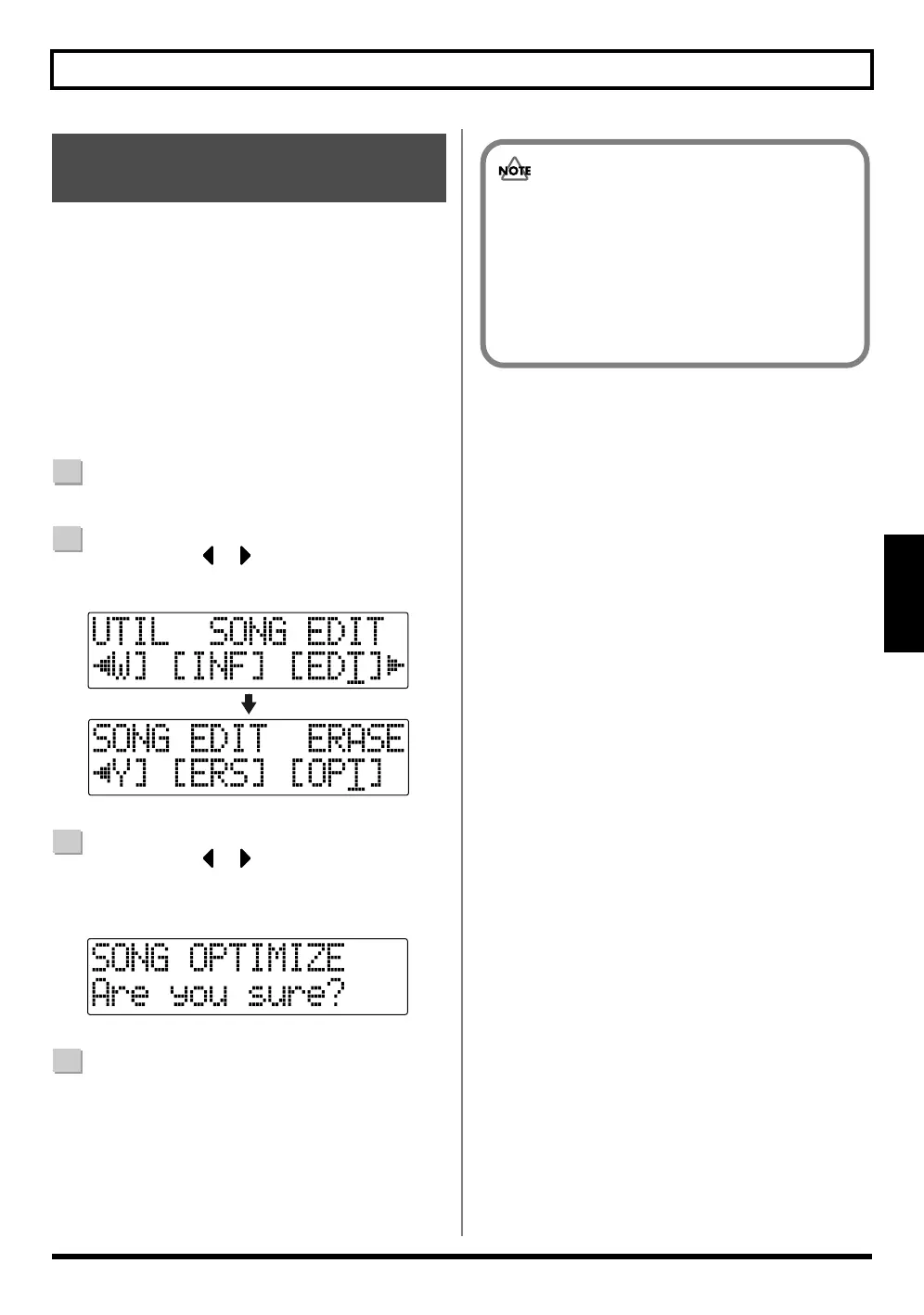
Press CURSOR [ ] [ ] to move the cursor to
“EDT,” and press [ENTER].
fig.02-660
3
Press CURSOR [ ] [ ] to move the cursor to
“OPT,” and press [ENTER].
“Are you sure?” appears in the display.
fig.02-670
4
To continue with the optimization, press [ENTER].
The Song Optimize function is carried out. When
completed, “Completed!” appears in the display, and
you are returned to the Play screen.
To cancel the operation press the [EXIT] (or
[UTILITY]).
Saving Memory on the
Memory Card (Song Optimize)
• Depending on the situation, an appreciable length
of time may be required for Optimize to be
completed. This is not a malfunction. Do not turn
off the power until Optimize has completed.
• After you execute Optimize, it is not possible to
undo/redo to revert to the state before executing
Optimize.



 To Next Page