141
Changing the Drum Sound (Drum Kits)
Section 4
1
Confirm that [PAD] is not lit, then press [UTILITY].
2
Press CURSOR [ ] [ ] to move the cursor to
“TONE,” and press [ENTER].
3
Press CURSOR [ ] [ ] to move the cursor to
“ERASE,” and press [ENTER].
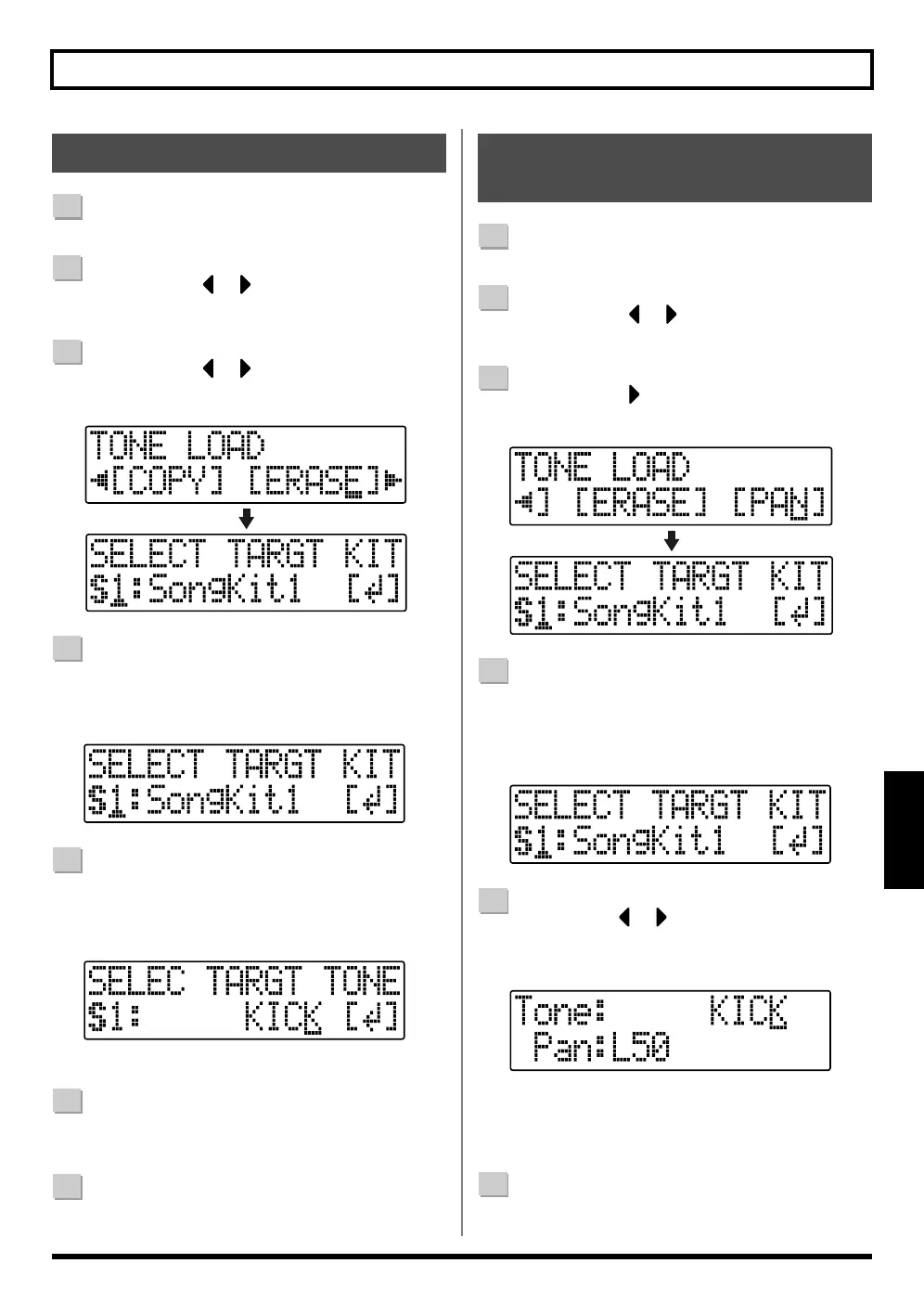
fig.04-210
4
Turn the TIME/VALUE dial to specify the erase drum
kit, then press [ENTER].
S1 – 5 : Song Drum Kit 1 – 5
fig.04-220
5
Turn the TIME/VALUE dial to specify the erase drum
sound, then press [ENTER].
* Select “ALL” if you want to erase all of the drum sounds in the kit.
fig.04-230
“Are you sure?” appears in the display.
6
Press [ENTER] (YES) to erase the drum sound.
To cancel, press [EXIT] (NO).
7
Press [EXIT] to return to the Play screen.
1
Confirm that [PAD] is not lit, then press [UTILITY].
2
Press CURSOR [ ] [ ] to move the cursor to
“TONE,” and press [ENTER].
3
Press CURSOR [ ] to move the cursor to “PAN,”
and press [ENTER].
fig.04-240
4
Turn the TIME/VALUE dial to specify the drum kit
whose panning you want to change, then press
[ENTER].
S1 – 5 : Song Drum Kit 1 – 5
fig.04-250
5
Use CURSOR [ ] [ ] and the TIME/VALUE dial
to specify the drum sound whose panning is being
changed and the pan setting.
fig.04-260
* When you press [PAD], causing the button to light, you can
then set the drum sounds by tapping the drum pads.
* Pressing [ENTER] sets this to “C00” (Center).
6
Press [EXIT] to return to the Play screen.
Erasing drum sounds Changing the position (pan)
of the drum sounds



 To Next Page