47
Quick Start
Playing Back Recorded Music
fig.00-561
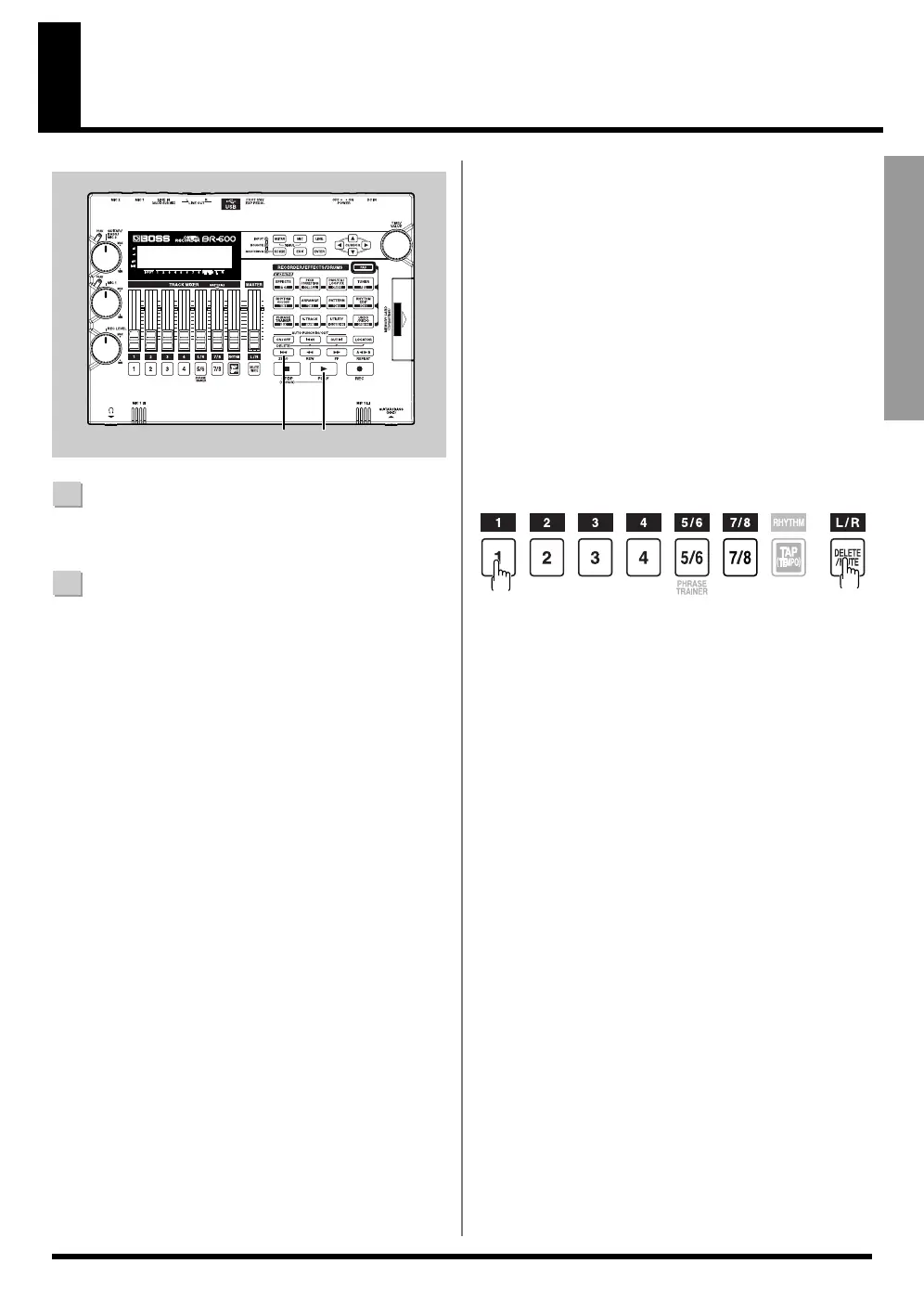
1
Press [ZERO] to move to the time location 00:00:00-
00.0.
2
Press [PLAY].
[PLAY] lights in green, and playback begins.
Use the TRACK faders to adjust the volume separately
for each track.
During playback, hold down [DELETE/MUTE] and press a
REC TRACK button that is lit in green and orange
alternating or green.
The REC TRACK button will change to blinking in orange
or green, and the sound of that track will be muted
(silenced).
If you repeat the same operation, the button will return to
its previous lit state and the sound of that track will once
again be heard.
fig.00-570
1
2
■ Silencing the sound of
specific tracks (Track Mute)



 To Next Page