153
Section 4
Erasing Patterns
1
Confirm that [PAD] is not lit, then press [PATTERN].
[PATTERN] and [RHYTHM ON/OFF] light.
2
Press [RHYTHM EDIT].
The Pattern Edit screen appears in the display.
3
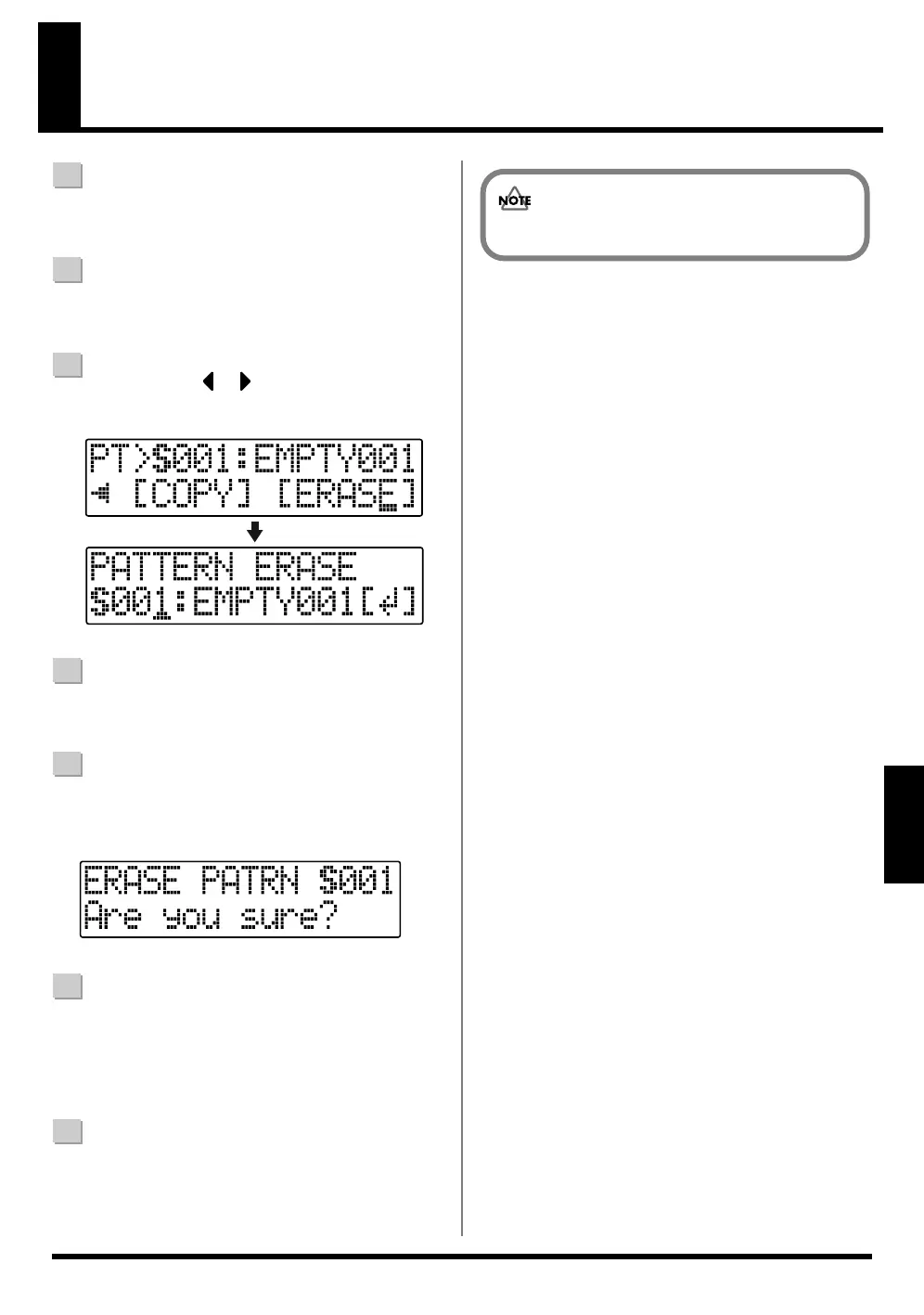
Press CURSOR [ ] [ ] to move the cursor to
“ERASE,” and press [ENTER].
fig.04-481
4
Turn the TIME/VALUE dial to select the song pattern
(S001 – S100)
5
Press [ENTER].
The screen for confirming the deletion appears in the
display.
fig.03-600
6
If you do want to delete the pattern, press [ENTER].
To cancel, press [EXIT].
* “Keep power on!” appears in the display, and the content of
the pattern is erased.
7
Press [EXIT] to return to the Play screen.
You cannot erase the preset patterns.



 To Next Page