137
Changing the Drum Sound (Drum Kits)
Section 4
3
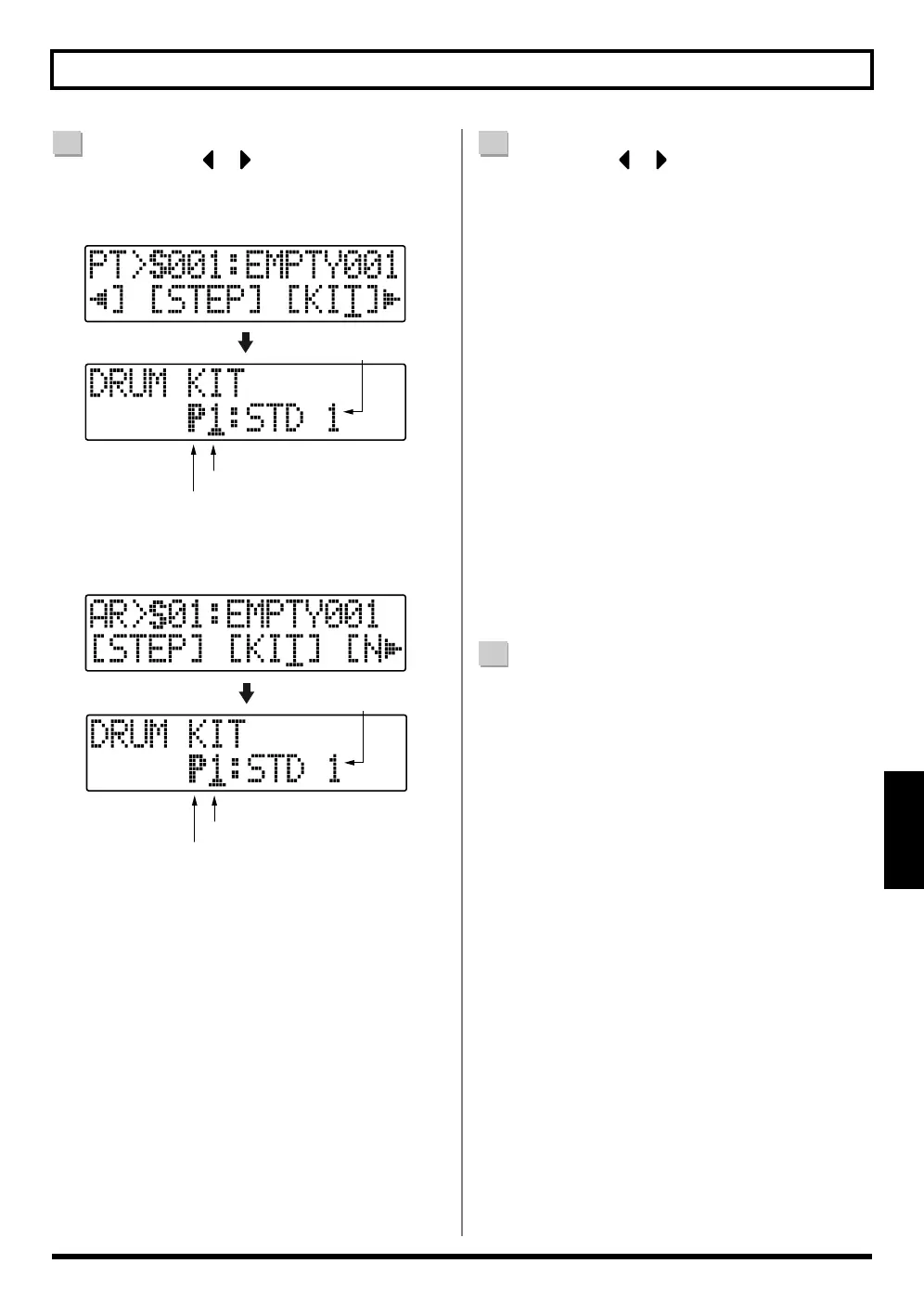
Press CURSOR [ ] [ ] to move the cursor to
“KIT,” and press [ENTER].
When using pattern mode
When using arrangement mode
fig.04-060
4
Use CURSOR [ ] [ ] and the TIME/VALUE dial
to select drum kits by switching the preset/song and
number.
(P1 – 9)
STD1, 2 : Standard sets
ROOM : Set with moderate ambience applied
HARD : Set appropriate for hard rock
JAZZ : Set appropriate for jazz
HIP-HOP : Set appropriate for dance
HOUSE : Set appropriate for dance
REGGAE : Set appropriate for reggae
808 : Set based on the renowned “Roland TR-
808” rhythm machine
(S1 – 5)
SongKit 1 – 5
:
Original drum kits assigned to each
song.
5
Press [EXIT] repeatedly to return to the Play screen.
P: Preset / S: Song
Drum Kit Name
Number
P: Preset / S: Song
Drum Kit Name
Number



 To Next Page