173
With Windows
Section 5
7
Press [EXIT] repeatedly to return to the Play screen.
* If you press [EXIT] without quitting the connection to the
computer, the following screens appear.
In this case, pressing [ENTER] and then [EXIT] returns the
Play screen to the display.
fig.05-330
At this point, you can safely disconnect the USB cable
from the BR-600 and the computer.
8
Press [PATTERN] so that the button lights up.
fig.05-340
9
Press [RHYTHM EDIT].
10
Press [CURSOR] to move the cursor to “SMF,” and
press [ENTER].
The names of the SMFs on the memory card are
displayed.
fig.05-350
11
Turn the TIME/VALUE dial to select the SMF to be
imported, then press [ENTER].
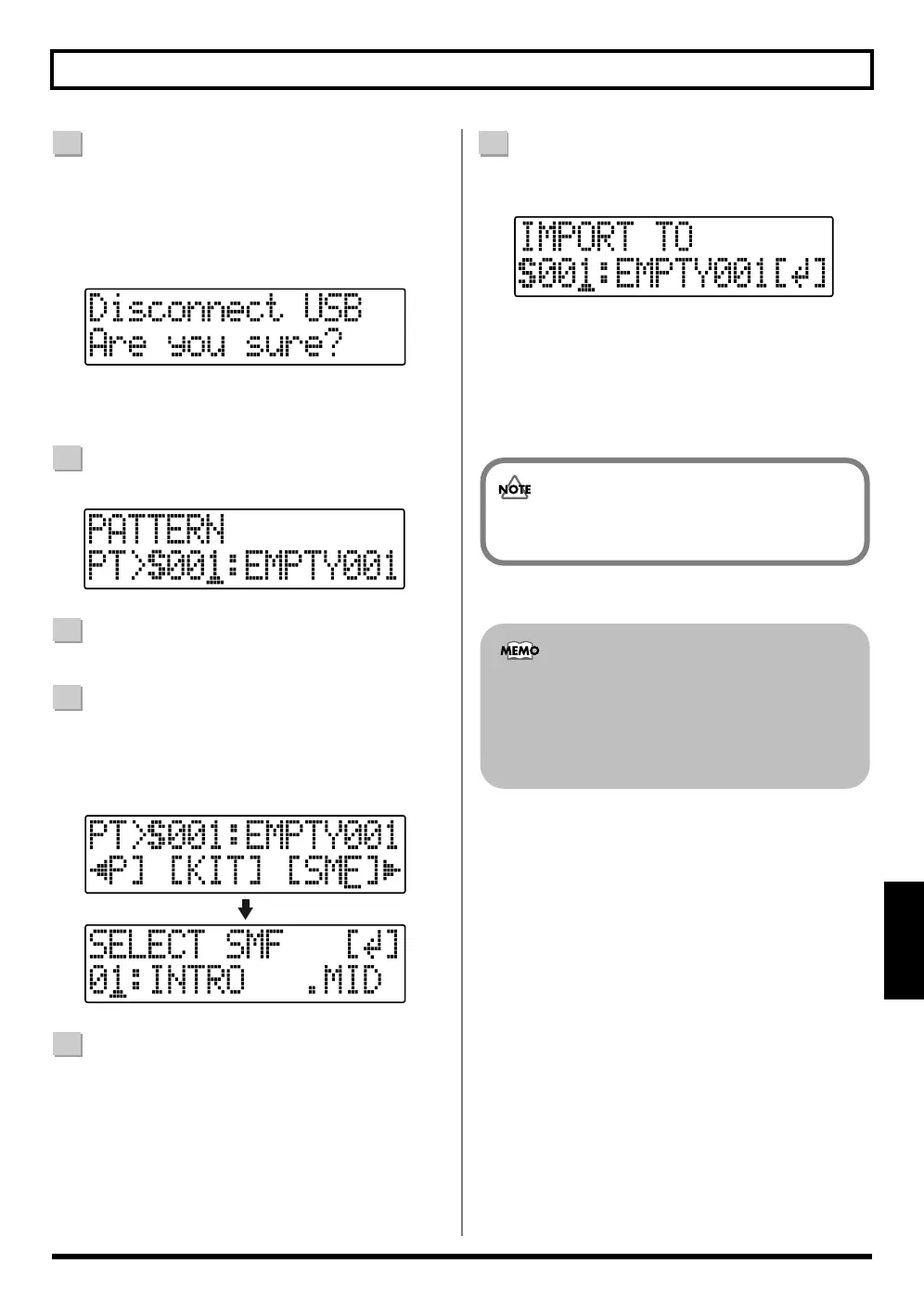
12
Turn the TIME/VALUE dial to select the import-
destination song pattern, then press [ENTER].
fig.05-360
The import is executed.
* During updating, “Keep power on!” appears in the upper
line of the display, while the lower line shows what is being
processed.
With some SMF files, a considerable amount of time
may be required to finish importing the file.
GM/GS/XG-compatible SMF files generally have
rhythm performance data assigned to MIDI Channel
10. For this reason, the BR-600 imports only the data
extracted from MIDI Channel 10. Note that data
assigned to other channels is disregarded.



 To Next Page