Page 359 of 479
Internal pointer Radius: It is used to set Internal Pointer Radius, defines start position.
Pointer Size: It is to set Pointer Size in pixels.
Pointer Type: It is set Pointer type. Available types include Triangle, Circle and Line.
Ticks
Ticks Count: Set number of ticks between labels.
Ticks Length: Set Tick length in pixels.
Ticks Radius: Set Tick Radius
Ticks subdivision counts: Set Tick sub division counts
Ticks Visible: True/False, Set Ticks visibility
Center
Width: Adjust width of meter within boundaries.
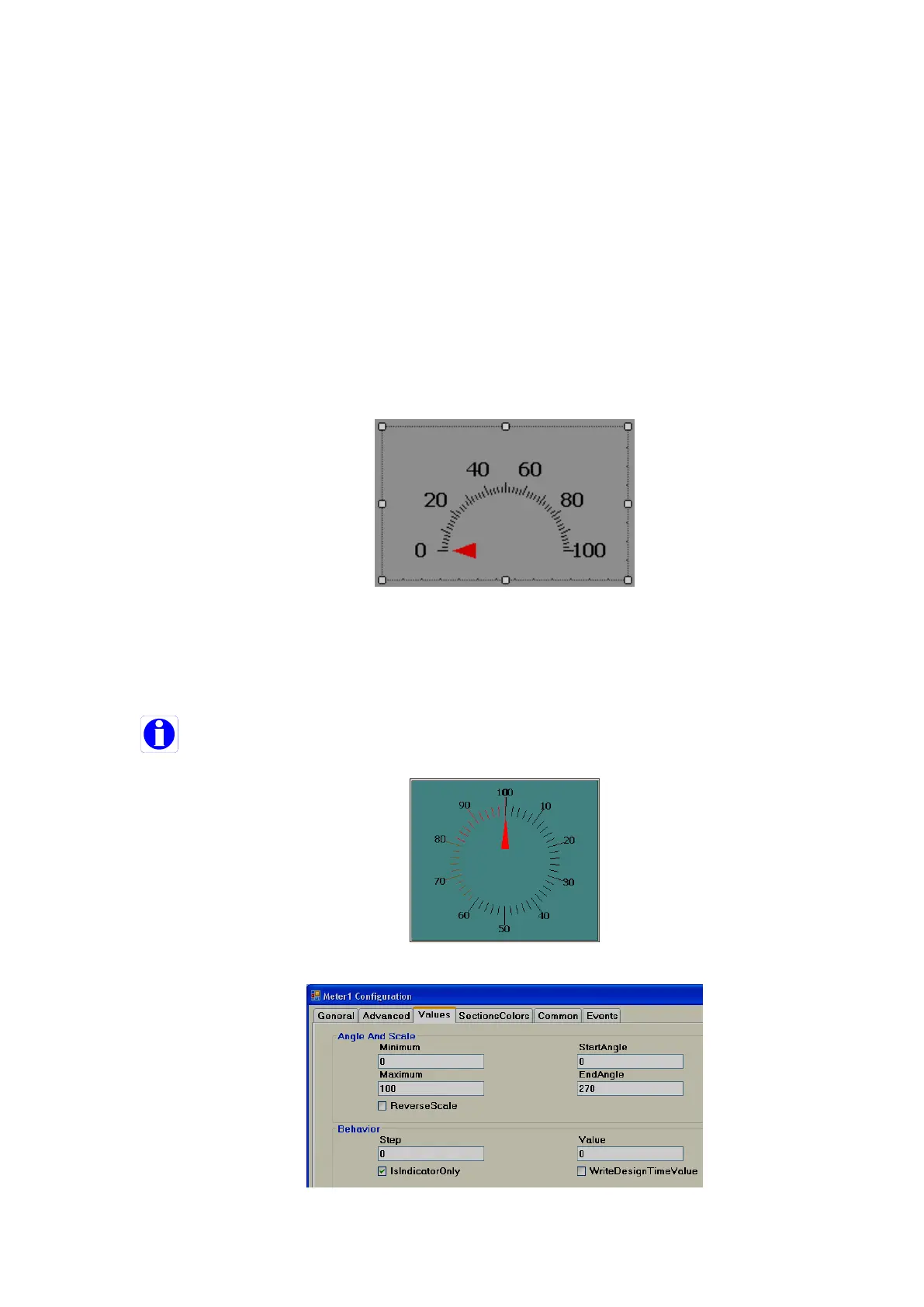
Height: Adjust height of meter within boundaries. This is useful when a half-circle meter is
required. The meter needs to be adjusted to the center as shown below.
Circles
Border circle Color: Set border color for circle.
Circle Color: Set Color for circle.
Circle Radius: Set Radius for circle.
Note: If Border circle color is the same as the back color, then the circle will not be visible.



 To Next Page