Page 373 of 479
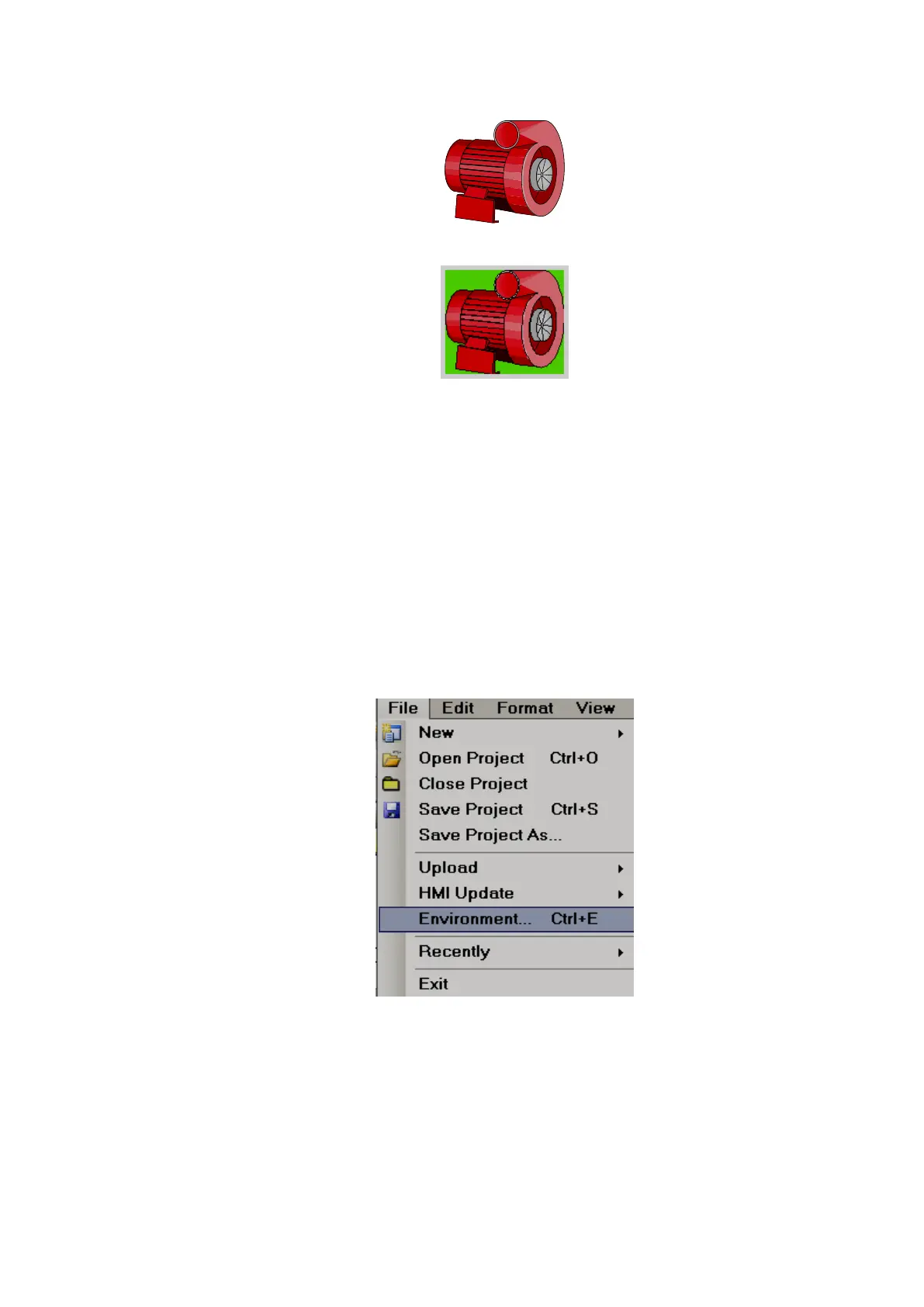
Fig: Back color=Transparent
Fig: Back Color=Green
Since all symbols are vector symbols, if a symbol is enlarged, it does not lose quality.
When Recorder Editing Software is installed, all basic symbols will be installed in the default
folder C:\Program Files\Recorder Editing Software\Recorder Editing Software\Basic Symbols
In addition, if the application developer has any additional symbols, they can be placed in the
same folder as the basic symbols for use in the project.
Example: Create a folder named “Custom”, and place it in C:\Program Files\Recorder Editing
Software\Recorder Editing Software\Basic Symbols
It is possible to a set path for graphic symbols in the Recorder software. On the Menu bar, click
the “File” dropdown menu, select “Environment”, then select “Graphics path”. All these will appear in a tree
type structure within Recorder editor avoiding the need to import these symbols using a “Picture Box”.



 To Next Page