Page 381 of 479
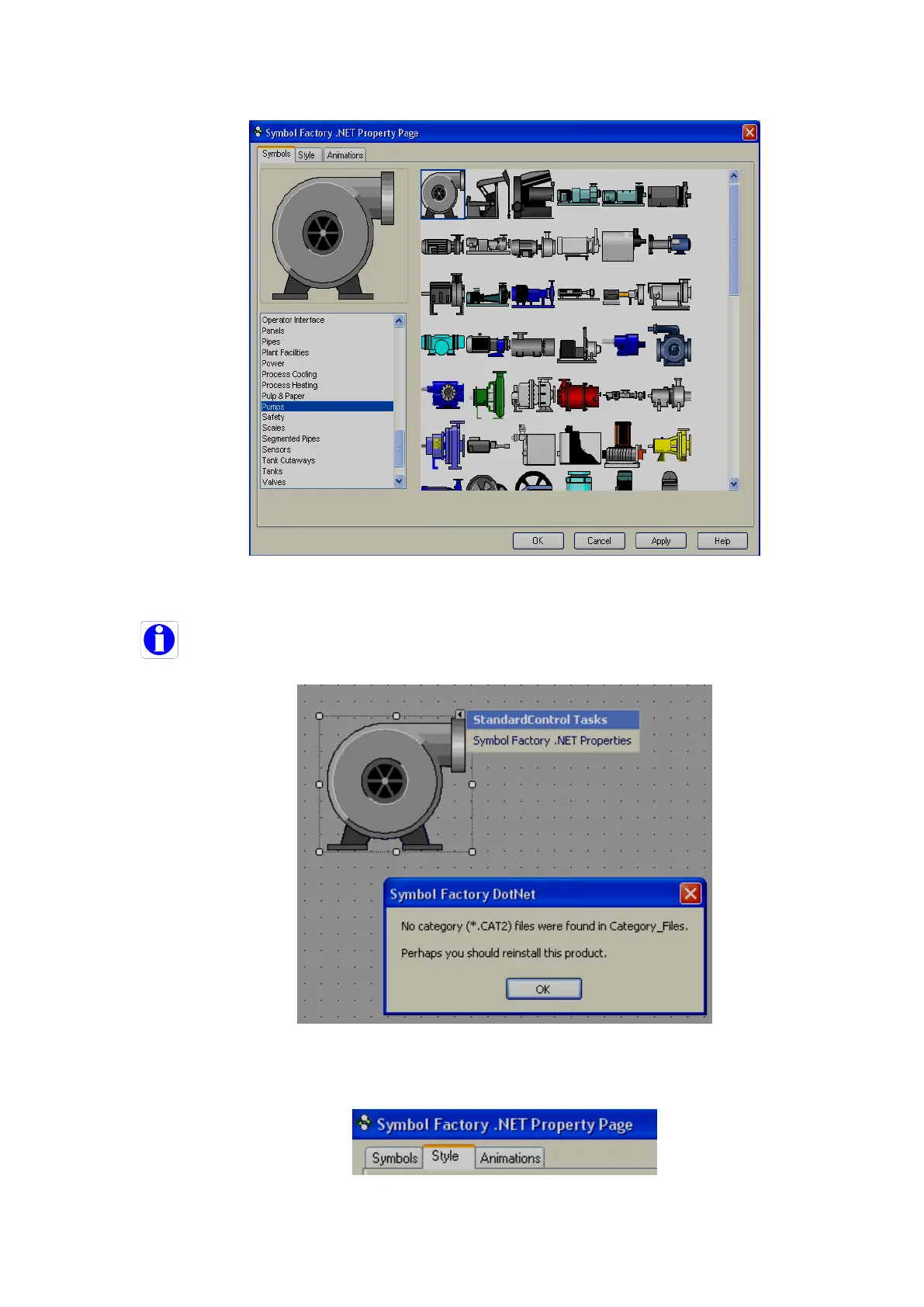
Select the required category, select the symbol, then click on button “OK”, then new symbol will be placed in
screen.
Click on Help in the above screen to open a Chm type help file (English) for the symbol factory.
If the above error message appears, it is required to reinstall symbol factory.
Style
Used to define the style of symbol in design time.



 To Next Page