System User Guide Rev. 2.5 Kolibri Ver. 2.0 25
KOLIBRI WORKSTATION
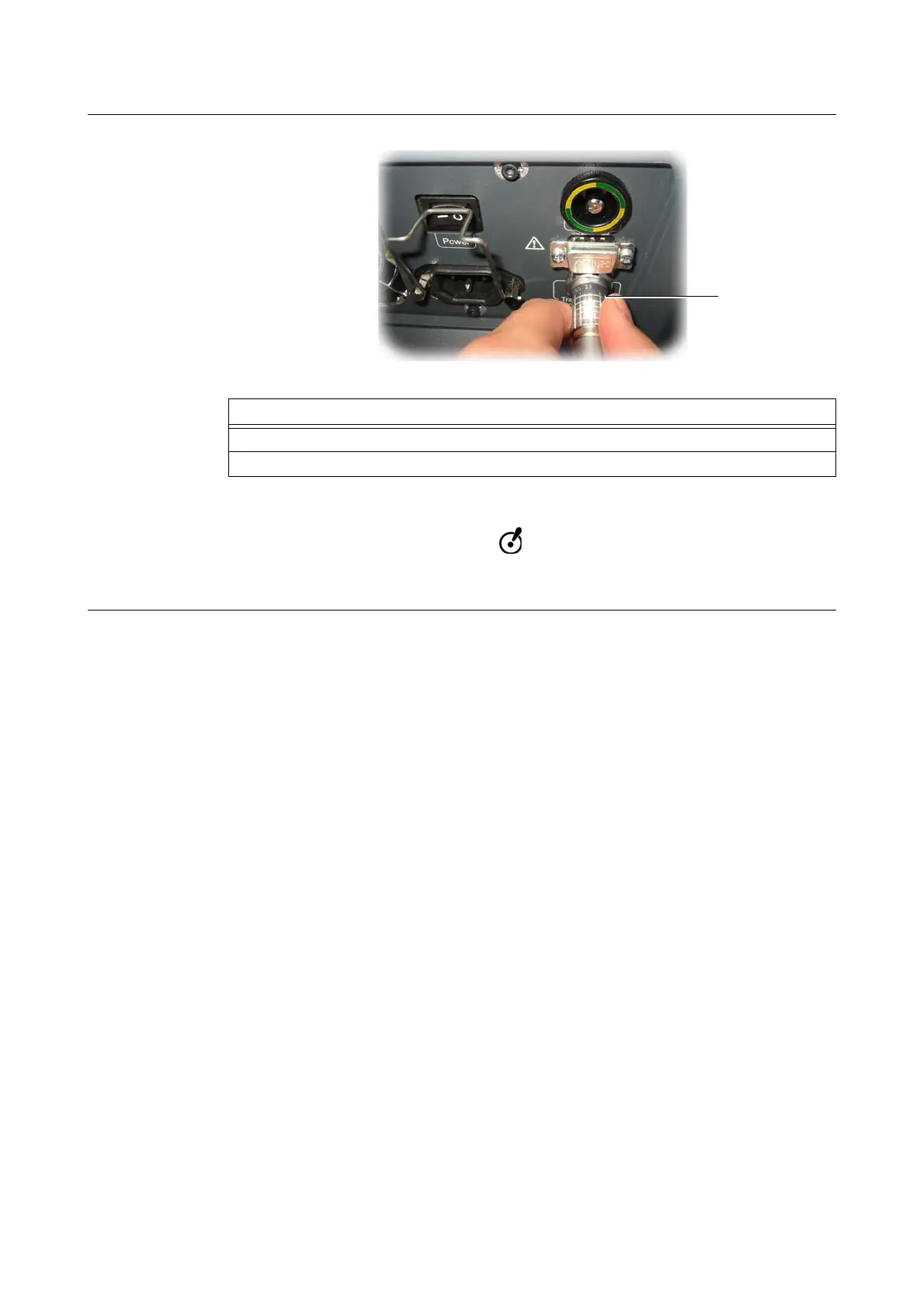
Camera Port
Figure 6
NOTE: The
Kolibri
camera cable is provided by Brainlab.
When disconnecting the
Kolibri
camera cable, do not twist the plug. Grasp the plug
(not the cable) and pull it straight out.
Options
To connect camera system, plug
Kolibri
camera cable to camera port g.
To disconnect camera system, unplug
Kolibri
camera cable from camera port g.



 To Next Page