36 System User Guide Rev. 2.5 Kolibri Ver. 2.0
Touchscreen
3.5 Touchscreen
3.5.1 Positioning Touchscreen
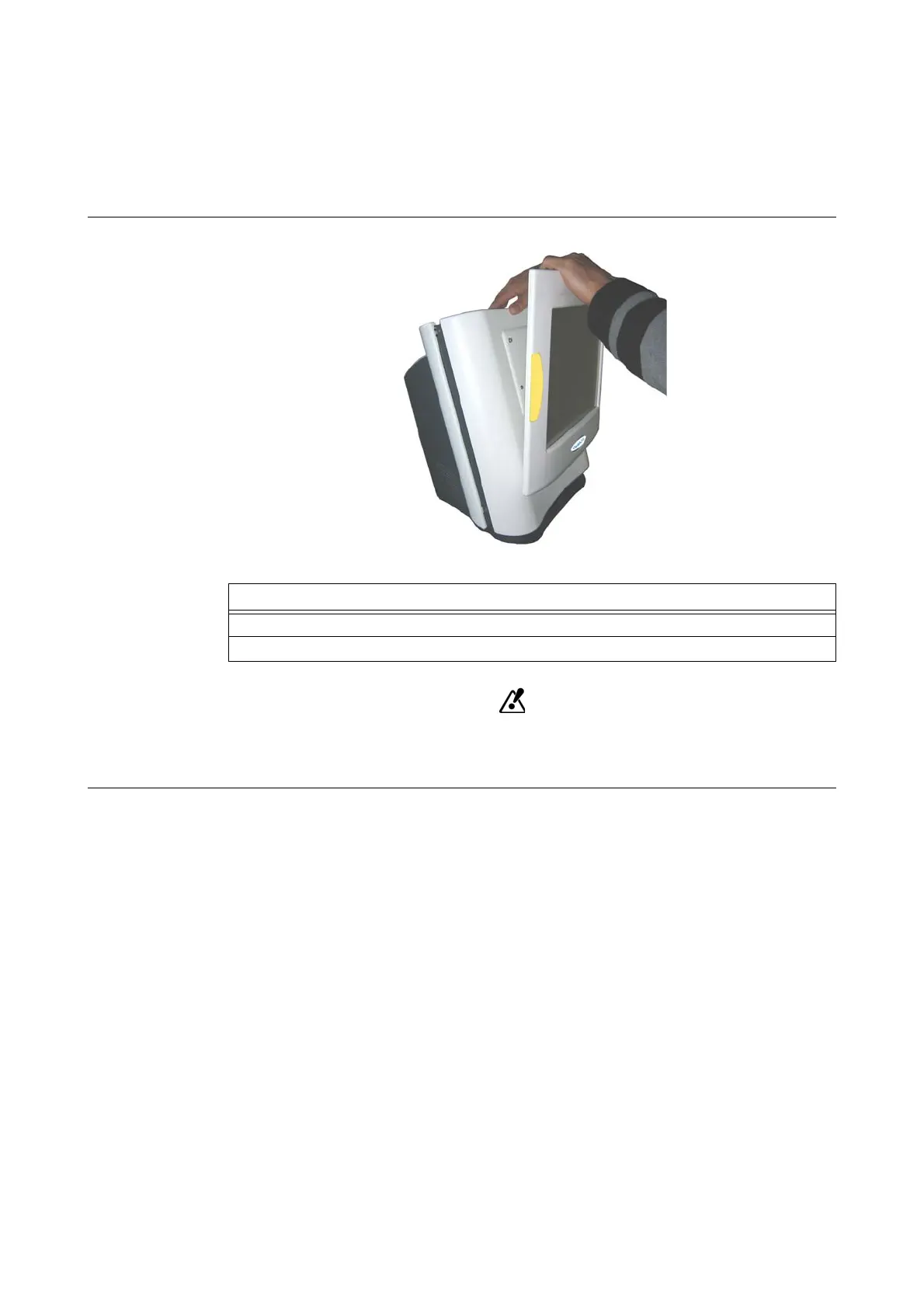
How to Tilt the
Touchscreen
Figure 14
When positioning touchscreen, note that colors may not be displayed correctly if
touchscreen is not positioned correctly. So that colors are properly displayed, your
line of vision must be perpendicular to the touchscreen.
Steps
1. Grip touchscreen with one hand and with your other hand hold workstation in place.
2. Pull touchscreen forwards or push backwards into desired position.



 To Next Page