System User Guide Rev. 2.5 Kolibri Ver. 2.0 91
MOBILE CAMERA STAND & CAMERA
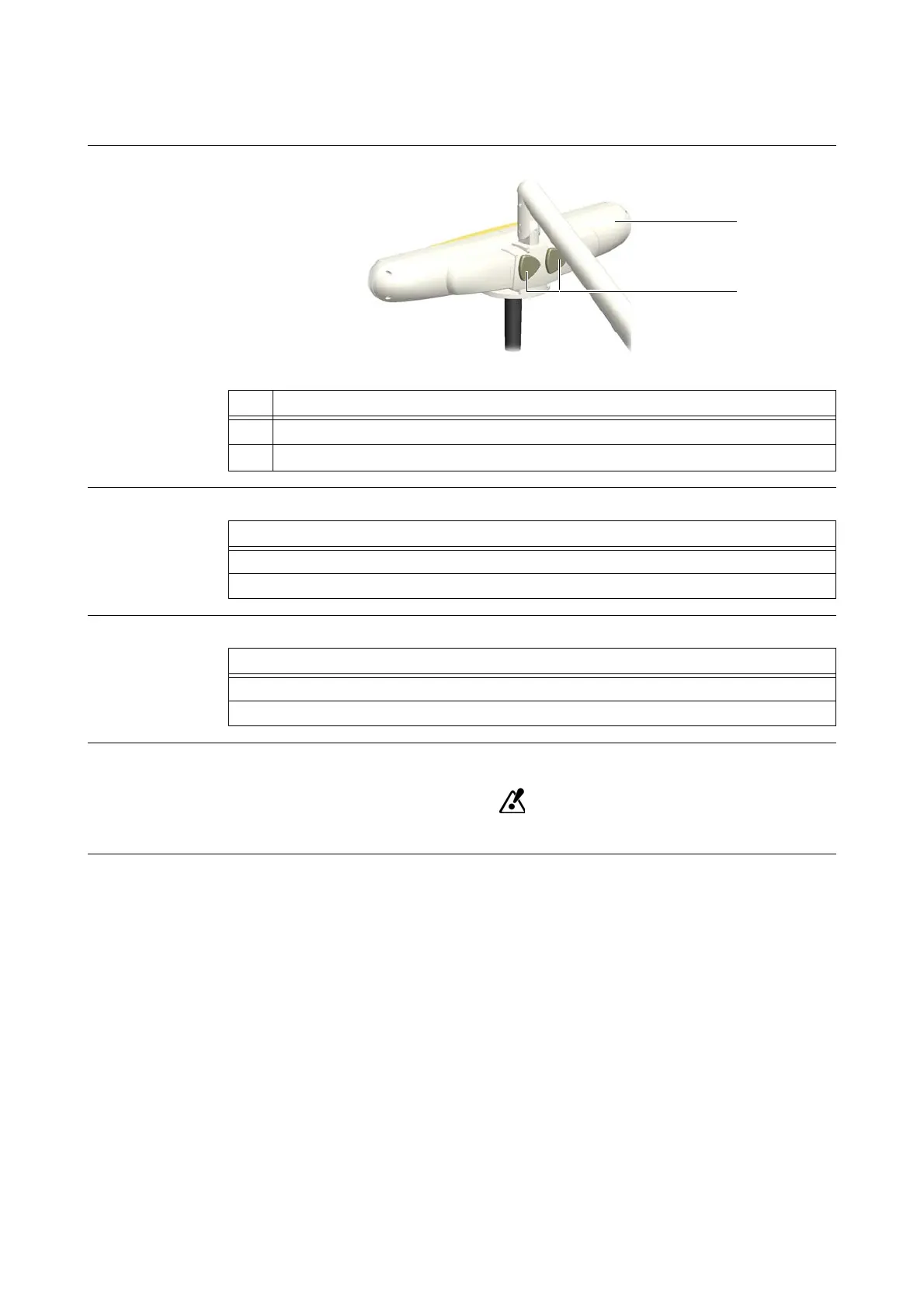
5.6.5 Kolibri Spectra Camera
Illustration
Figure 51
How to Remove
How to Attach
Warning Label A warning label on the camera interface indicates the following:
Securely tighten the thumb screws.
No. Component
a
Camera
s
Thumb screws
Steps
1. Grip camera
a with one hand.
2. Unscrew the thumb screws
s to remove camera from camera stand.
Steps
1. Place camera
a on camera interface and hold camera in position with one hand.
2. Tighten thumb screws s.



 To Next Page