System User Guide Rev. 2.5 Kolibri Ver. 2.0 83
MOBILE CAMERA STAND & CAMERA
5.5.3 Parking & Moving Positions
Applicability When camera stand and cart are not in use, always return them to parking position.
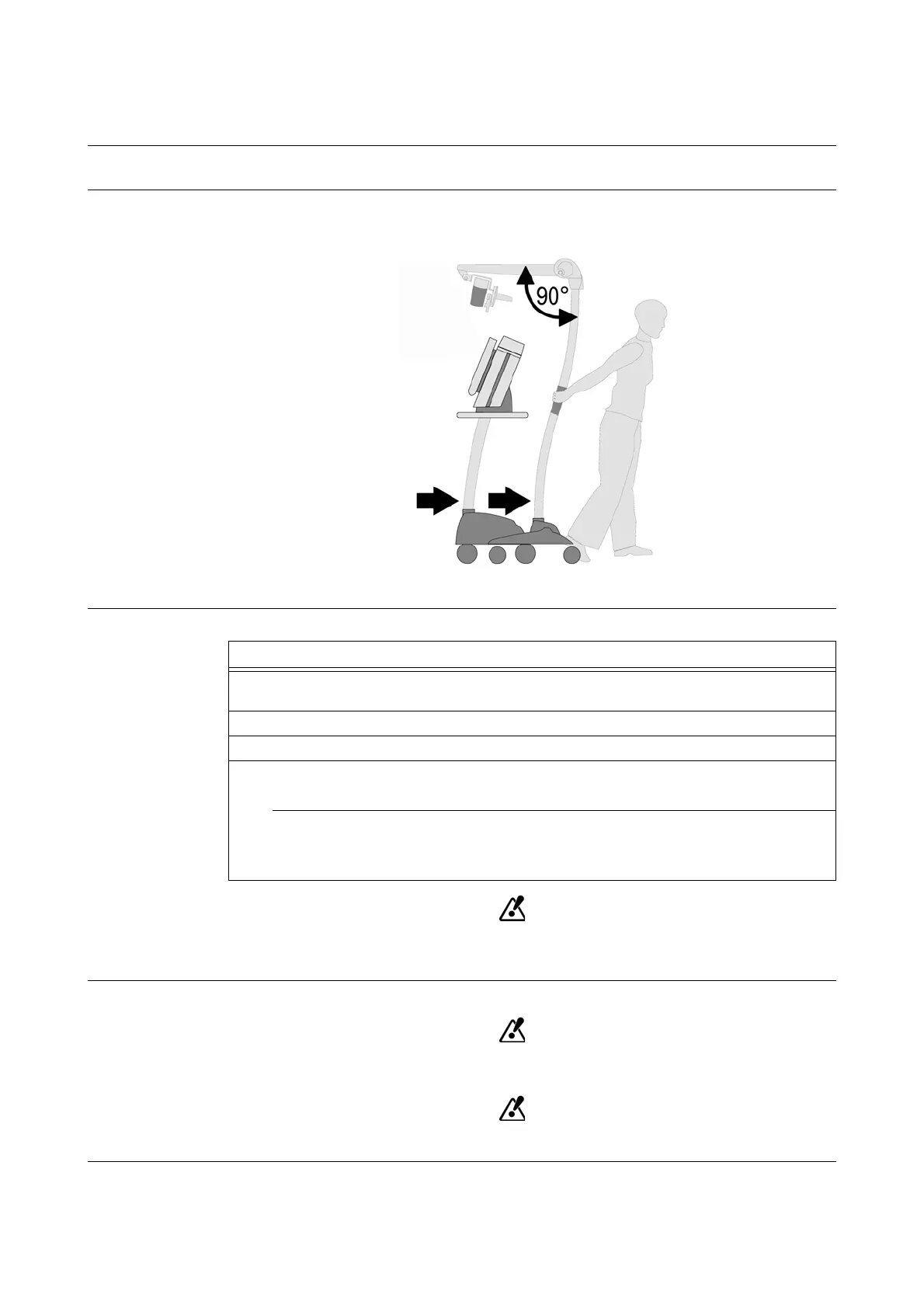
Warning Label The warning label on the camera arm illustrates correct parking and moving position for camera
stand docked to cart.
Figure 45
How to Park &
Move
Unless the system is in moving position, do not park or move the system on surfaces
with >5° grade. Never park or move the system on surfaces with >10° grade.
Safe Parking
Ensure that all wheel brakes are locked.
Only park or transport camera stand and cart in parking position.
Steps
1. Bring camera arm into horizontal position (so that it is 90° to camera stand) until it snaps
in.
2. Unplug
Kolibri
camera cable from
Kolibri
workstation.
3. Place camera protection cover over camera.
4. Parking Position:
Lock all wheel brakes of camera stand and cart.
Moving Position:
• Open all wheel brakes of camera stand and cart.
• Pull camera stand and cart to required location.



 To Next Page