68 System User Guide Rev. 2.5 Kolibri Ver. 2.0
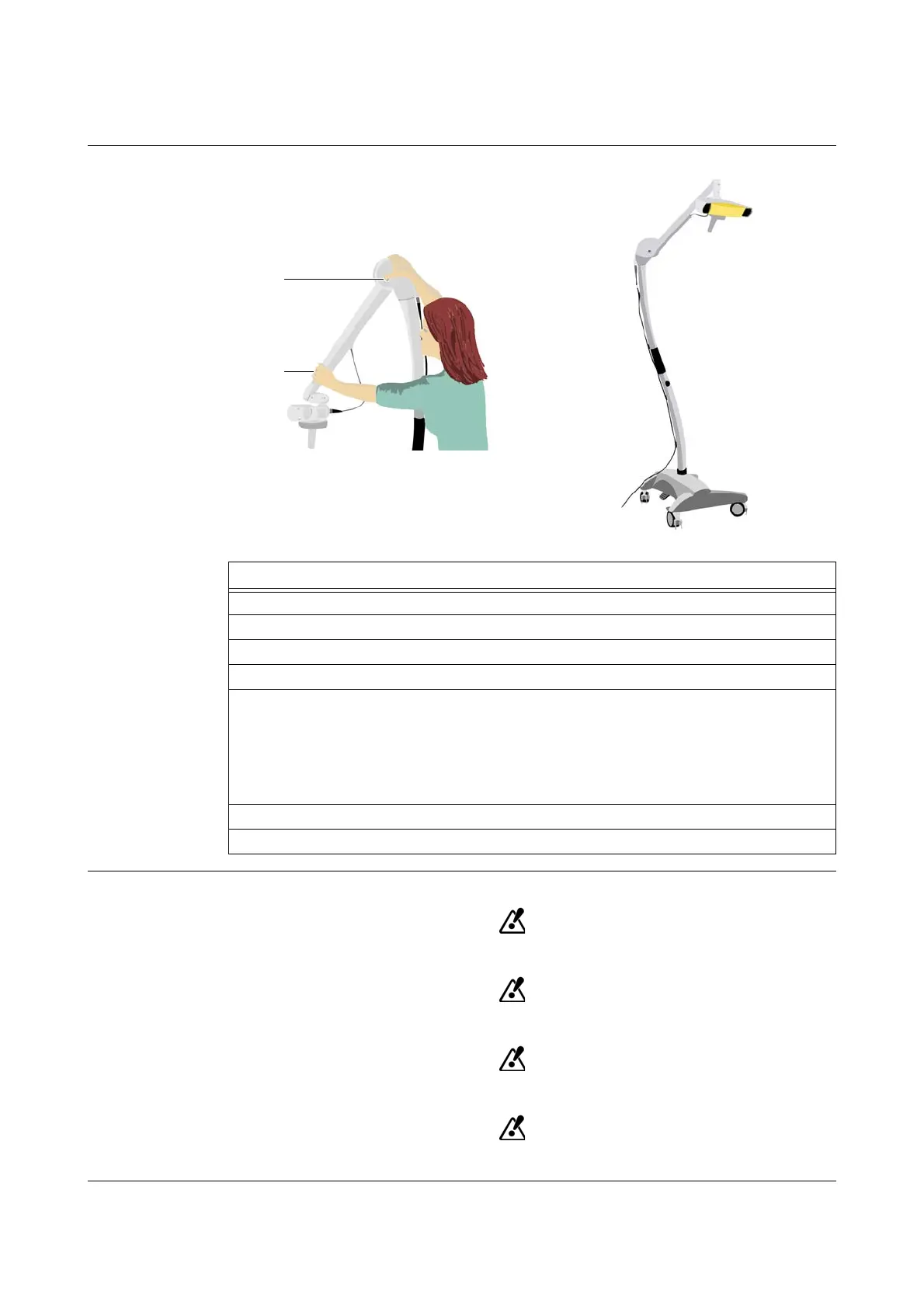
Mobile Camera Stand
5.3.5 Operating Position
How to Put Camera
Stand in Operating
Position
Figure 31
Safe Operating
The system may only be used on level surfaces.
Grip camera handle or camera arm before pressing release button.
Lock all four wheel brakes when camera stand is in operating position.
Do not place camera stand or any of its parts over the patient.
Steps
1. Ensure that camera stand is in moving position.
2. Move camera stand to desired location.
3. Lock all four wheel brakes.
4. Remove camera protection cover.
5. Release camera arm:
• Grip camera arm s
• Press release button a
• Move camera arm to desired position
NOTE: As the camera joint has a gas spring it stays in desired position.
6. Plug
Kolibri
camera cable into
Kolibri
workstation.
7. Put sterile camera handle sleeve on camera handle.



 To Next Page