72 System User Guide Rev. 2.5 Kolibri Ver. 2.0
Camera
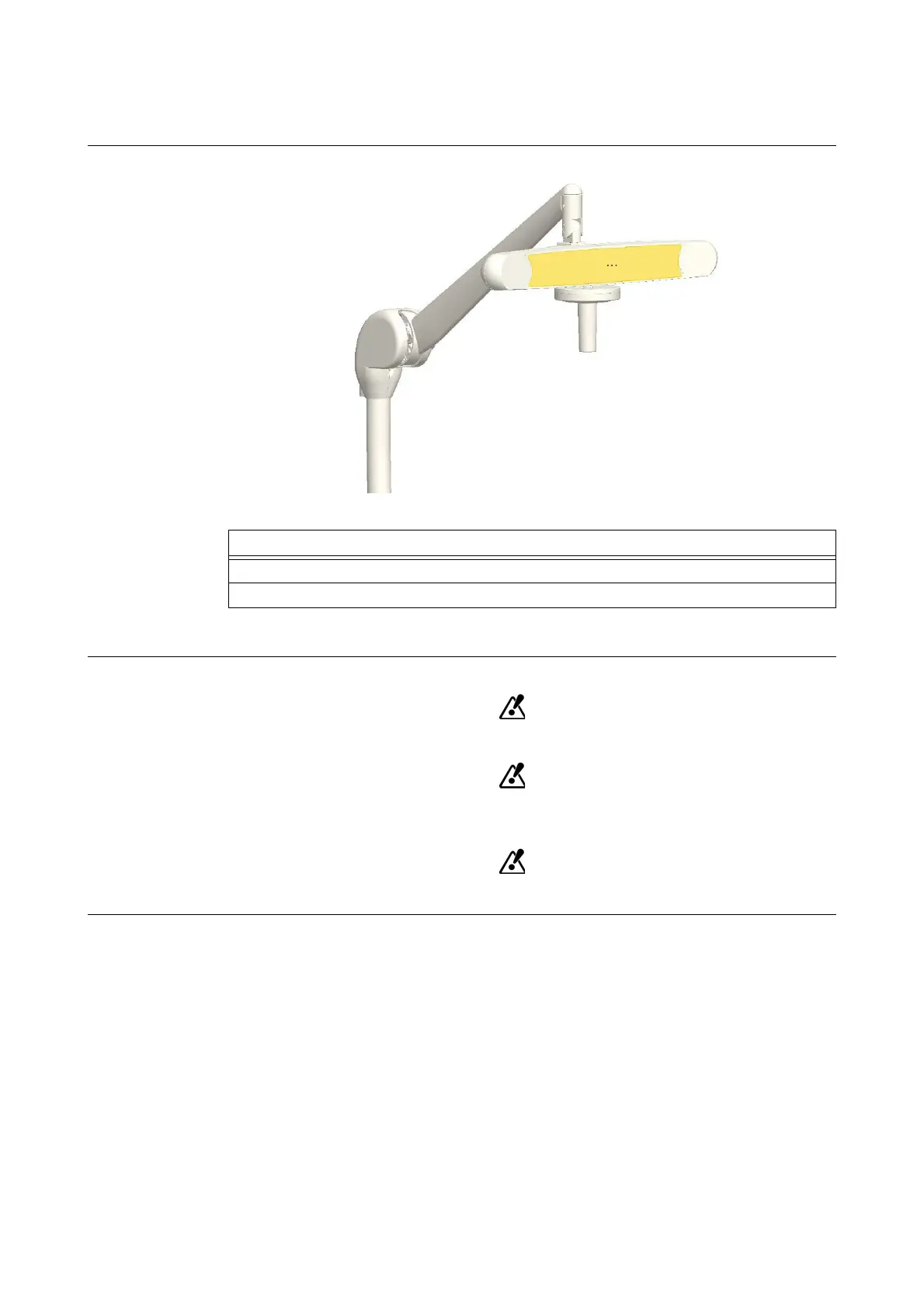
5.4.4 Positioning Camera
How to Position
Figure 34
NOTE: Contact Brainlab support if you are having difficulty adjusting.
Safe Handling
Do not position camera over patient.
The components in the camera unit are precise, sensitive instruments. Dropping or
jolting the camera may cause miscalibration.
Do not touch the camera lenses. Smudges on lenses can distort tracking.
Steps
1. Grip camera handle or camera handle sleeve and move camera to desired position.
2. Release camera handle or camera handle sleeve.



 To Next Page