System User Guide Rev. 2.5 Kolibri Ver. 2.0 97
CLEANING
6.2.4 Kolibri Spectra Camera Kit
Camera The below information has been defined by the camera manufacturer.
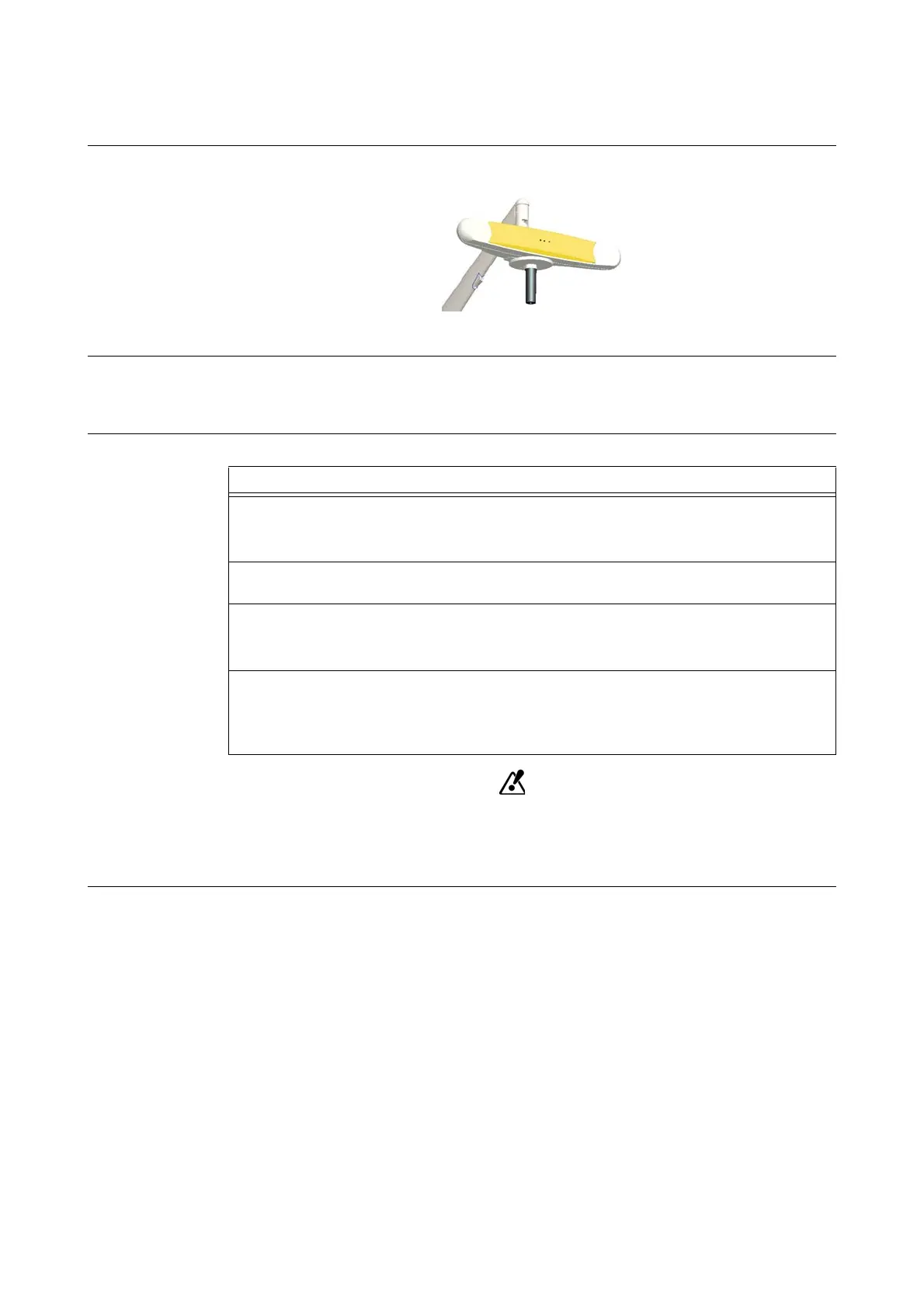
Figure 54
Cleaning Intervals Regularly inspect the camera for cleanliness. The camera, particularly the illuminator filters and
lenses, should be cleaned only when necessary. The frequency of cleaning must be determined by
the user. This may include “in-use” cleaning.
How to Clean
Use only 70% isopropanol or Meliseptol and a lens cleaning solution formulated for
multi-coat lenses (e.g., AR66) to clean the camera. Other fluids may cause damage to
the illuminator filters. Do not use any paper products for cleaning. Paper products
may scratch illuminator filters.
Steps
1. Remove dust from each illuminator filter and lens using a photographic lens duster
(brush).
Gently wipe surface in one direction only, by pulling brush across surface.
2. Gently wipe illuminator filters and lenses with disinfectant wipes containing 70% isopro-
panol or Meliseptol.
3. Clean the remainder of the camera, taking care not to wipe debris from the camera case
onto the illuminator filters or lenses.
Avoid prolonged contact between the wipes and the camera.
4. Clean the illuminator filters and lenses using a commercial lens cleaning solution formu-
lated for multi-coated lenses (e.g., AR66) and a clean knitted microfiber optical cleaning
cloth (e.g., Hitecloth).
Avoid prolonged contact between the lens cleaner and the illuminator filters and lenses.



 To Next Page