66 System User Guide Rev. 2.5 Kolibri Ver. 2.0
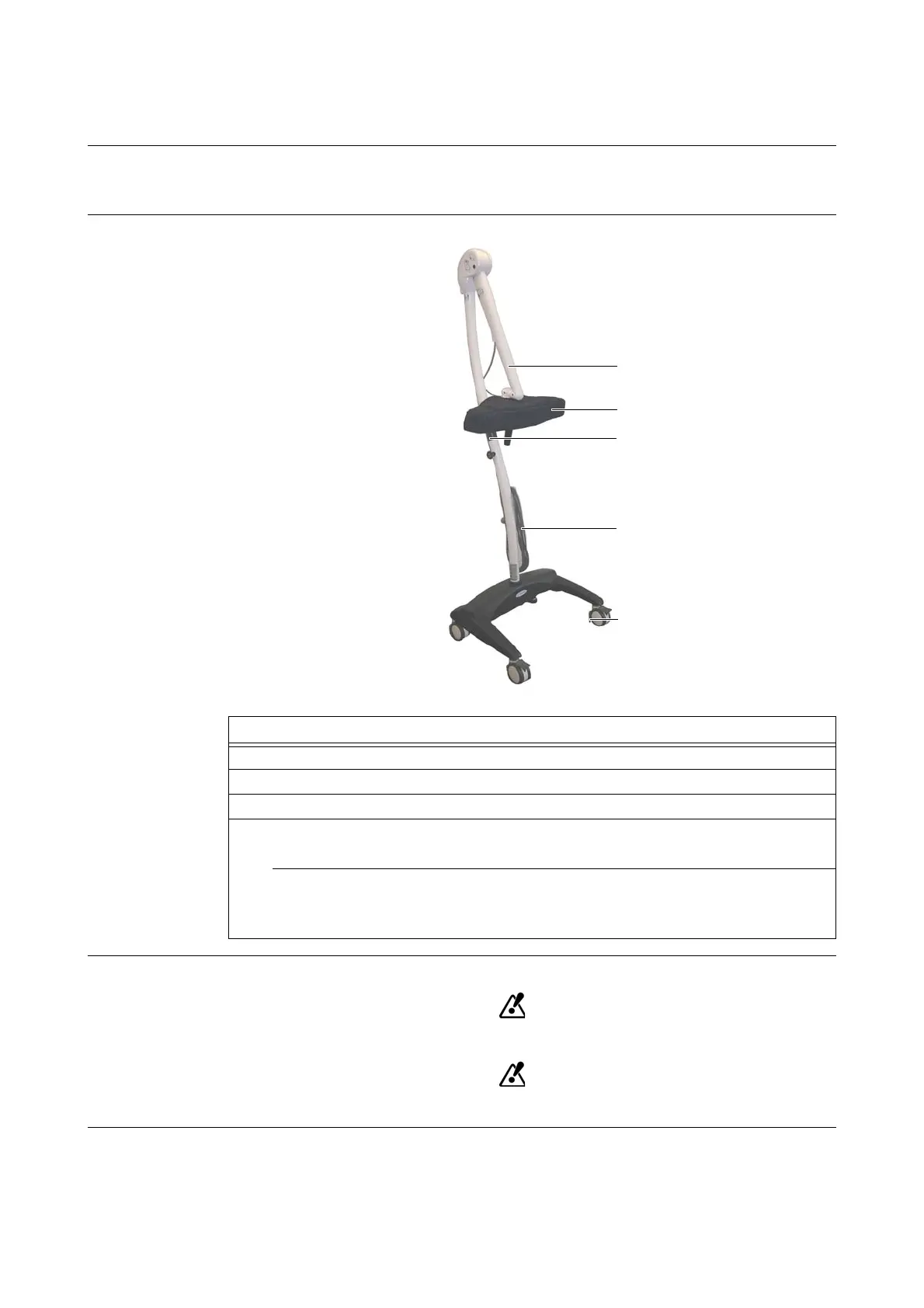
Mobile Camera Stand
5.3.4 Parking & Moving Position
Applicability When the camera stand is not in use, always return it to parking position.
Before moving the camera stand, bring it to moving position.
How to Put Camera
Stand in Parking or
Moving Position
Figure 30
Safe Parking
Only transport or store camera stand in parking position.
Lock all four wheel brakes when camera stand is in parking position.
Steps
1. Secure camera arm
a by completely folding arm downwards until you hear a click.
2. Unplug
Kolibri
camera cable f from
Kolibri
workstation and secure cable.
3. Place camera protection cover s over camera.
4. Parking Position:
Lock all four wheel brakes
g to park camera stand.
5. Moving Position:
• Open all four wheel brakes before moving camera stand.
• Grip the grip d and pull camera stand to desired location.



 To Next Page