System User Guide Rev. 2.5 Kolibri Ver. 2.0 65
MOBILE CAMERA STAND & CAMERA
5.3.3 Locking & Unlocking Brakes
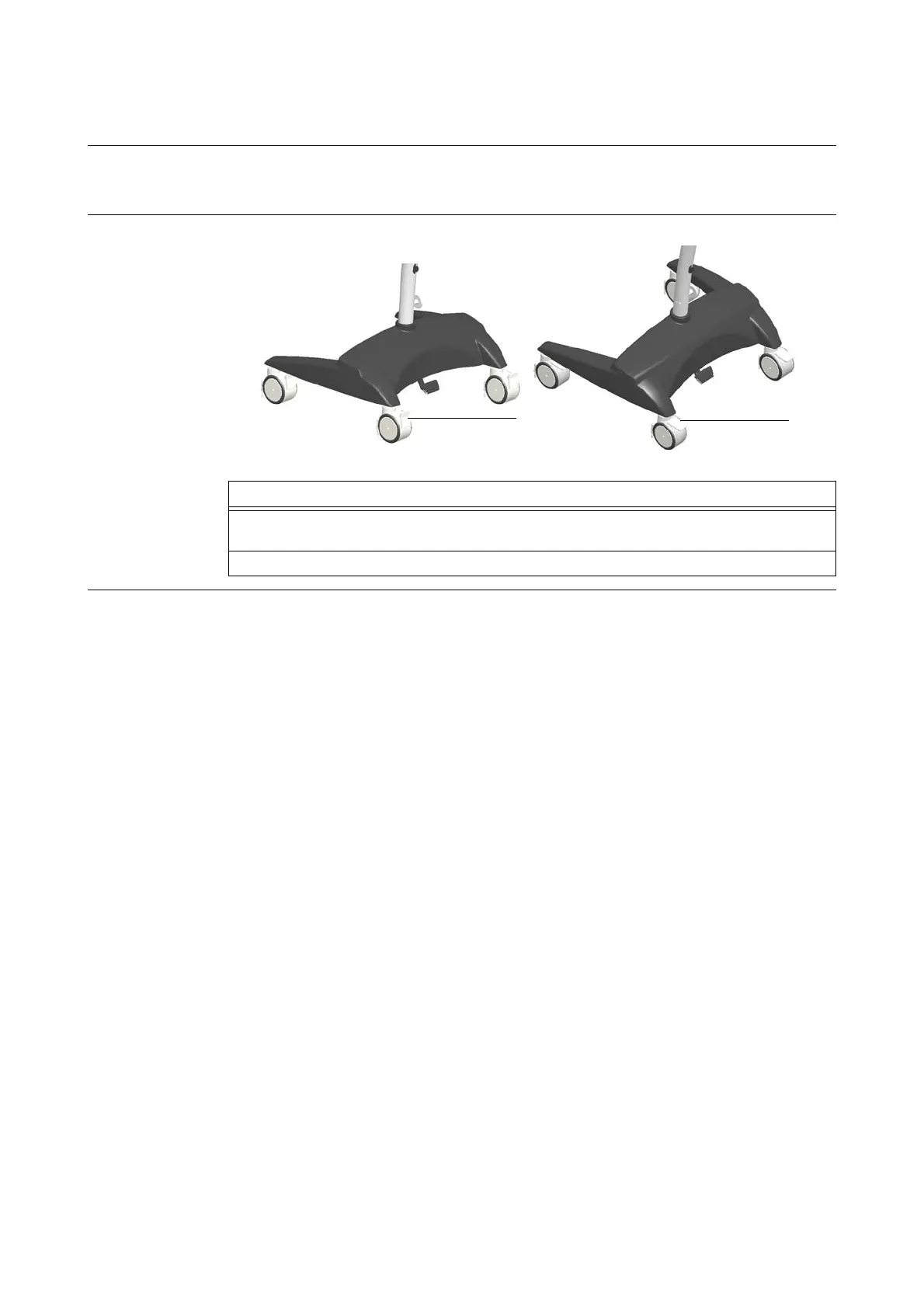
Purpose The camera stand has four brakes to securely park it.
Always lock the brakes when camera stand is stored, parked or operated.
How to Open/Lock
Brakes
Figure 29
Options
To open brakes
a, slide your foot under all four pedals (one after the other) and lift pedals into
upper position.
To lock brakes s, push all four pedals down with your foot until snap mechanism has locked.



 To Next Page