System User Guide Rev. 2.5 Kolibri Ver. 2.0 69
MOBILE CAMERA STAND & CAMERA
5.4 Camera
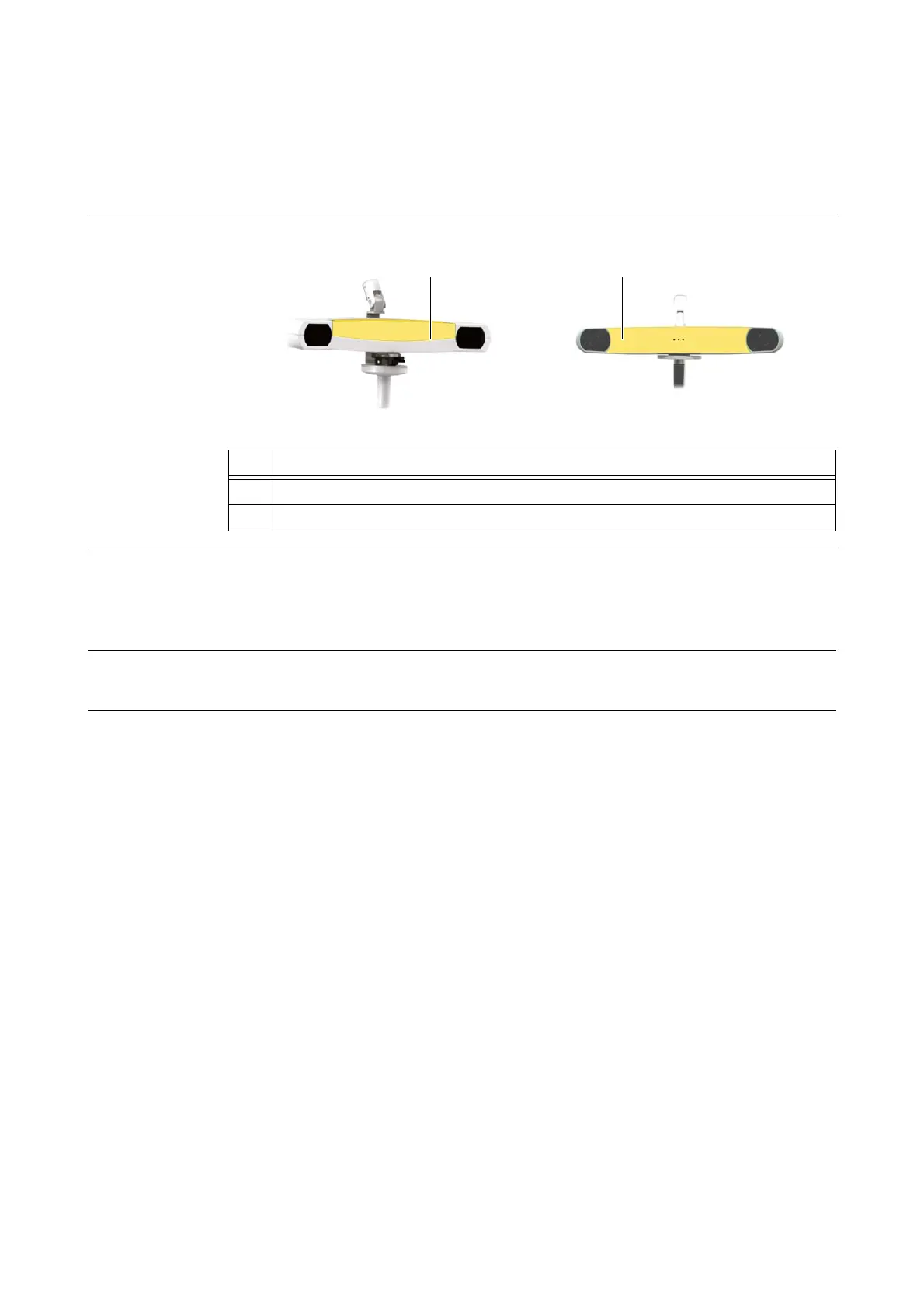
5.4.1 Available Cameras
Different Cameras The
Kolibri
navigation system supports two cameras:
Figure 32
Instructions for
Cameras
The operating of both cameras is almost identical so that the term “camera” is used when the infor-
mation applies for both cameras.
If the information only applies to a specific camera, this is explicitly mentioned and the camera is
referred to as
Kolibri Spectra Camera Kit
or
Kolibri Camera Kit
.
Product Label You can find the camera name on the product label which is attached at the back of the camera
housing.
No. Component
a
Kolibri Camera Kit
s
Kolibri Spectra Camera Kit



 To Next Page