System User Guide Rev. 2.5 Kolibri Ver. 2.0 95
CLEANING
6.2.2 General Cleaning & Disinfection
How to Clean and
Disinfect
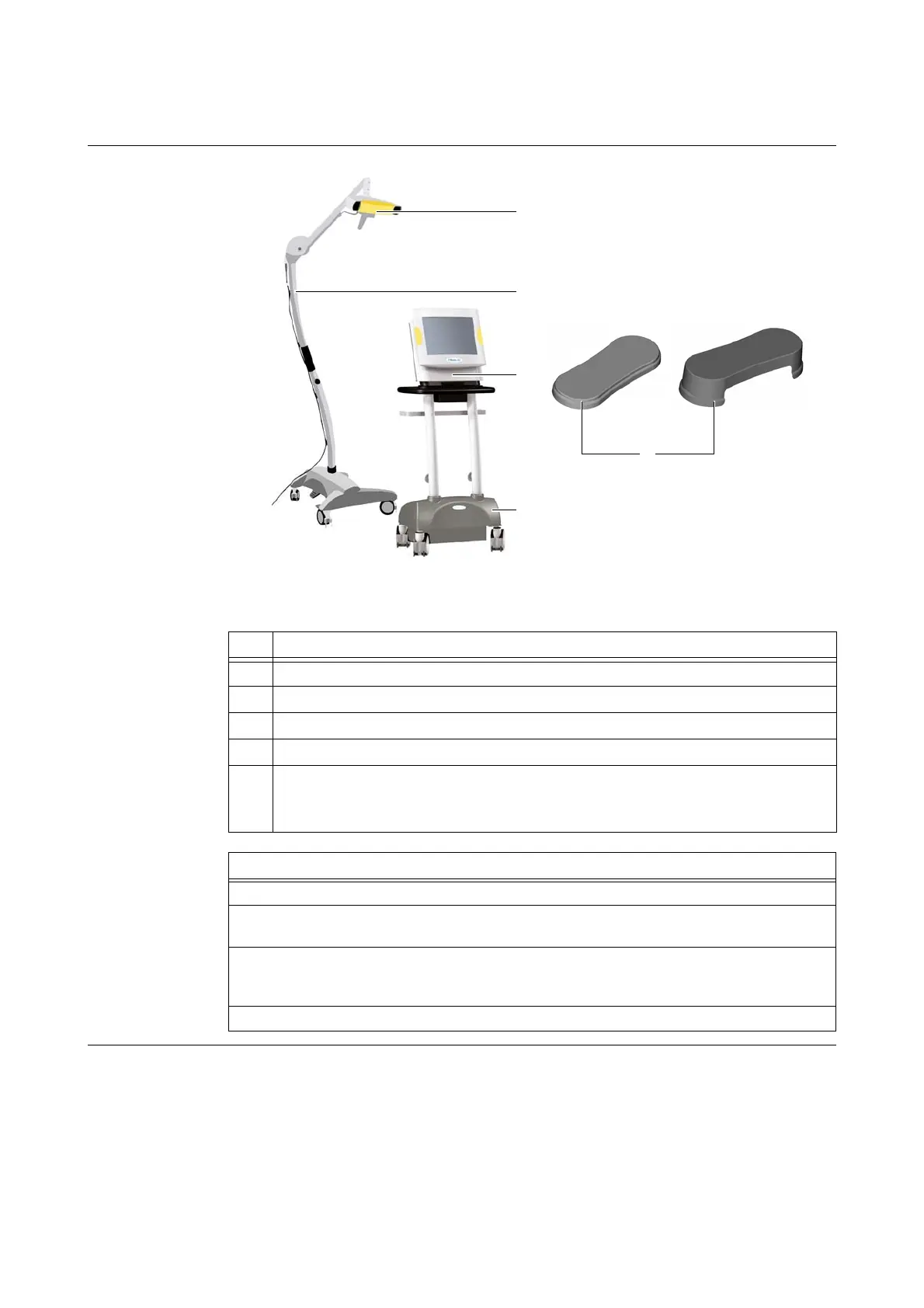
Figure 52
The below cleaning information is relevant for the following components:
No. Component
a
Camera
s
Mobile camera stand
d
Kolibri workstation
f
Kolibri cart
g
Protection covers (hard covers for the Kolibri workstation)
NOTE: Cleaning information for the monitor and camera soft protection covers can be
found on page 99.
Steps
1. Perform steps 1-3 in “General Instructions” on page 94.
2. Ensure that camera stand
s and cart f are in parking position (see page 51 and
page 66).
3. Clean and disinfect all surfaces (except touchscreen, see page 96 and camera lenses,
see page 97 and page 98) with an alcohol-based surface disinfectant, such as Melisep-
tol, or alkylamine-based disinfectant, such as Incidin Plus 2%.
4. To clean the protection covers g, remove them from the Kolibri workstation.



 To Next Page