32 System User Guide Rev. 2.5 Kolibri Ver. 2.0
Panels, Cabling & System Ventilation
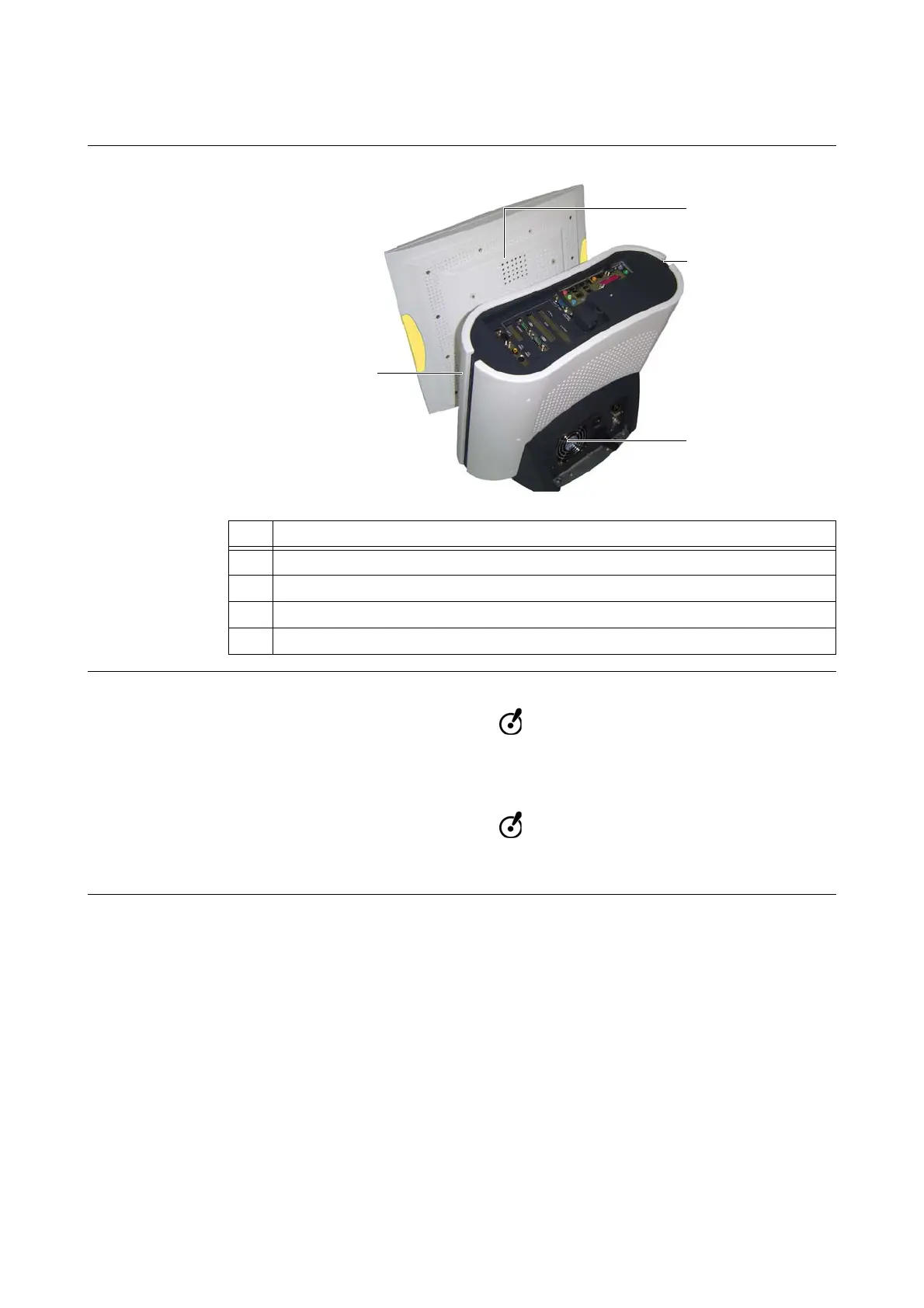
3.3.6 System Ventilation
Ventilation Areas
Figure 12
Ensuring
Ventilation
Do not block or cover ventilation slots on system cover or housing, for example, with
drapes. Air must be allowed to circulate through these slots to ensure that the system
operates properly and does not overheat.
Do not place system near or over a radiator or heat register or in direct sunlight. Place
computer in a small enclosure only if providing proper ventilation.
No. Ventilation Area
a
Back top of monitor
s
Right side of workstation
d
Back of workstation
f
Left side of workstation



 To Next Page