System User Guide Rev. 2.5 Kolibri Ver. 2.0 89
MOBILE CAMERA STAND & CAMERA
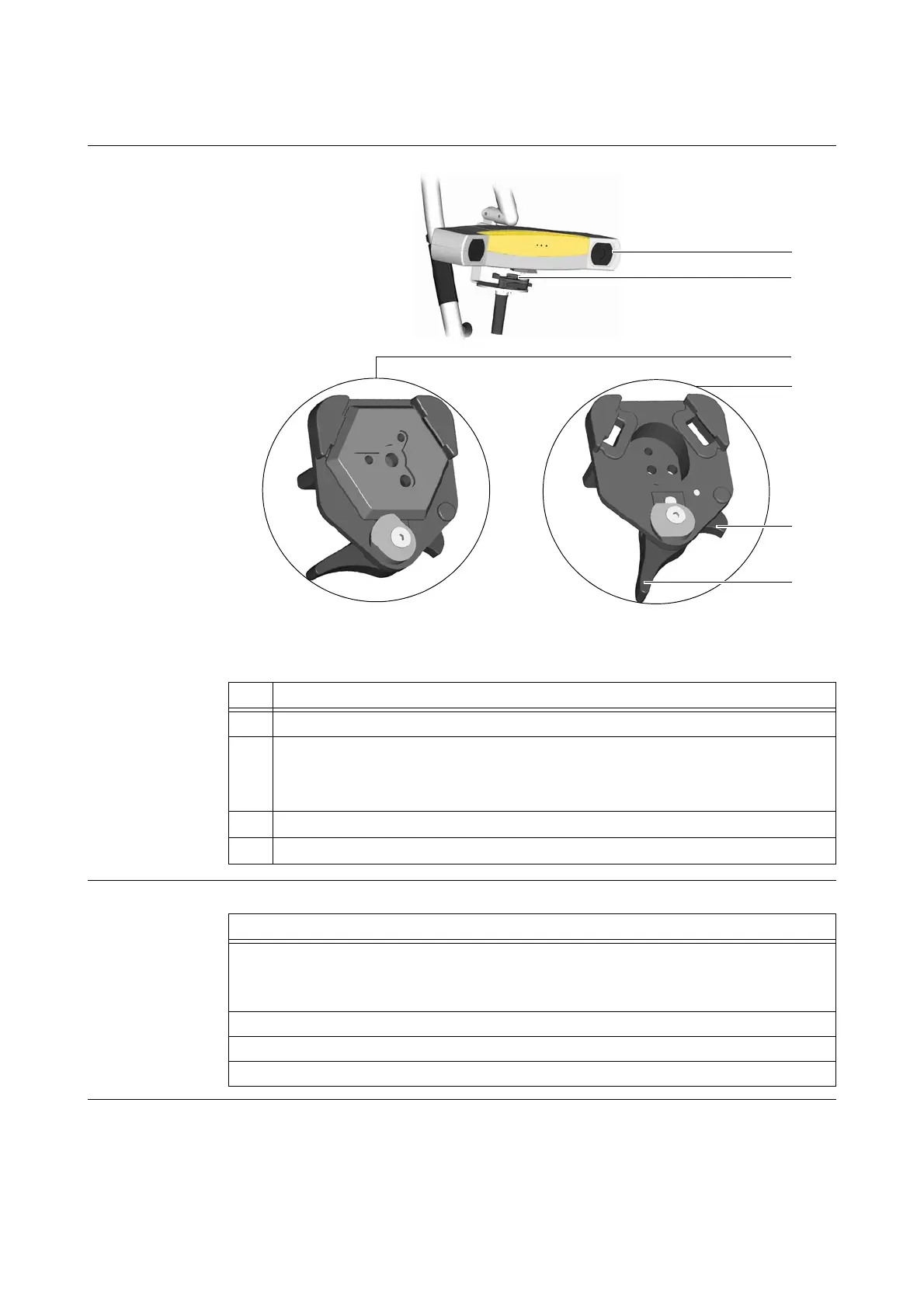
5.6.4 Kolibri Camera
Illustration
Figure 50
How to Remove
No. Component
a
Camera
s
Camera interface
2a) Camera interface closed
2b) Camera interface opened
d
Safety lever
f
Camera interface lever
Steps
1. Ensure that:
• All cables are unplugged
• Camera stand is in park position
2. Grip camera
a with one hand.
3. Push safety lever d back to open camera interface lever f.
4. Remove camera
a, ensuring that camera interface remains open (2b).



 To Next Page