88 System User Guide Rev. 2.5 Kolibri Ver. 2.0
Dismantling & Assembling
5.6.3 Removing/Attaching Camera
Camera Arm
Lock the camera arm before removing or attaching the camera. Otherwise the camera
arm could inadvertently jerk upwards when the camera is removed.
Cables
Unplug all cables before removing camera from camera stand.
Camera
When removing or attaching the camera from/to the camera stand, hold the camera se-
curely to prevent it from falling.
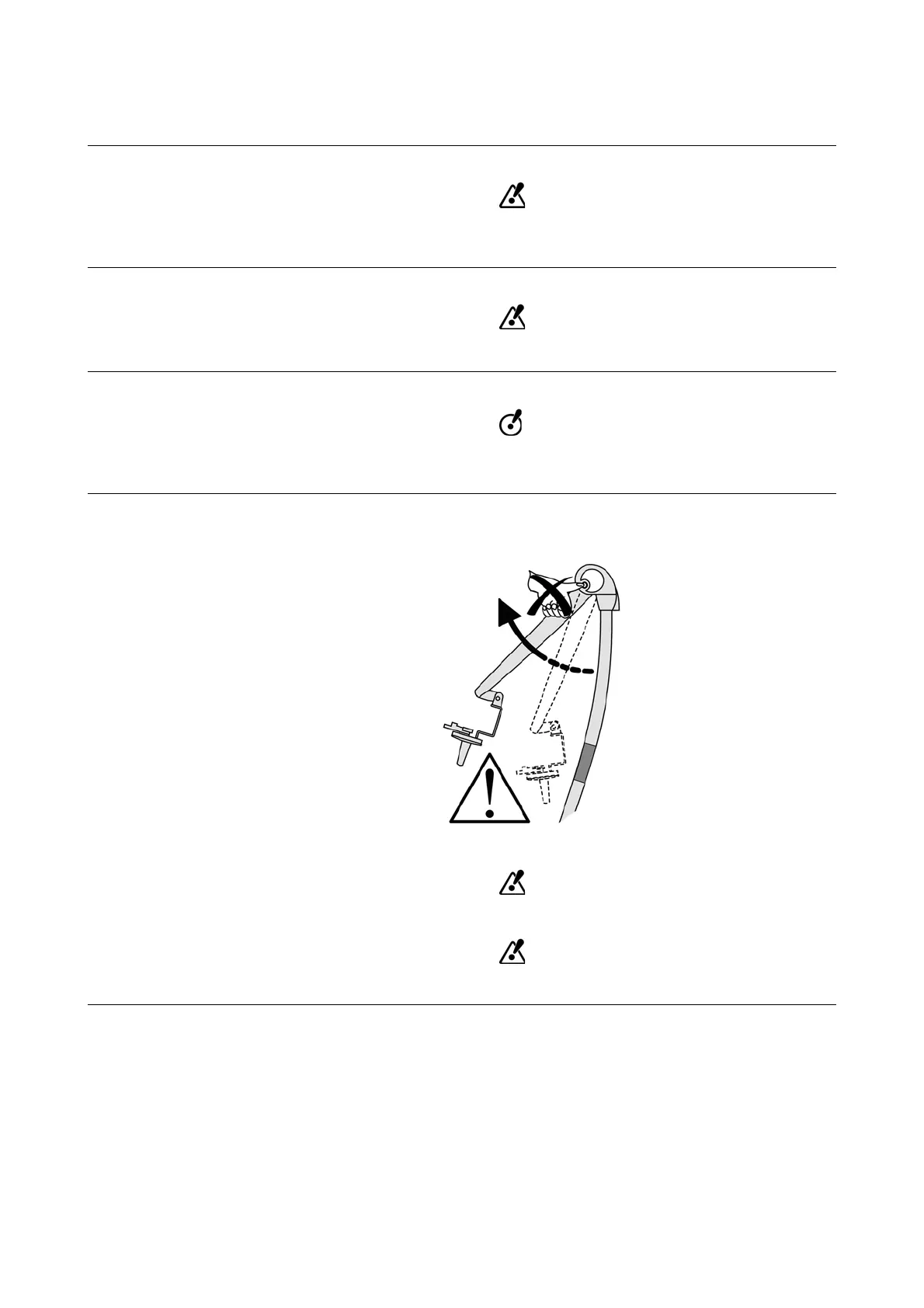
Warning Label A warning label on the camera joint alerts you that the camera arm release button may only be un-
locked if a camera is attached.
Figure 49
Do not press the release button if the camera is not attached.
Do not release the camera arm when packing or unpacking parts.



 To Next Page