52 System User Guide Rev. 2.5 Kolibri Ver. 2.0
Braking, Parking & Moving
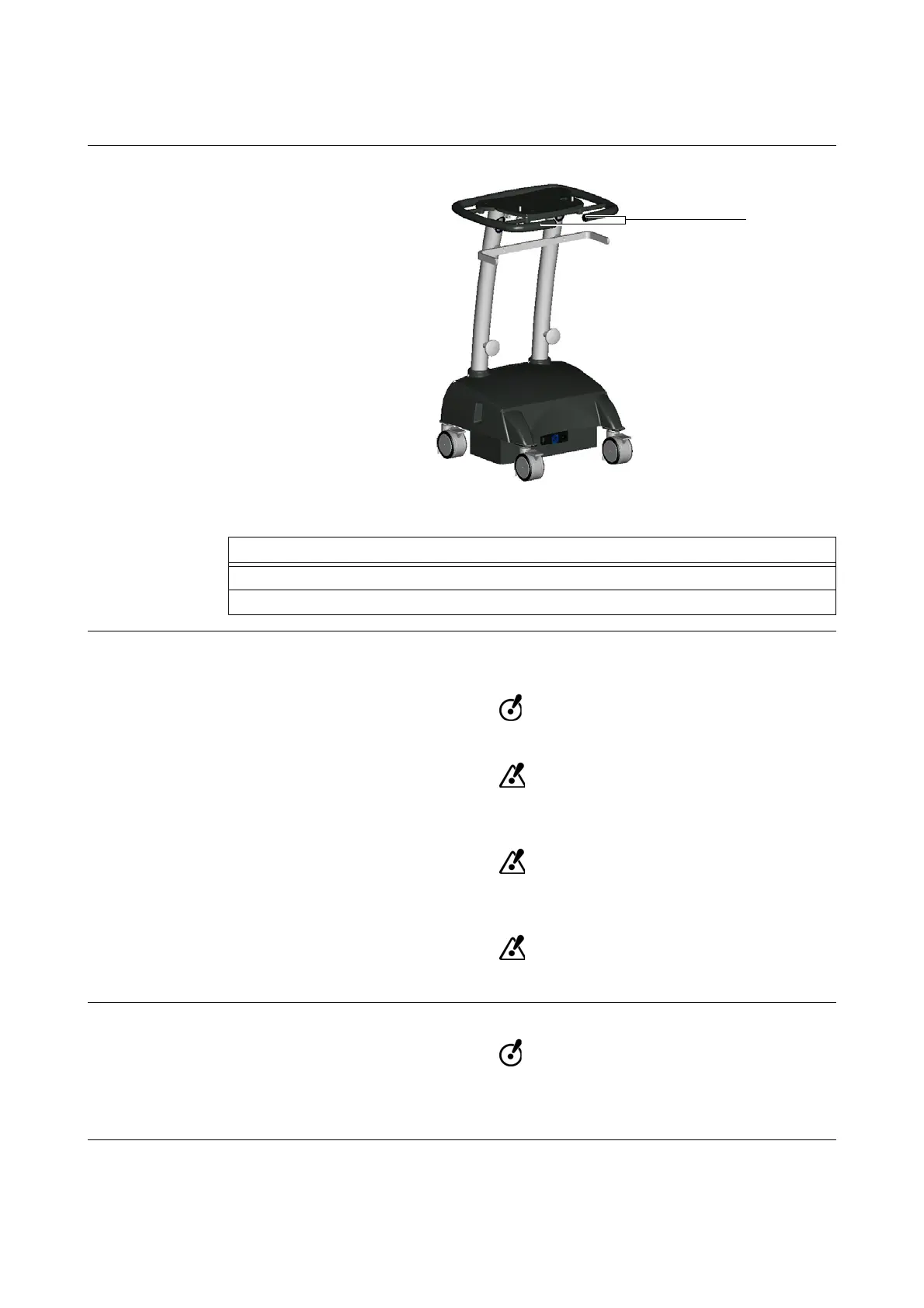
4.3.3 Moving Position
How to Put Cart in
Moving Position
Figure 22
Safe Moving If a clear, flat path is unavailable (e.g., an unavoidable depth variation between rooms), follow the
procedure on page 84 to overcome this obstruction.
Open the brakes before moving the cart.
Watch out for barriers on the floor, such as cables or door steps. Avoid objects which
may be lying on floor.
Only move the system (Kolibri Cart and Mobile Camera Stand individually or docked
together) in the secure moving position.
The system may only be used on level surfaces.
Avoid Vibrations
If moving cart while UPS and
Kolibri
workstation are switched on, do not expose work-
station to strong vibrations or impacts. This could damage the workstation and result
in an irreversible loss of data.
Steps
1. Open all four brakes.
2. Grip handles
a and push cart into desired position.



 To Next Page